← All terminal parts

ESP-KVM is free, open-source firmware that turns an ESP32-P4 board into an IP-KVM: another computer's screen, keyboard and mouse in your browser, from the BIOS up. The M5Stack Tab5 is an optional extra: with the experimental ESP-KVM terminal firmware it shows the target's screen in your hand, with no browser. What it does → Try the demo →

M5Stack Tab5
Handheld terminal (optional, experimental)

M5Stack Tab5

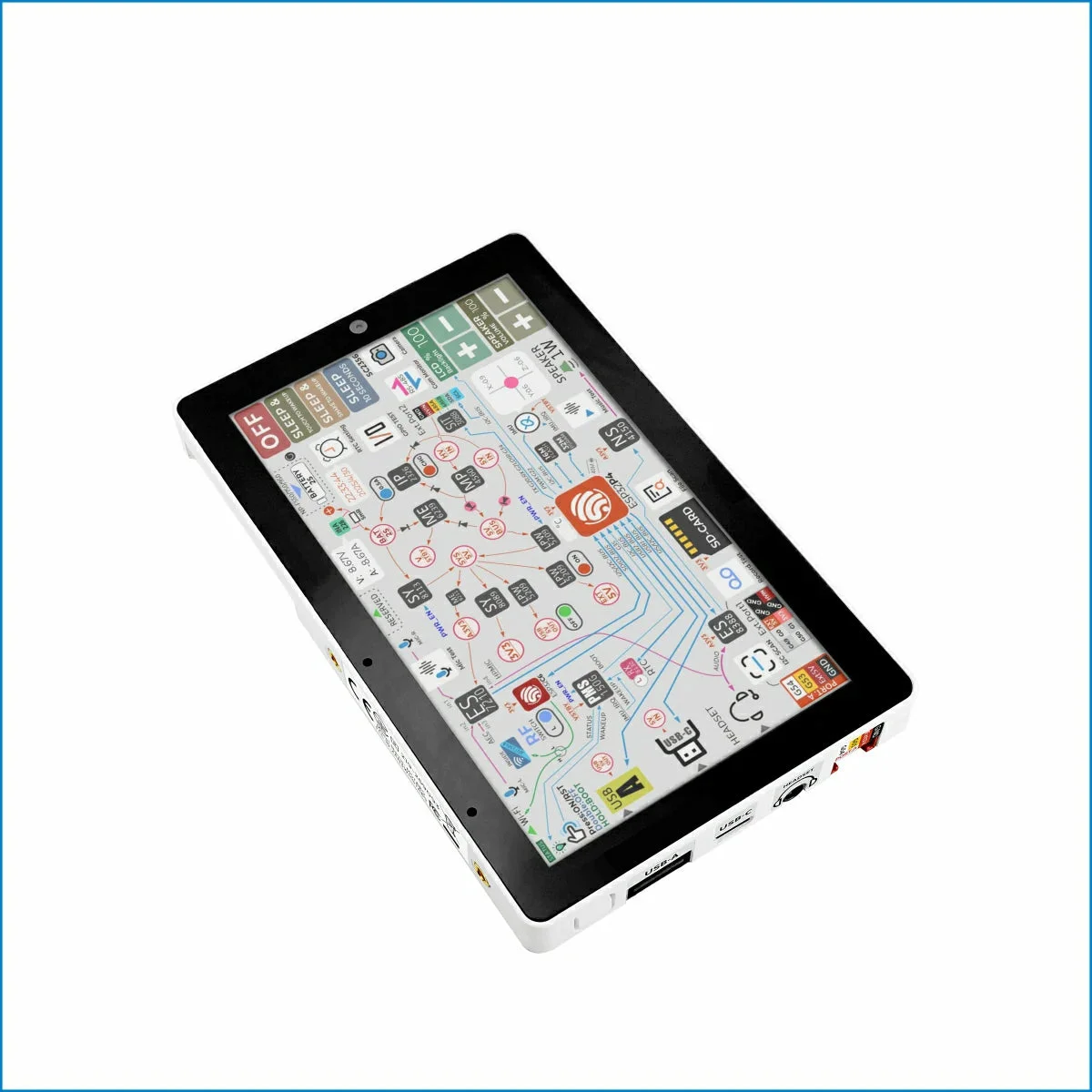
A 5" touch screen with an ESP32-P4 inside. With the experimental ESP-KVM terminal firmware it shows an ESP-KVM device's screen and controls the target, with no browser.

StatusRun on hardware
FamilyAll M5Stack parts
ChipESP32-P4 (rev 1.x), ESP32-C6 for Wi-Fi
Screen5", 1280x720, touch
PortsUSB-A (keyboard and mouse), USB-C
FirmwareESP-KVM terminal, separate from the KVM's own

ESP-KVM terminal M5Stack docs

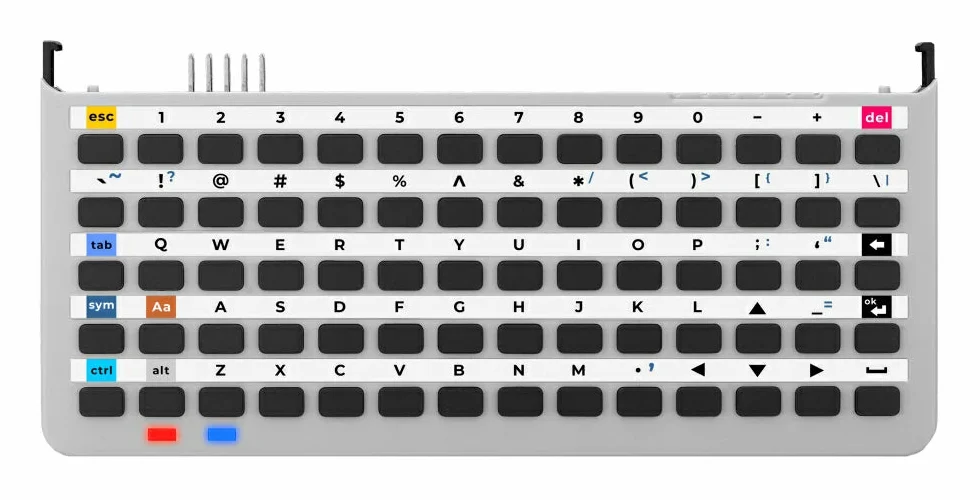
Not a part of the KVM itself: a second device that talks to it over the network. With the ESP-KVM terminal firmware the Tab5 finds ESP-KVM devices on the network, signs in, and shows the target's screen. A finger is the pointer; the Keyboard for Tab5 or a USB keyboard types.

The picture is MJPEG only: the Tab5's chip has no H.264 decoder, so set the KVM's codec to MJPEG. Over Wi-Fi it shows 10 to 20 fps at 1280x720.

It is an experiment; more on its page.
Goes with it