ESP-KVM terminal
Firmware for the M5Stack Tab5 that shows an ESP-KVM device's screen on the Tab5. Touch, the Tab5 keyboard or a USB keyboard and mouse control the target. No browser, no computer: a KVM console you hold in one hand.
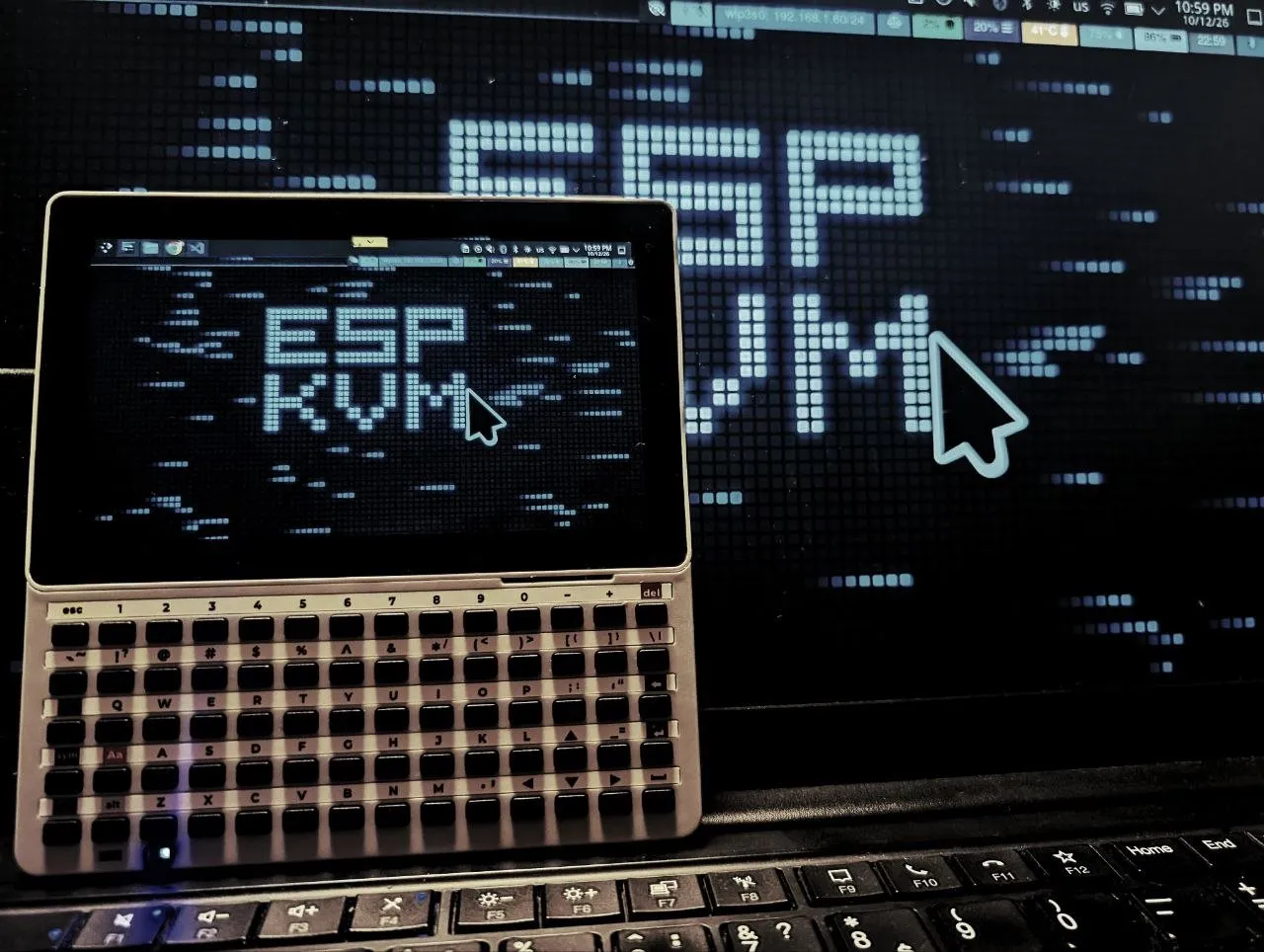 ▶ Watch it run — 26 seconds
An experiment. The Tab5 has the same ESP32-P4 as the KVM, so I wanted to see what it could do with it. I do not know yet how many people want one, or how well it works day to day outside my desk. It works for me. If you try it, or decide you would never use it, I would like to hear either.
What it does
| What | How | Status |
|---|---|---|
| Wi-Fi | Through the Tab5's ESP32-C6; remembers the network. | Works |
| Finding devices | ESP-KVM devices on the network show up by themselves (mDNS). | Works |
| Sign-in | A device's certificate is trusted only after you check its fingerprint. | Works |
| The picture | MJPEG, up to about 20 fps at 1280×720. | Works |
| Tailscale | About 11-14 fps on my network. | Works |
| Reconnecting | When the device or the network drops. | Works |
| Touch | Touch as the pointer or a trackpad, two-finger scroll, pinch to zoom up to 8×. | Works |
| Keyboards | The M5Stack Keyboard for Tab5, or a USB keyboard and mouse. | Works |
| Extra keys | Esc, F1-F12, the arrows; Ctrl, Alt, Win and Shift held for the next key. | Works |
| Target power | Power, reset, Wake-on-LAN, Ctrl+Alt+Del. | Works |
| The Tab5 itself | Sleep, brightness, battery level; turns over when held upside down. | Works |
| Several saved networks | Up to five; the strongest one in range is joined. | |
| Updates | From GitHub releases, with a way back after a bad one. | |
| 2FA sign-in | A code from an authenticator app. | |
| Several devices | Switching between them, forgetting one. | |
| Text mode | The target's screen read as characters. |
What it needs
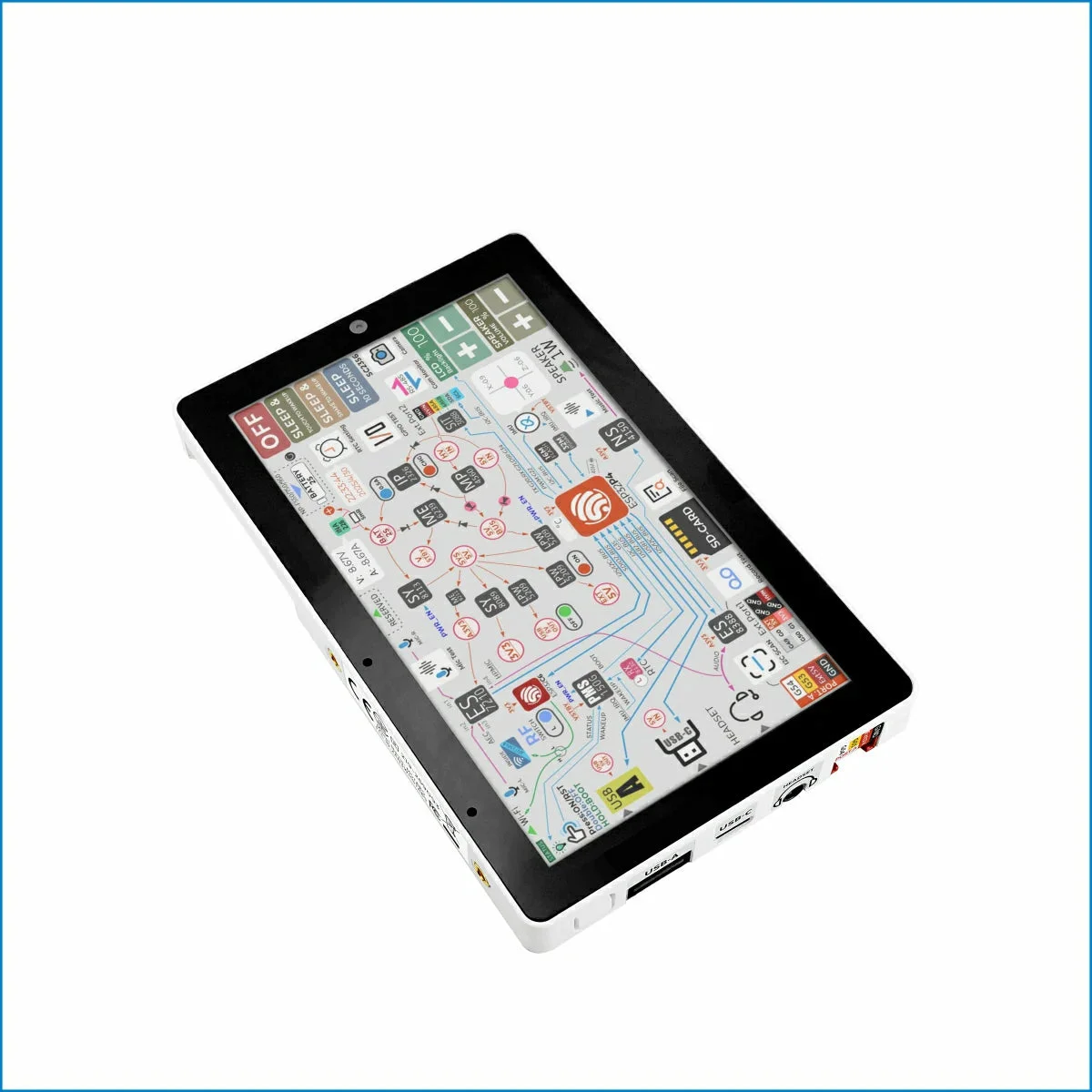
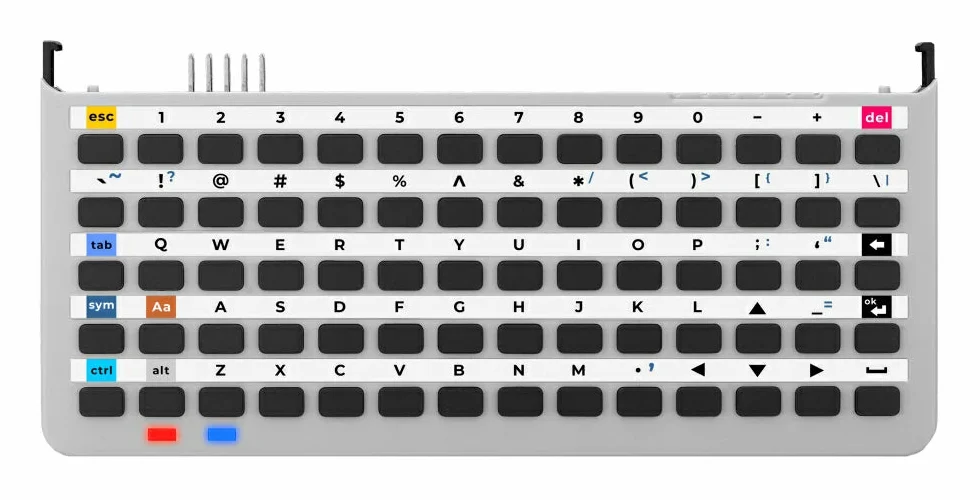
- An M5Stack Tab5. The Keyboard for Tab5 is optional: without it an on-screen keyboard appears.
- An ESP-KVM device on the same network, or on the same tailnet.
- The device's video codec set to MJPEG. The Tab5's chip has no H.264 decoder, and decoding it in software gives about 4 fps.
Installing it
Each release on GitHub has two files. espkvm-term-merged.bin
goes onto a Tab5 at address 0x0 and replaces what is there, M5 Launcher
included. espkvm-term.bin is for M5 Launcher: copy it to the
SD card and install it from there. After that the Tab5 updates itself
from its TERMINAL screen. Building from source needs ESP-IDF 6.1 and the
espkvm repository next to it; the README has the steps.