Blog
all 74hardware 30console 22video 22update 15network 13diagnostics 11input 11storage 10security 8display 7media 6community 4home-assistant 4screen-text 4mobile 3vpn 3boards 2power 2api 1dashcam 1demo 1explainer 1hdmi 1m5stack 1notifications 1ota 1recording 1tailscale 1terminal 1
-
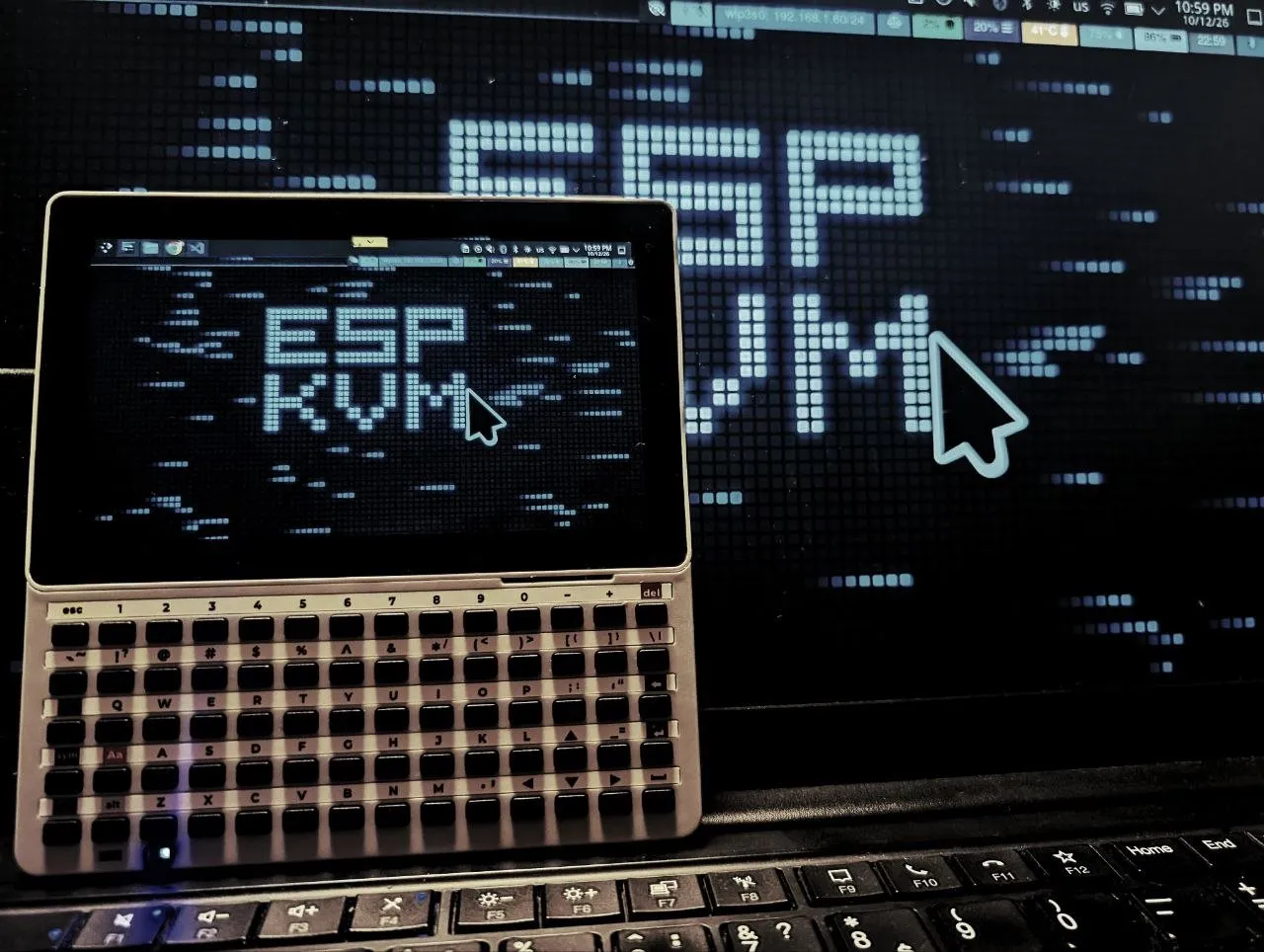
An experiment - ESP-KVM terminal on an M5Stack Tab5
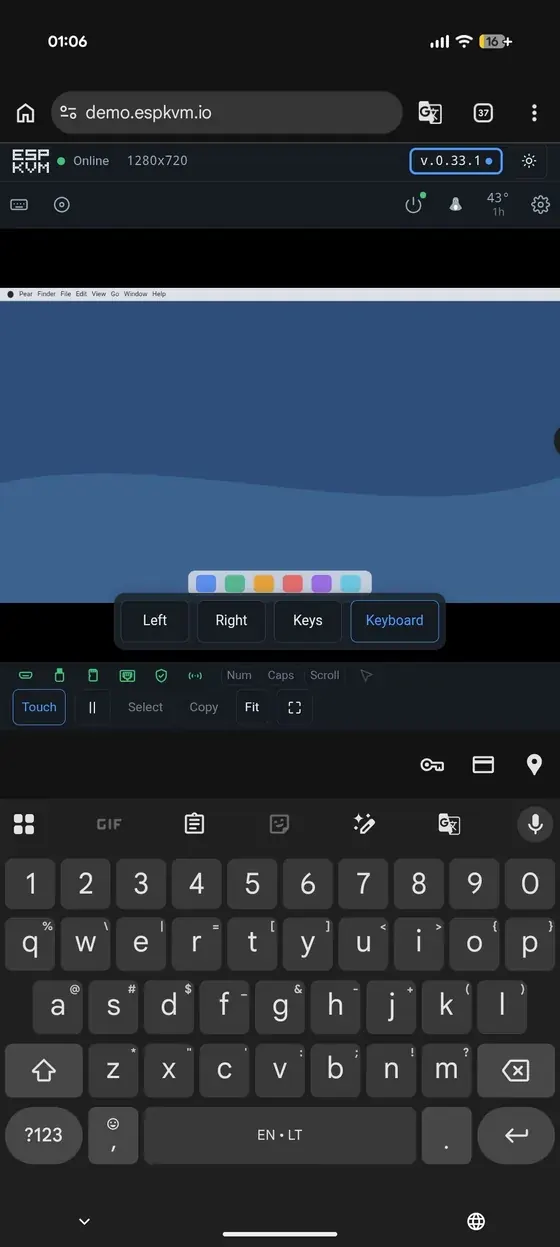
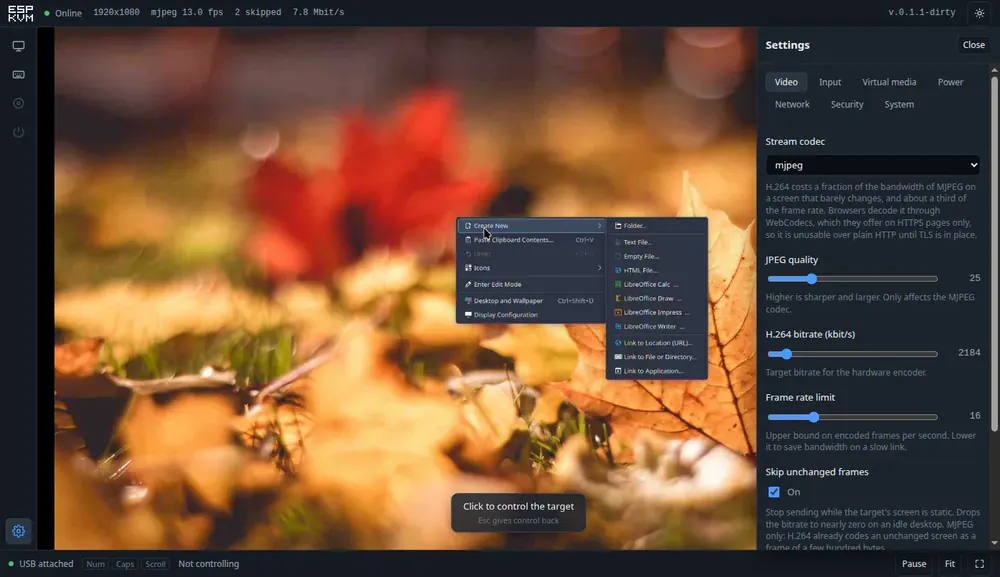
ESP-KVM terminal is new, experimental firmware for the M5Stack Tab5 - the target's screen in your hand, with touch, a keyboard and the power buttons, and no browser.
-
0.65.0 - video over Tailscale that keeps up
Frame acks, so a slow link shows the newest frame instead of a queue of old ones, and a run of Tailscale fixes that took video between two ESP32-P4 devices from 1-3 fps to 11-14.
-
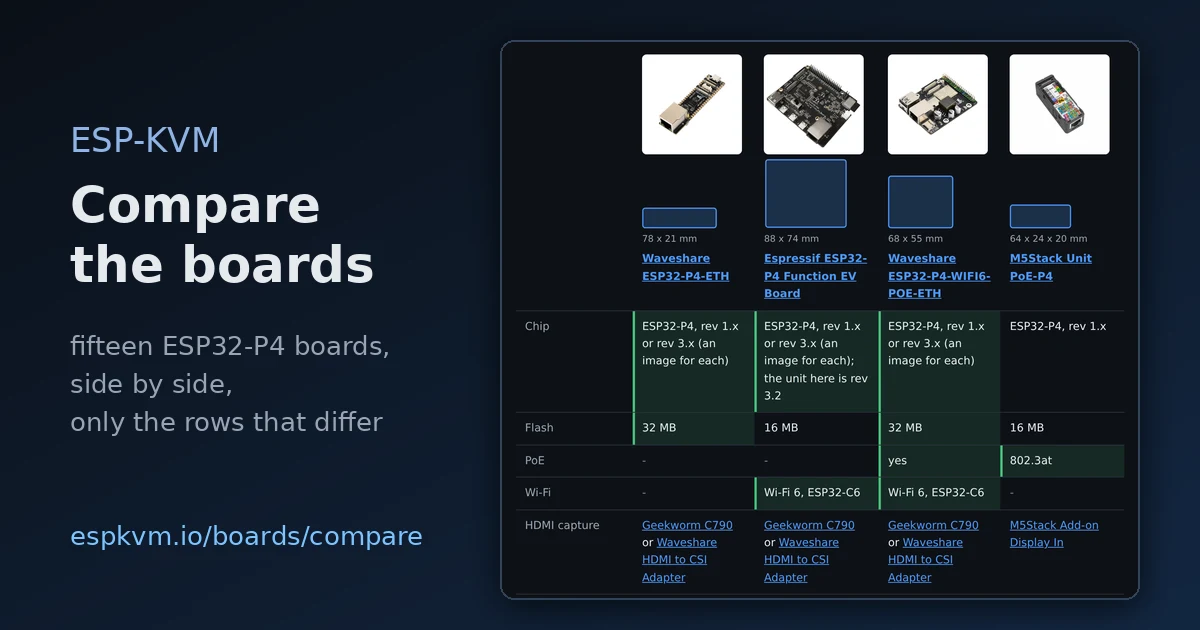
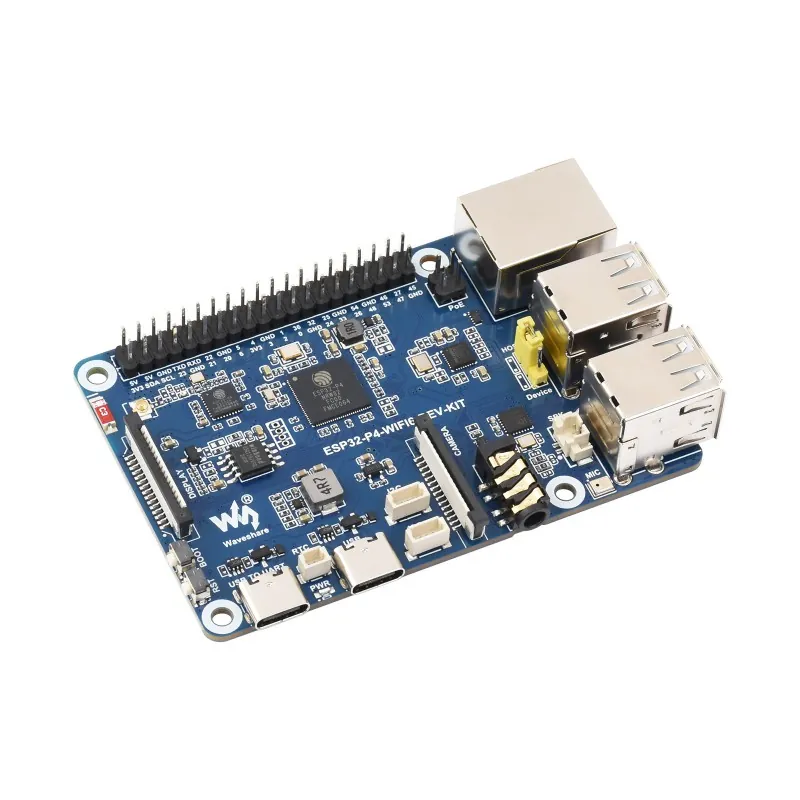
Compare the boards side by side
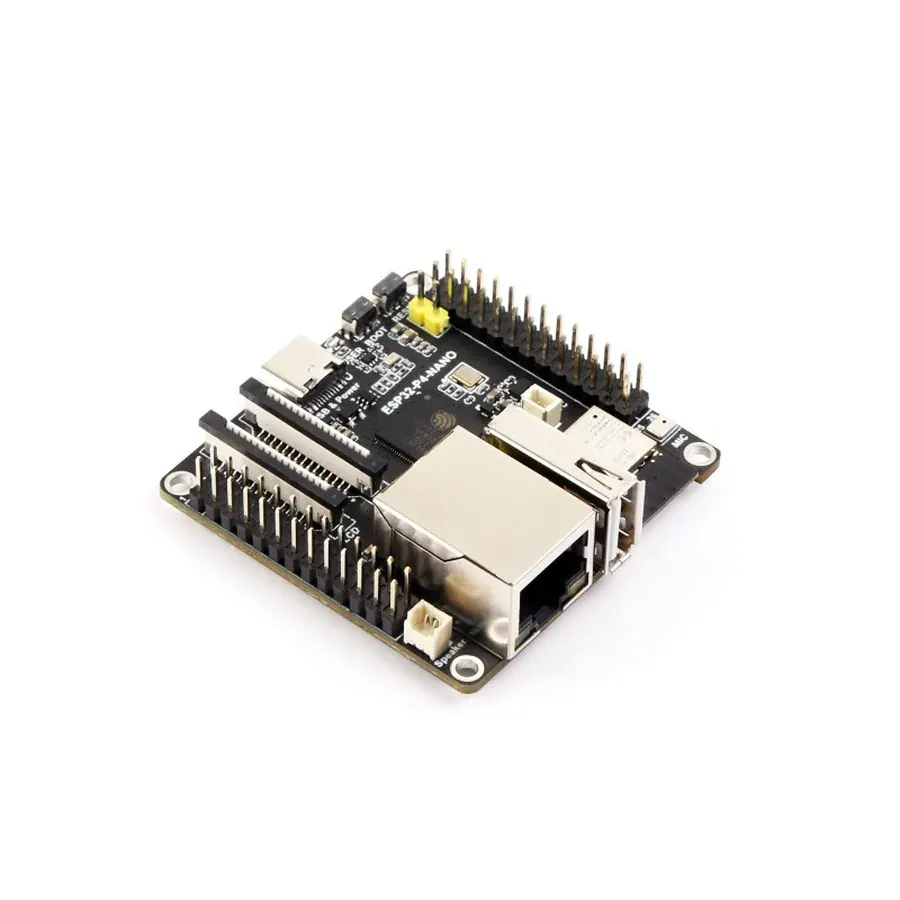
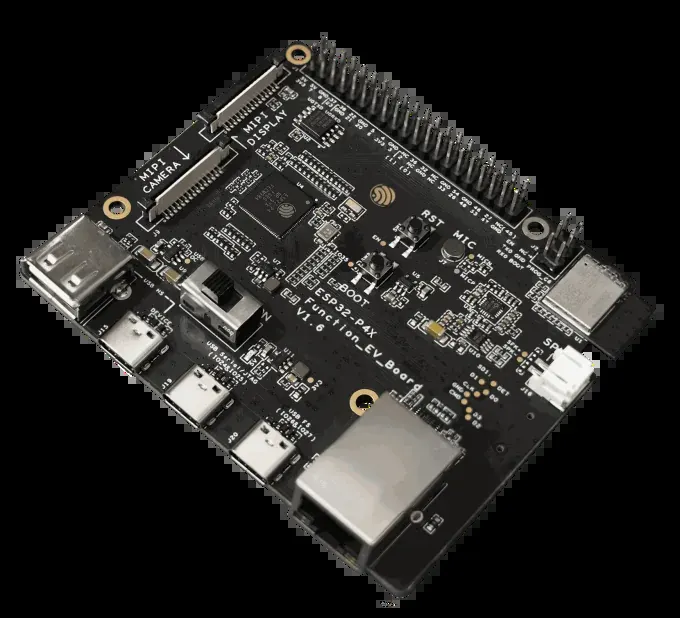
A new page puts the ESP32-P4 boards ESP-KVM runs on in one table - chip, memory, network, capture, the port to the target and the measured frame rate - with the best of the chosen boards marked.
-
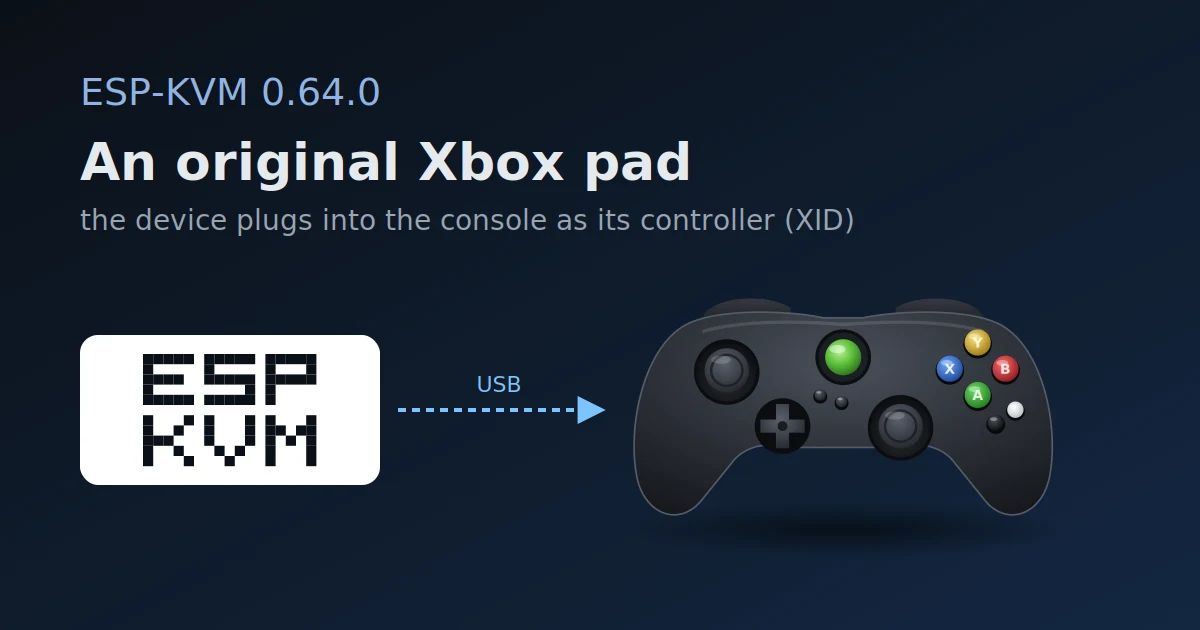
0.64.0 - an original Xbox pad
The device can now be an original Xbox controller (XID). The protocol comes from ZacharyLeahan's fork, where it was tried on a real Xbox.
-
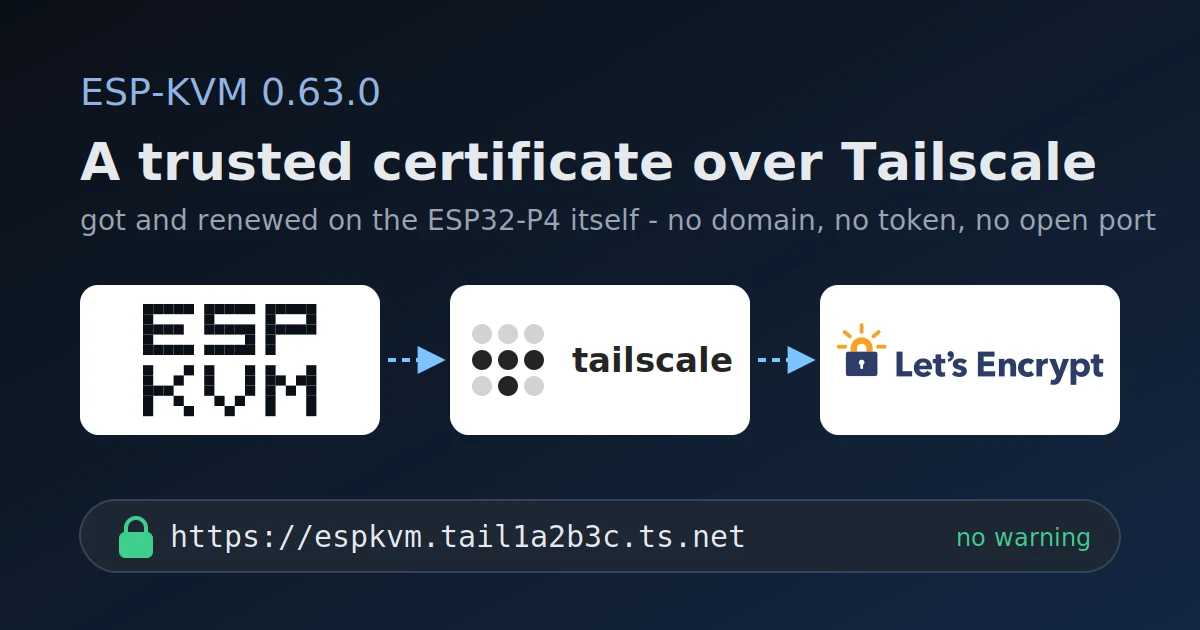
0.63.0 - a Let's Encrypt certificate over Tailscale
The device gets a real certificate for its tailnet name and renews it itself, so a browser on the tailnet opens the console with no warning and nothing to import.
-
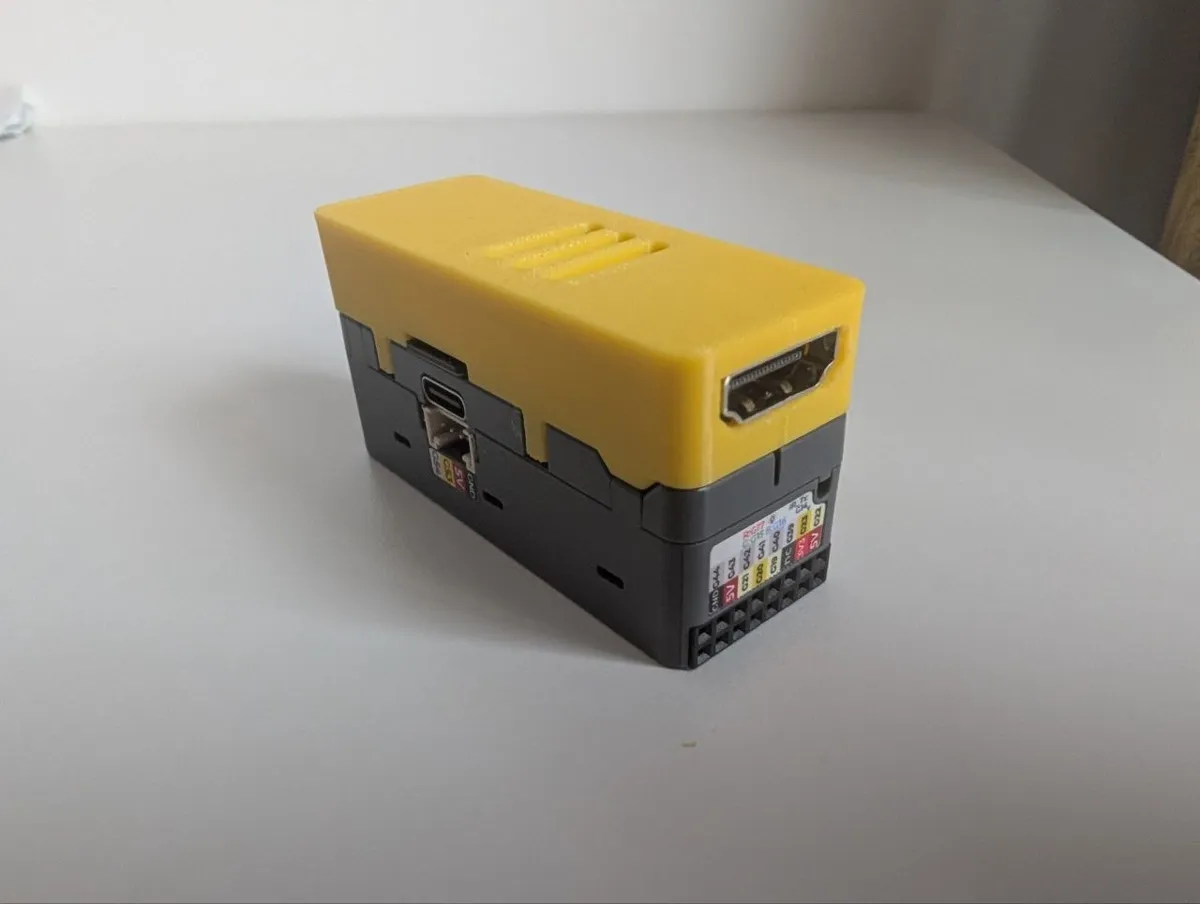
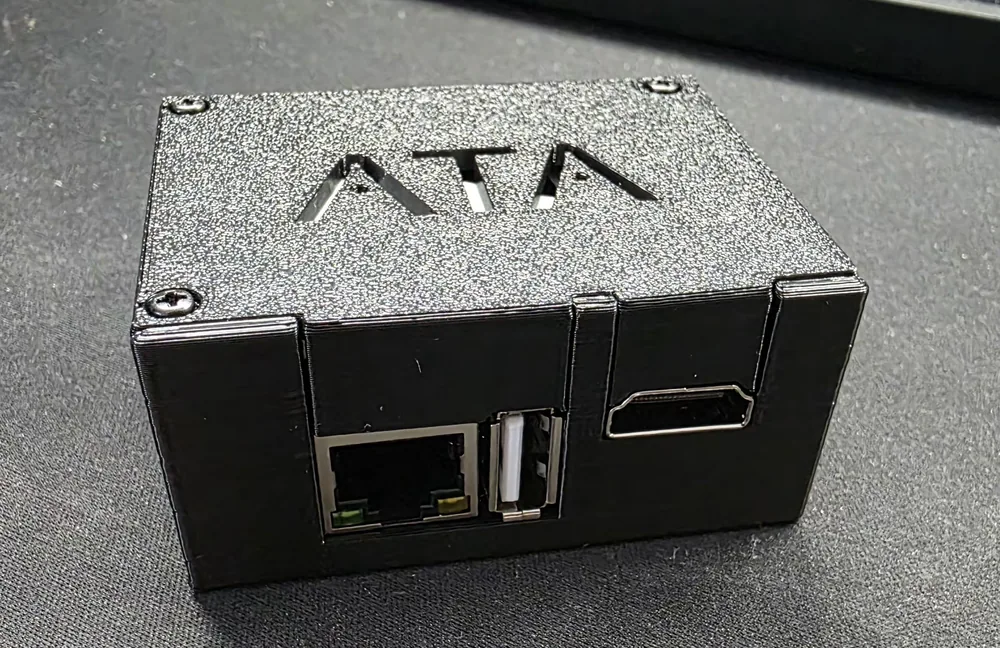
A printed case for the M5Stack HDMI add-on
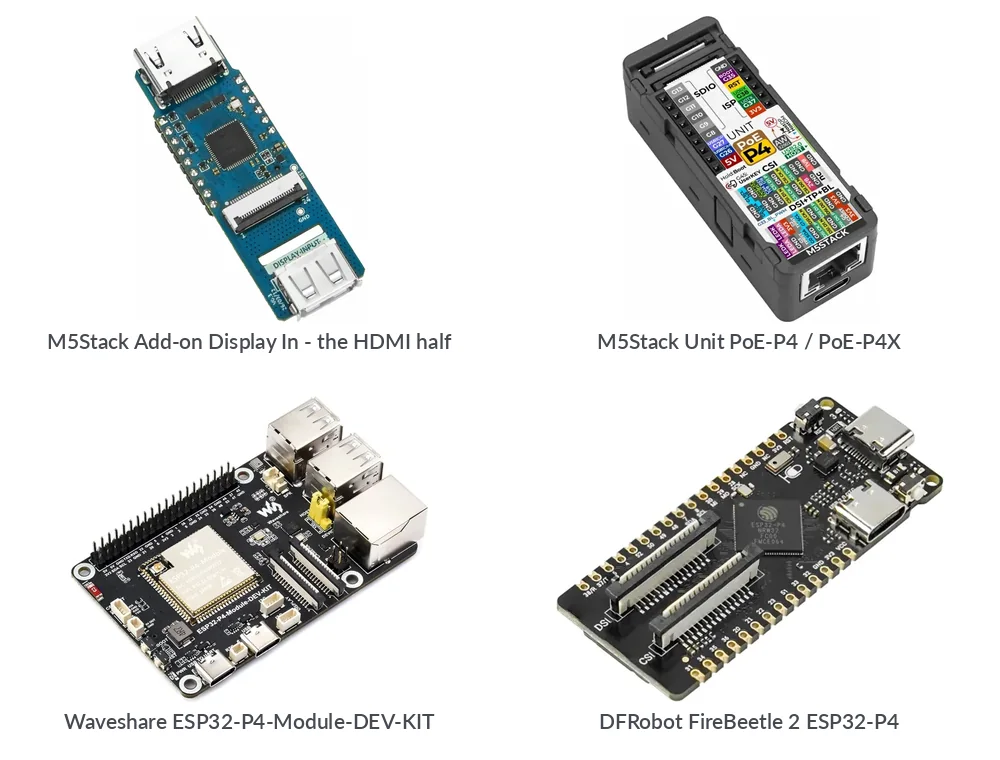
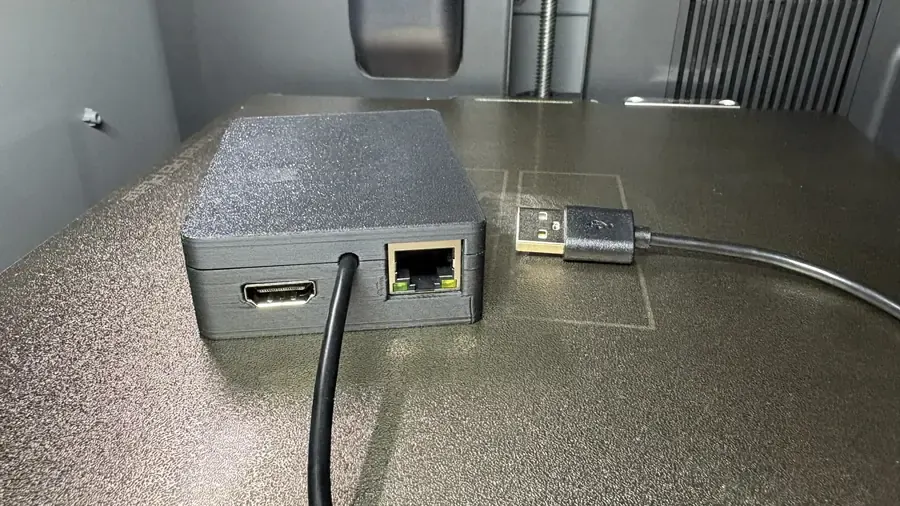
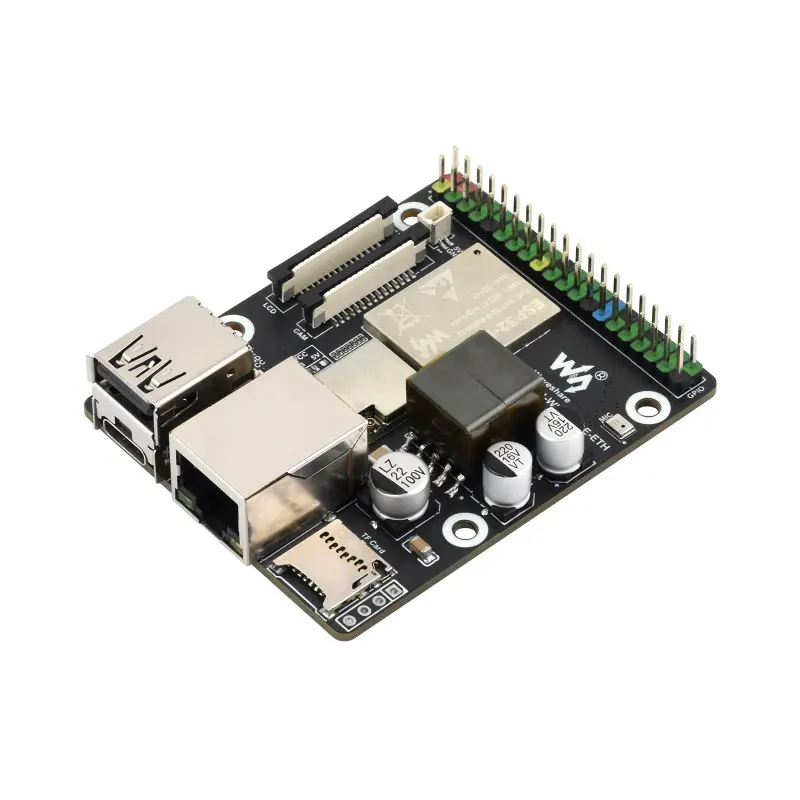
M5Stack sells the Add-on Display In as a bare board. I drew a case for it that matches the Unit PoE-P4 housing, and published it on Printables and Thingiverse.
-
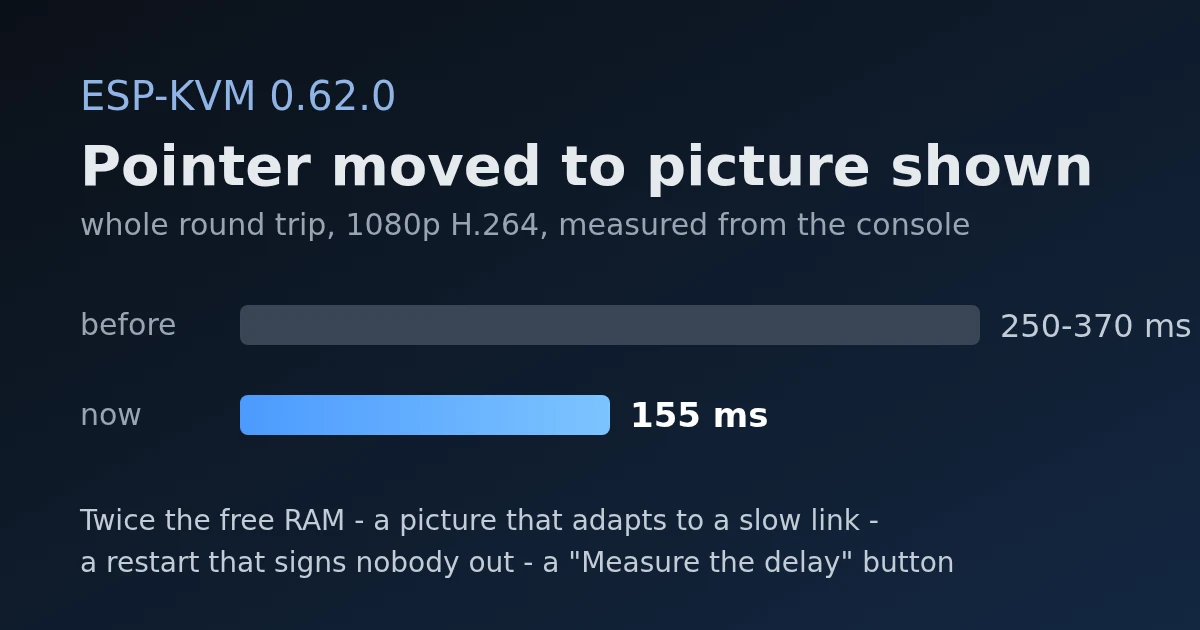
0.62.0 - 155 ms from your mouse to the picture, and twice the free memory
H.264 in the browser lost 170 ms of delay, a button measures the whole round trip, video adapts to a slow link, task stacks were cut to what they use, and a restart no longer signs anyone out.
-
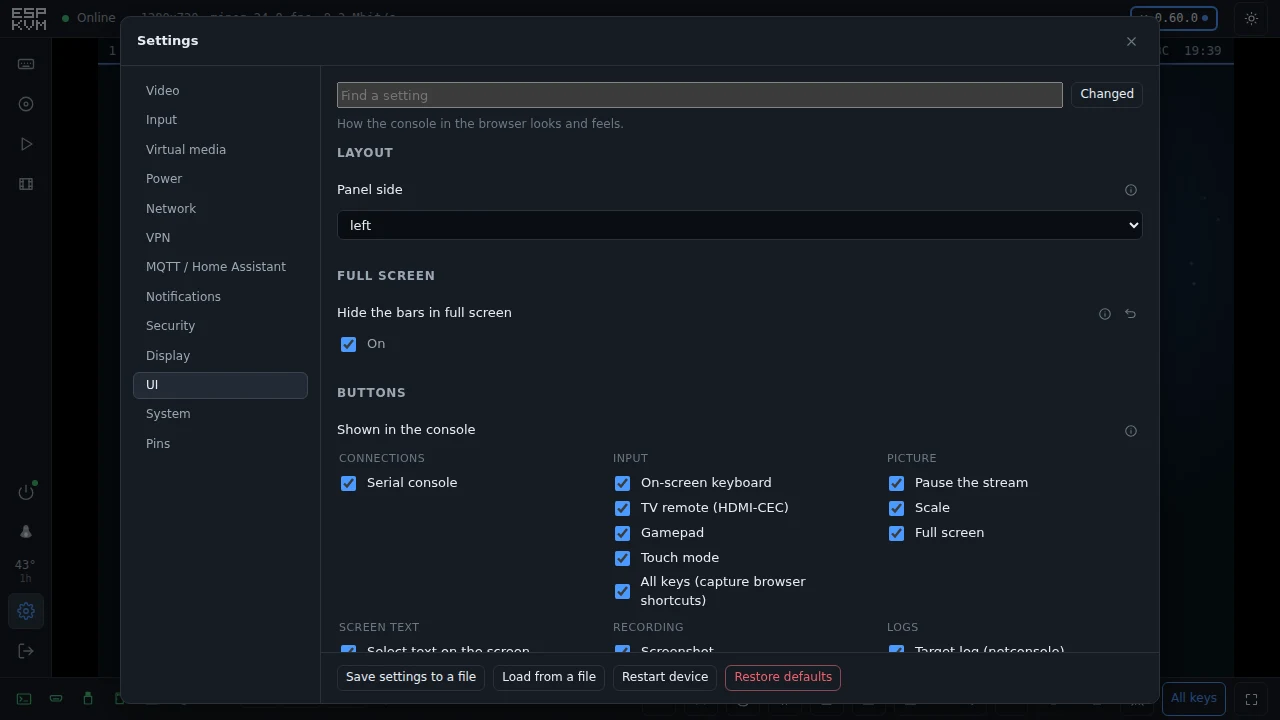
0.61.0 - a button on the box, and a console you can trim
A push button on the device that runs an action, a UI tab to hide the buttons you never use, full screen with nothing but the picture, and four more M5Stack units.
-
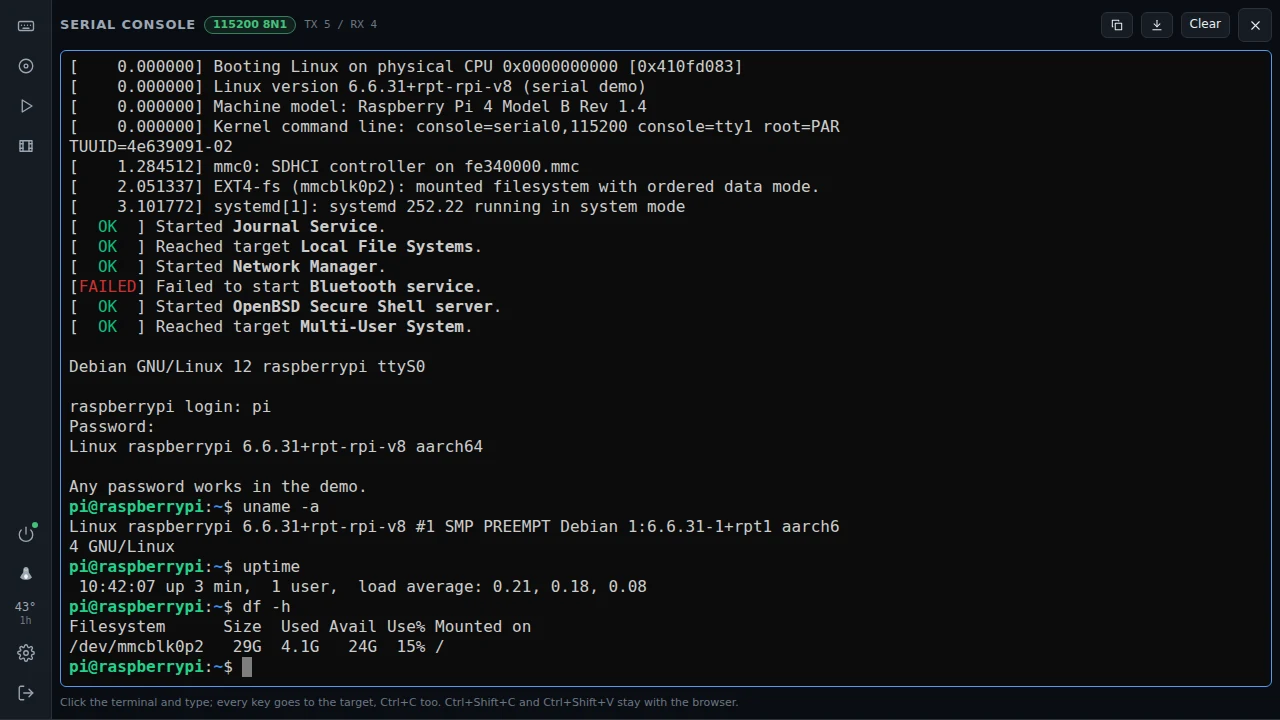
0.60.0 - a serial console, and logs
The target's serial console in the browser, the target's kernel log over the network, the device's own log live, and images the device downloads by itself.
-
0.59.0 - a gamepad for a console
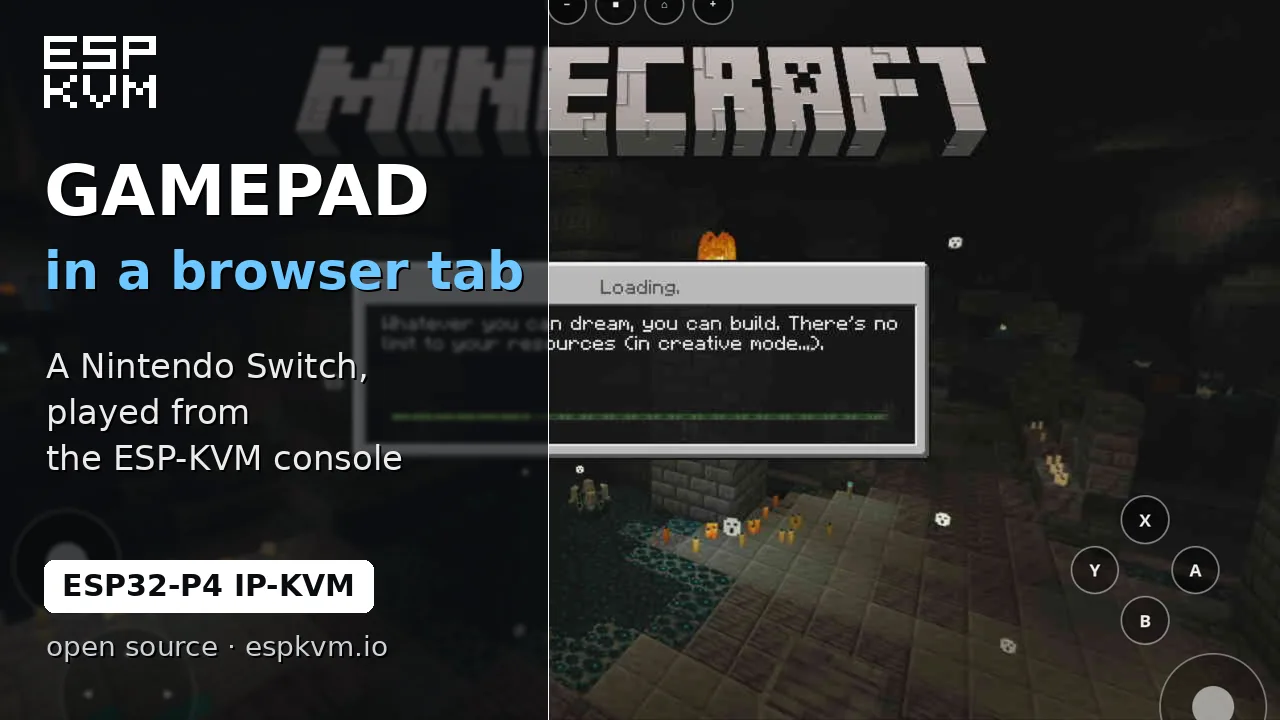
The device can be a game controller too - a HORI pad for a Nintendo Switch, or an Xbox 360 pad for Windows and a Steam Deck - driven from the console. Plus Ethernet with WiFi as the backup.
-
0.58.0 - a TV remote over HDMI
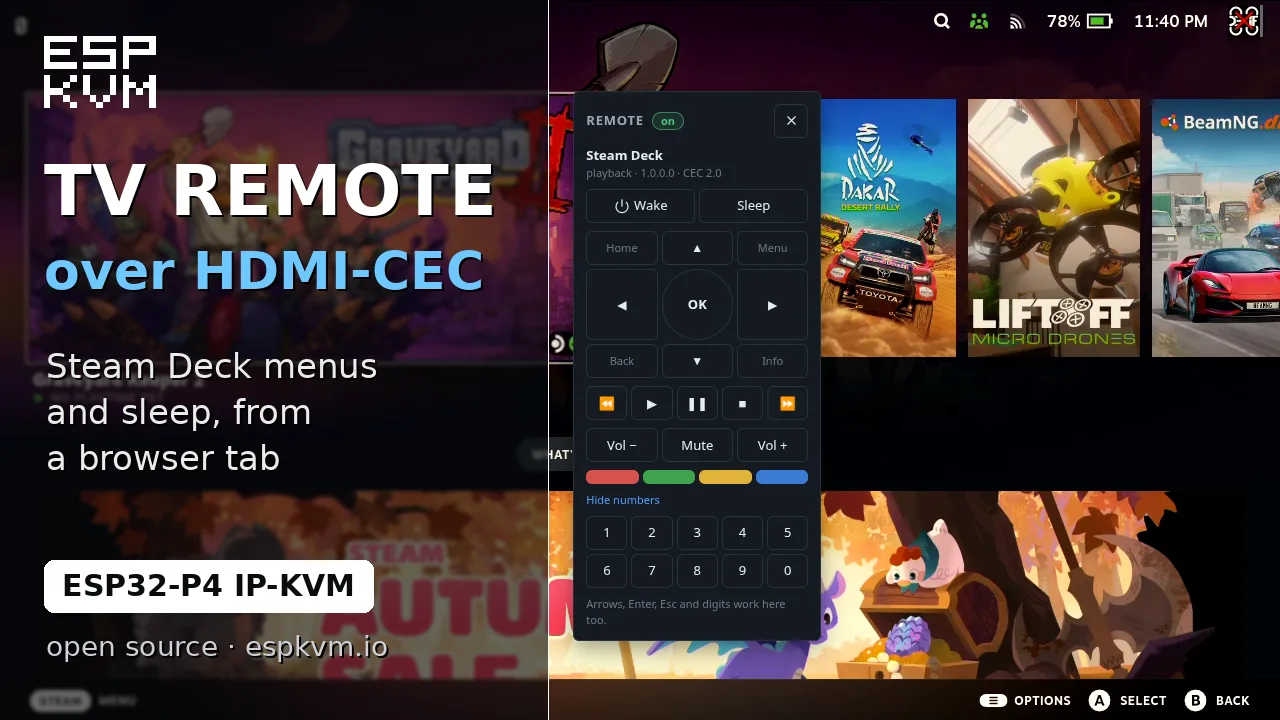
On boards with a TC358743 the device now speaks HDMI-CEC - it shows what is on the cable, sends it remote keys and puts it to sleep. Plus pointer lock for relative mode, which is what SteamOS needs.
-
0.57.0 - a clock, 2FA, and alerts that wait
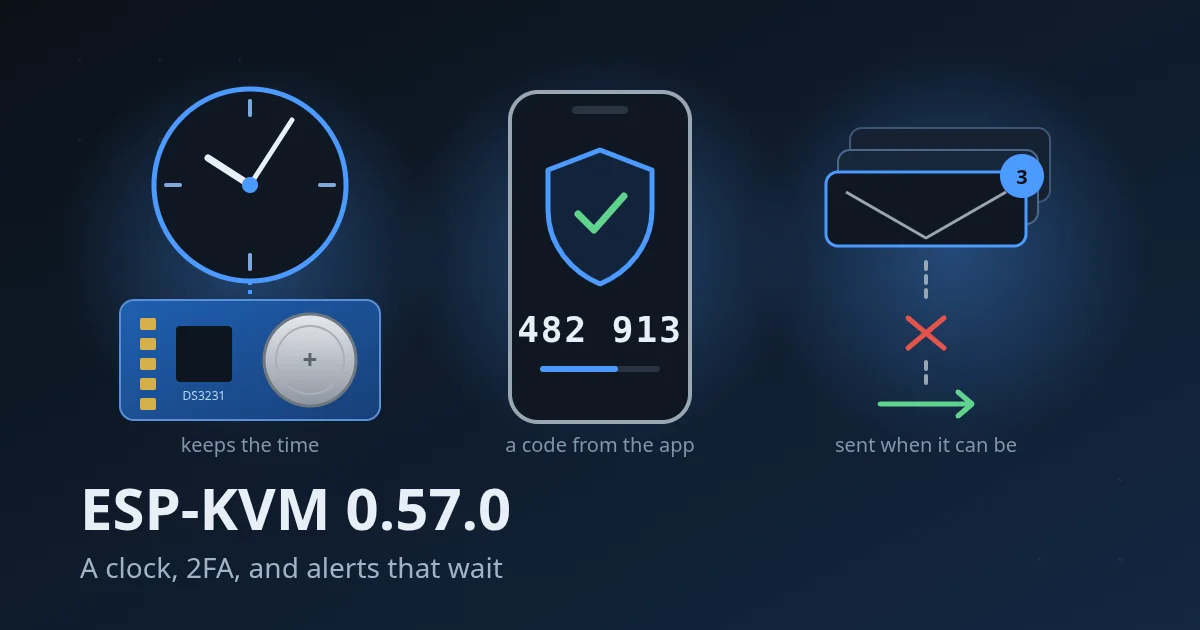
An optional DS3231 clock module keeps the time across a restart with no network, sign-in can ask for a code from an authenticator app, and alerts wait for the network instead of being lost.
-
0.56.2 - Wi-Fi that holds a stream
Over Wi-Fi the P4 ran out of internal RAM as soon as the console loaded. Two buffers moved to PSRAM, and a FireBeetle 2 that stalled now streams without a break.
-
0.56.0 - two dual-band boards, and the right image for every chip
The Function EV and the WIFI6 now come with an ESP32-C5 for 5 GHz Wi-Fi. Older Function EV units and newer ESP32-P4-Modules get the image their chip needs, and the flasher tells you how to read the chip.
-
0.55.0 - a DVD drive that acts like one, and images over 4 GB
The virtual drive now answers the commands only an optical drive has, and an exFAT card takes a full DVD installer. Recordings over 2 GB show the right size and seek again.
-
0.54.0 - exFAT cards, all keys in full screen, and a picture that left the device twice
A microSD card straight out of the packet works now, even above 32 GB. The console can send Alt+Tab and the Windows key to the target. And every frame had been leaving the device twice.
-
0.53.0 - The status OLED can sit on its own I2C bus, for the M5Stack Mini OLED
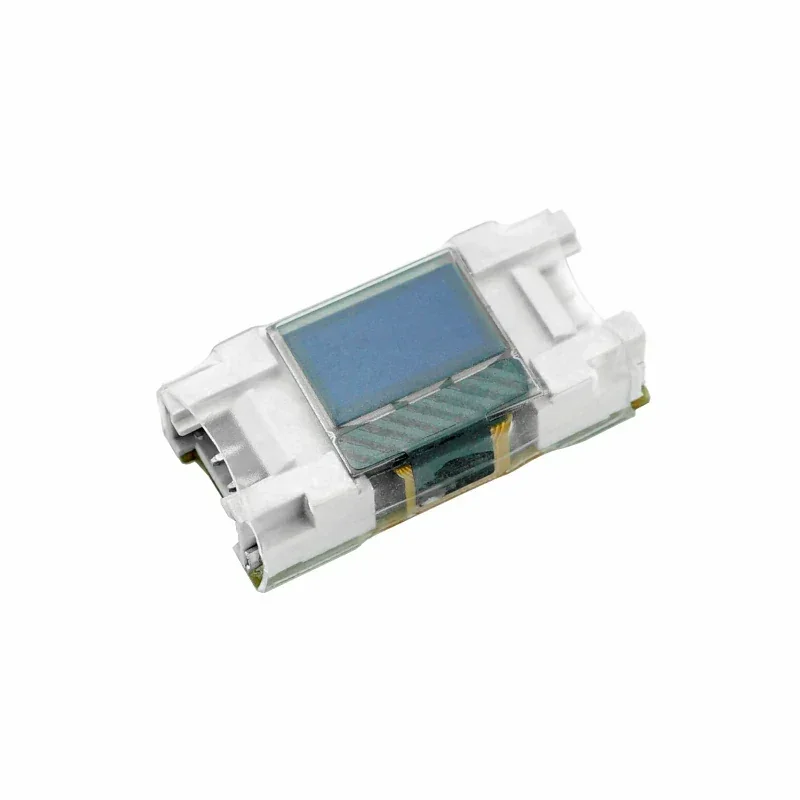
The status OLED always shared the capture chip's I2C bus. On the M5Stack Unit PoE-P4 the socket for one is the Grove port, which is a bus of its own, so now it can have one. Plus two fixes found with a unit on the desk.
-
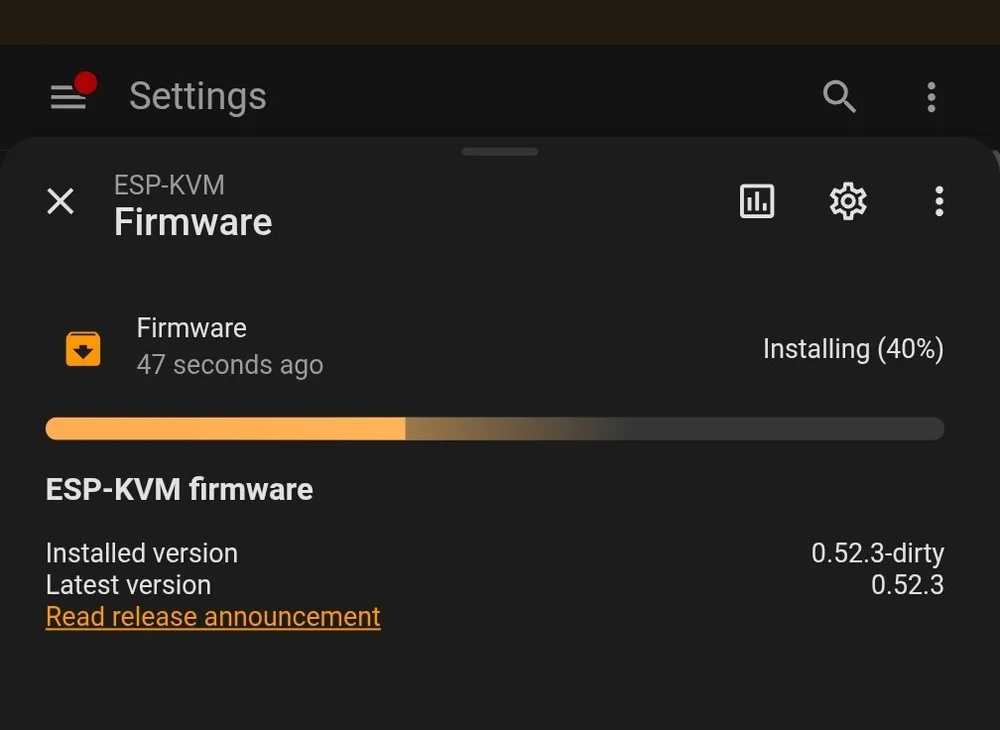
0.52.3 - Fixed: firmware install from Home Assistant, and a more reliable MQTT integration
Pressing Install on the firmware card in Home Assistant gave an error and did nothing. One missing field. Then I went through the rest of the MQTT side.
-
0.52.2 - Fixed: no picture on the M5Stack PoE-P4 after the target switches to a text console
The picture vanished when the target switched to a text console, and the firmware had an answer for exactly that - behind a check the board could never pass.
-
0.52.1 - Fixed: after an update the device rolled back to the old version
An update would install, reboot, and come back as the old version. The new image was never the problem - it never ran. The firmware on its way out broke the boot behind it.
-
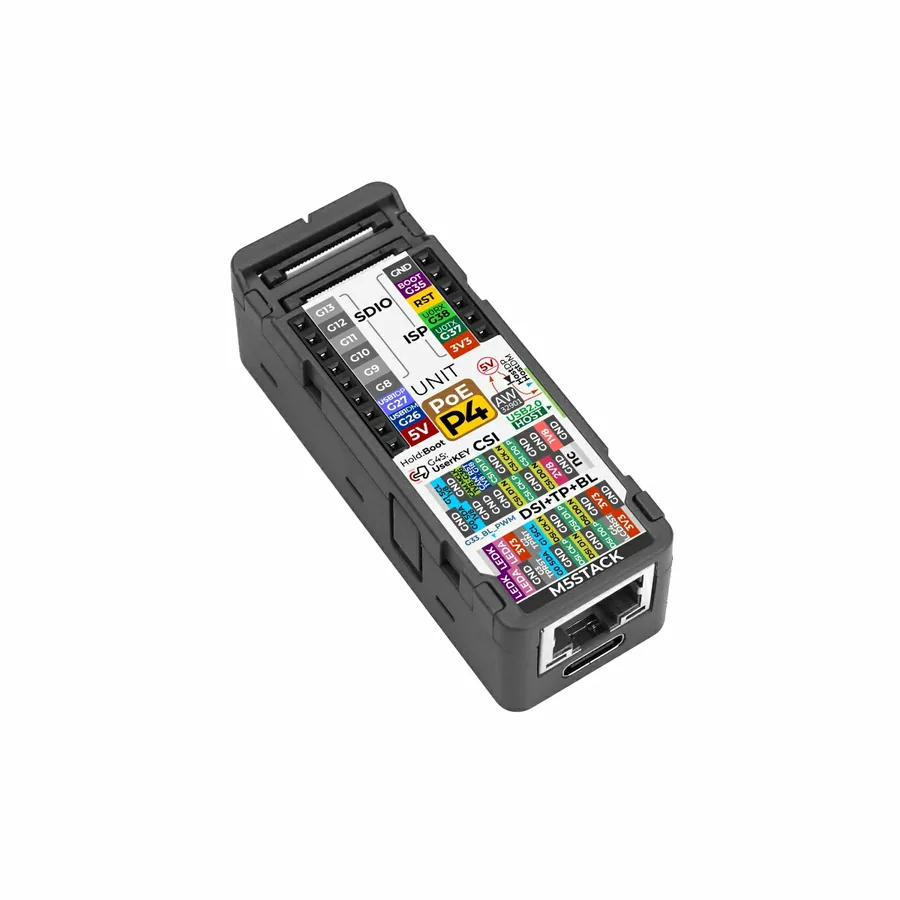
0.52.0 - Support for the M5Stack Unit PoE-P4 with the Display In module
A whole IP-KVM the size of a matchbox. Its capture module uses a chip this firmware had never driven, and getting a picture out of it took a week - in which I was wrong three times and the chip was innocent every time.
-
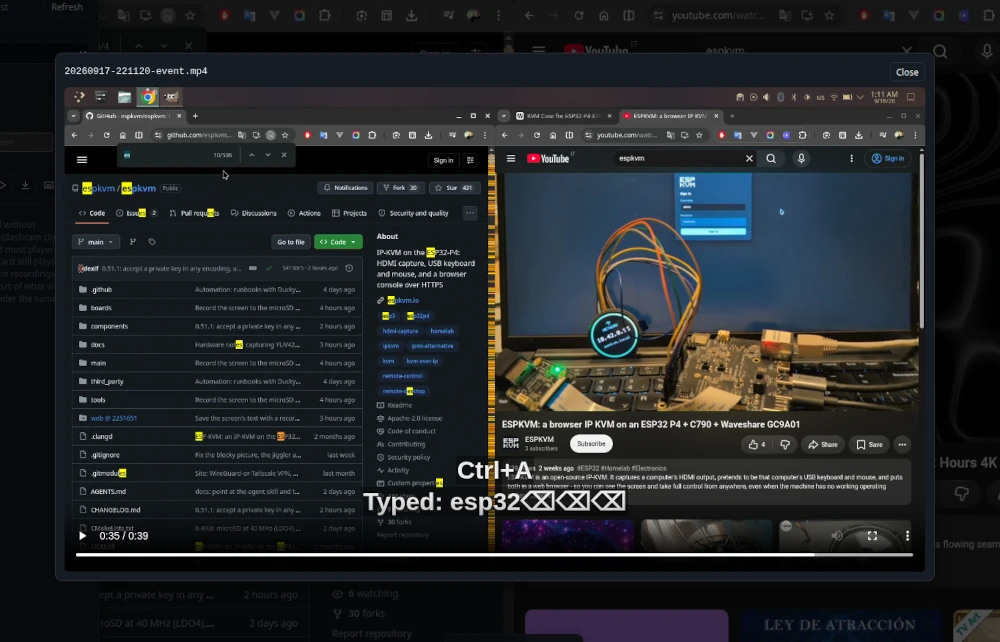
0.51.0 - Recording the screen to microSD: videos, screenshots, dashcam, timelapse
A car dashcam records the road nobody is watching and keeps the minutes before the crash. This release gives a server the same thing: the screen goes to the device's own microSD card, the last minutes are held and saved when something happens, and the console plays it all back - with what was typed as subtitles, and search over what the screen said.
-
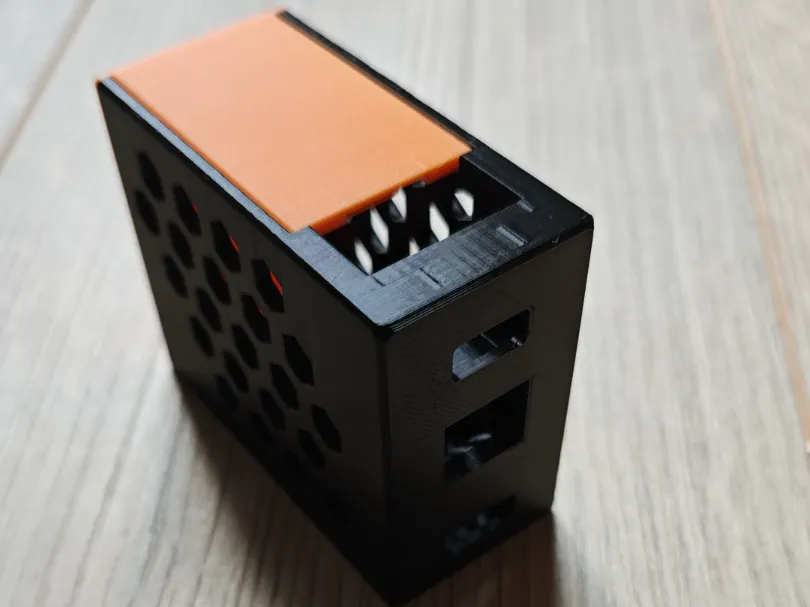
A printed case for the NANO
Crisspii, who sent the NANO fix in 0.48.0, designed a compact case for the ESP32-P4-NANO and the C790 and published it on MakerWorld. It is the third community case on the hardware list, and the first there for the NANO.
-
0.50.0 - swap the card while it runs, and a picture that keeps up
The microSD card can go in and out without a restart, even in the middle of a copy. And on a still screen the MJPEG picture no longer shows the screen as it was before your last key.
-
0.49.1 - microSD on every board, and a faster virtual drive
Every board with a card slot now turns on the slot's regulator, the target reads the virtual drive at 9 MB/s instead of 5.6, and swapping the image reaches the target without re-plugging the cable.
-
0.49.0 - microSD at full speed
The microSD card now runs at 40 MHz on the Function EV and the P4-ETH, the P4-ETH can write it, and an upload through the console is fifty times faster than before.
-
0.48.0 - microSD and WiFi at the same time
0.48.0 lets the microSD card and WiFi run together, keeps the video alive when the HDMI signal comes back, lets H.264 be switched on after boot, and adds a Sign out button.
-
A macro that waits
0.47.1 adds runbooks that wait for words on the screen, DuckyScript, a cron scheduler and push notifications with a screenshot - all running on the device.
-
Compiled for a debugger all along
0.46.2 is the first build at -O2. Also why a device with 314 KB of free RAM could not find 155 KB of it, and a watchdog that now reboots instead of writing a warning.
-
Twelve minutes of blocks, then twelve minutes of fine
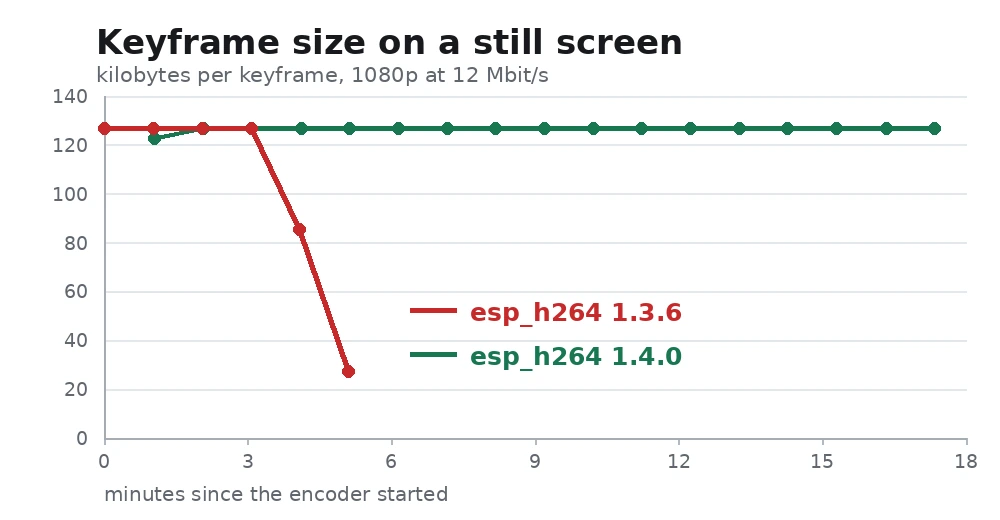
The still-screen fault was an int32 overflow in the H.264 rate controller. Why raising the bitrate made it worse, how the arithmetic was checked on hardware, and why the fix is a one-line version bump.
-
Two more boards, and a watchdog for a picture that breaks into blocks
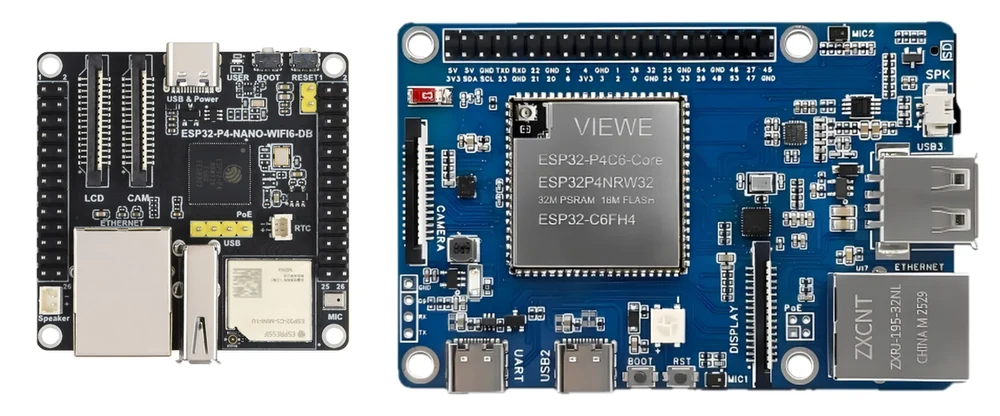
0.46.0 adds the Waveshare ESP32-P4-NANO-WIFI6-DB and the VIEWE ESP32-P4-Pi, and ships a guard for the still-screen fault where the picture goes blocky and heals itself.
-
Four releases at once - crash dumps, a hotspot, four more boards
0.42.2 to 0.45.0 in one post: a panic now leaves a file you can read, a device with no password and no cable puts out its own hotspot, any key press wakes a sleeping target, and four more ESP32-P4 boards have images.
-
What is an IP-KVM? Remote control of a computer from the BIOS up
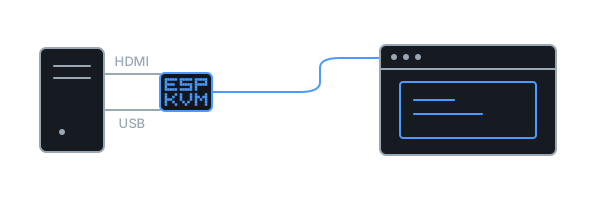
Remote desktop needs the computer to be working. An IP-KVM does not. It is a small box on the computer's video and USB, and it gives you the screen, the keyboard and the mouse in a browser - even when the computer is stuck, empty or switched off.
-
0.42.1 - the keyboard that died while the machine slept
A target woke from sleep with no power on its USB port, and the device could only say "USB is not active". It tells the two silences apart now.
-
0.42.0 - two things can no longer share a pin
A settings write that would put two things on one GPIO is refused, a capture driver announces itself instead of being called by name, and a keyboard the target has forgotten can be re-plugged from the console.
-
A serial monitor, and readers for firmware images, panics and EDIDs
A serial monitor that needs no terminal, and three readers: a firmware image, a panic dump, an EDID. All in the browser, nothing uploaded.
-
A second printed case, and a YouTube channel
Someone asked for a printed box, someone else made one, and now there are two. Plus a channel for the short recordings that were scattered across posts.
-
0.41.1 - a fix that was there and did nothing
I shipped a WiFi fix and never called the function. The person who reported the bug found the missing line himself. While checking that release I found a crash that had been hiding behind three different symptoms.
-
0.41.0 - more of the KVM in Home Assistant
An update entity, a camera holding a still of the target's screen, the jiggler as a switch, and the numbers worth having when something is wrong.
-
0.40.0 - two more boards, one with no wire at all
A dev kit that carries both links, and a board whose only way in is WiFi. The second one came from the person who owns it.
-
The demo is a whole fake computer now
The interactive demo moved to its own address and stopped being a screenshot: it is the real console, driving a machine that boots, crashes and lets you update its firmware.
-
A case, printed by somebody else
Colin Hickey printed one for the ESP32-P4-ETH with the C790 inside, and published the model on Printables.
-
0.38.0 - a mouse jiggler
A machine left alone locks its screen, and then what you were watching is behind a password. One pixel, there and back, as often as you like.
-
0.37.0 - the screen as two kilobytes
Work a machine over a phone tether by sending the characters instead of the video, hand a dashboard a view-only token, and go back to any published release.
-
0.36.0 - a panel that can stay open, and arrows on a phone
Pin a panel beside the picture instead of over it, and drive a boot menu from a phone that has no arrow keys.
-
0.33.0 - rev 3.x images for the NANO and the Guition
The same board can arrive with either family of chip, and the wrong image simply refuses to flash. Both boards now publish both.
-
0.32.0 - settings to a file, and back
Save the configuration before you change it, or bring a second device up like the first.
-
0.31.0 - updates that take on the first try
A chip fault during its own restart made updates look like they reverted themselves. Fixed, along with uploads that died part-way over HTTPS.
-
0.30.0 - any size of little OLED
Not every status panel is 128x64. Six SSD1306 sizes and four SH1106 ones now work, and a shorter panel drops the lines that matter least.
-
0.29.0 - you can watch an update happen
The console takes over the screen during an update, names the step it is on, and afterwards says which version actually came back.
-
0.28.0 - reading the screen as text, and watching it while you are away
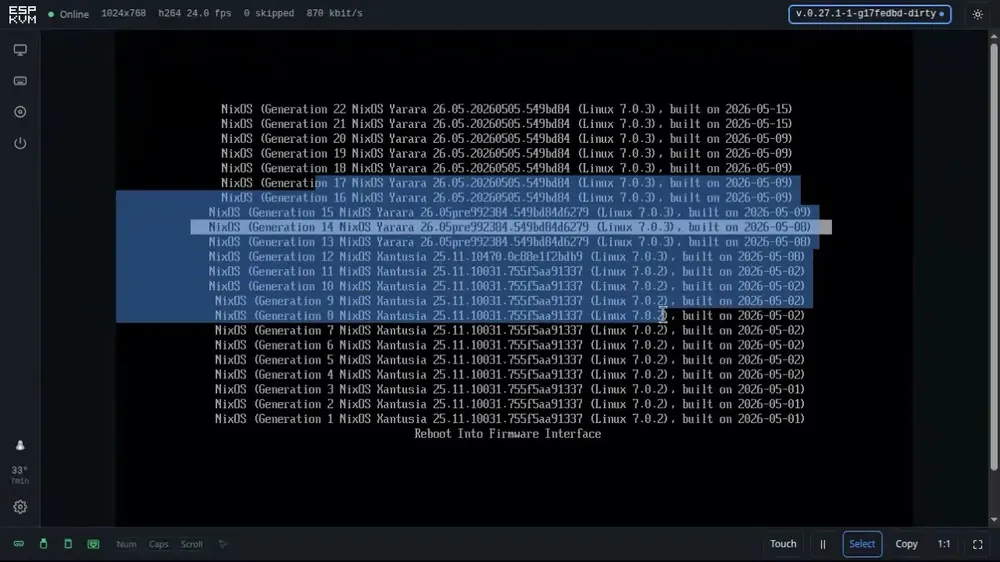
Select and copy the words off a BIOS screen instead of typing them out, and let the device raise an alert when a phrase you care about appears.
-
0.26.0 - one cable in a rack, and images for the other chip
A build for the PoE board, so a KVM in a rack needs one cable, plus images for rev 3.x silicon beside the existing ones.
-
0.25.0 - the device keeps its own log
A log that survives a restart, so the boot that failed is still readable after the device has come back on something that works.
-
0.24.0 - point a phone at the screen to get in
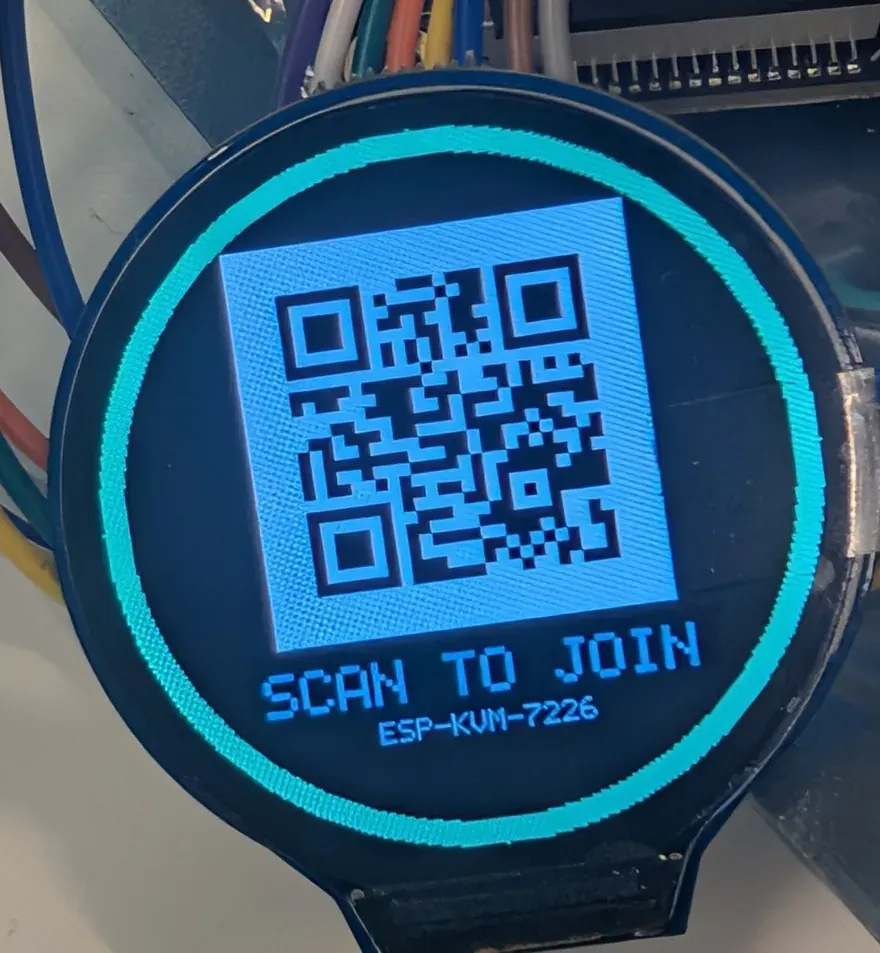
The round LCD shows the rescue hotspot as a QR code, the certificate finally names the address DHCP gave the device, and the reset button shows that it heard you.
-
0.23.0 - IPv6
The device answers on IPv6 as well as IPv4, on Ethernet and WiFi, with a certificate that names the address and a network panel that hands it to you.
-
0.22.0 - two firmware slots, and a way back
The firmware panel shows both slots and can boot the other one, so going back to a build that worked needs no cable.
-
0.21.0 - a little screen on the box itself
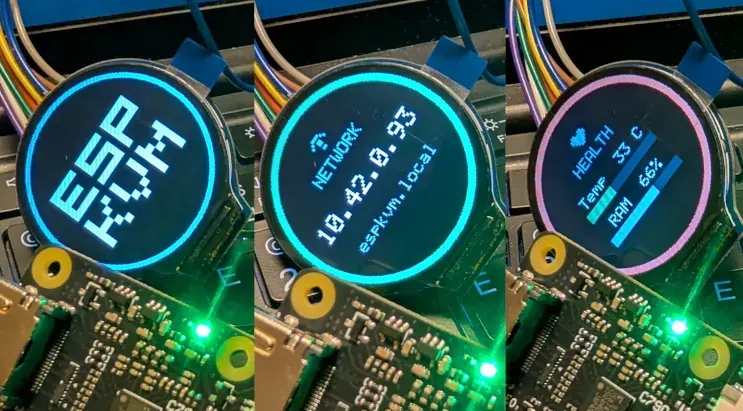
Solder on a small OLED or a round colour LCD and the device shows its address, its link and its health without a browser at all.
-
0.20.0 - virtual media grows up
An ISO is offered as a CD-ROM and everything else as a disk, and the whole microSD card can be handed to the target at once.
-
0.19.0 - your own control server, and a card you can write
Point the device's Tailscale client at your own Headscale, and on rev 3.x boards upload images to the microSD card from the console.
-
0.17.0 - WiFi, and a hotspot for when it fails
On boards with an ESP32-C6 the KVM can run over WiFi, put up its own hotspot when the network is gone, and open the console on your phone by itself.
-
0.16.0 - Tailscale, right on the device
The KVM joins your tailnet by itself - no gateway, no VPS, no port forwarding - and the console installs to a phone's home screen.
-
0.15.0 - bring your own certificate
Install a certificate from your own CA, or a real public one, so browsers trust the device with nothing to import.
-
0.14.0 - WireGuard, and an API simple enough for a script
Reach the KVM over a WireGuard tunnel without opening a port, and drive the target with plain HTTP calls instead of a binary protocol.
-
0.13.0 - the KVM shows up in Home Assistant
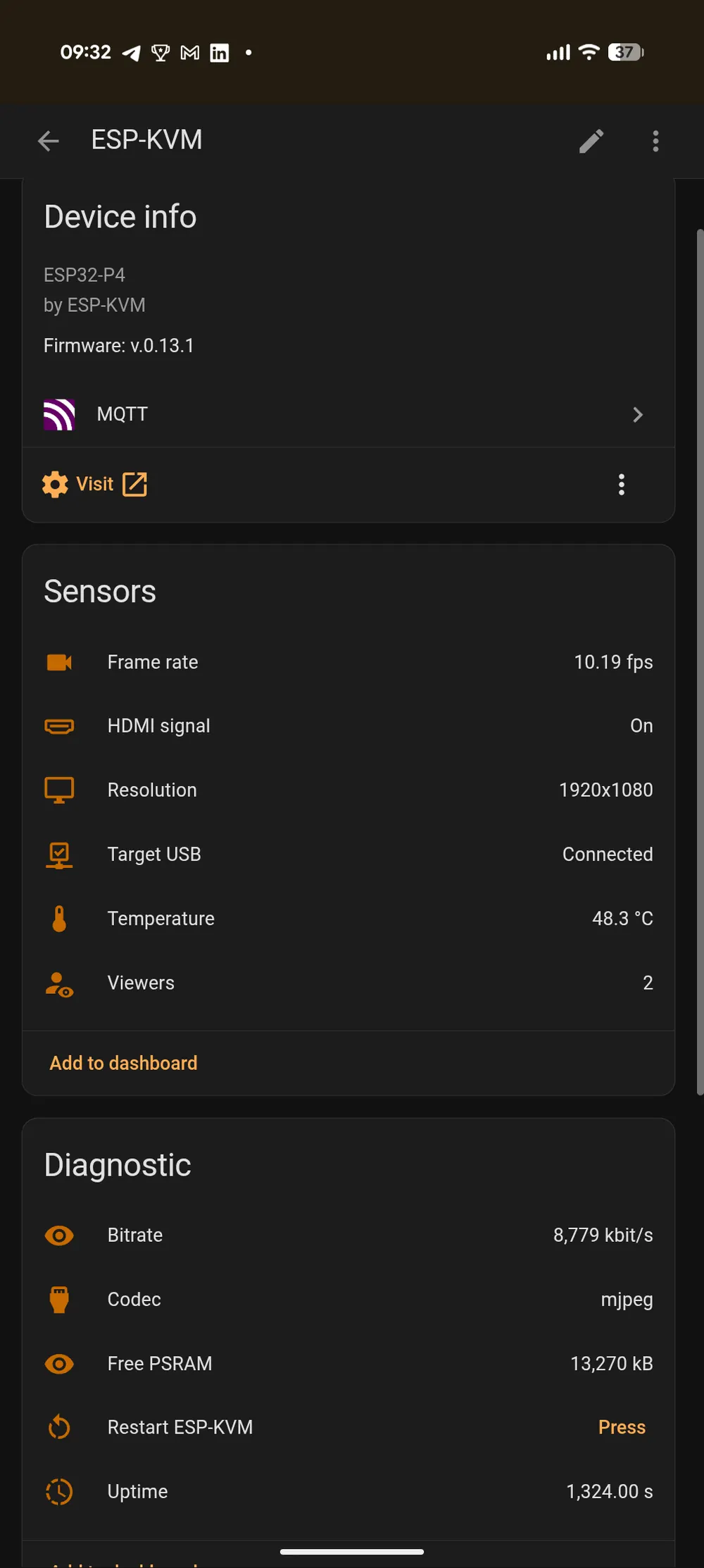
Turn on MQTT and the device is discovered as one Home Assistant device, with sensors for what it sees and buttons for what it can press.
-
0.11.0 - the device becomes its own certificate authority
Import one small certificate once and the browser trusts the device for good - which is also what unlocks H.264 and the keyboard channel.
-
0.9.0 - pressing the power button from a browser
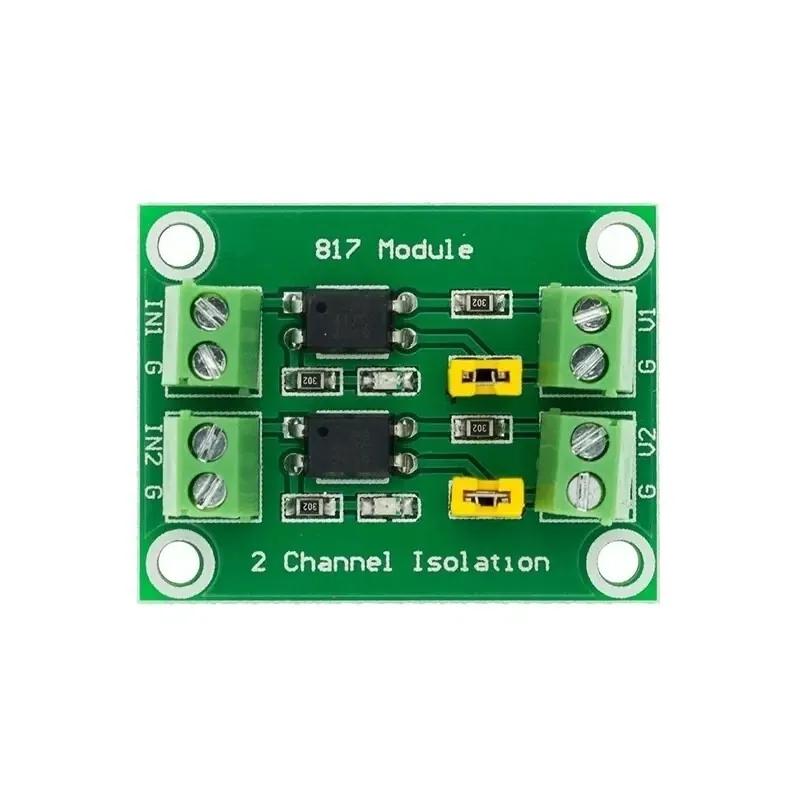
Two cheap optocoupler modules let the device press the target's power and reset buttons and read its power LED back.
-
0.10.0 - phones, and taking turns at the keyboard
The screen becomes a trackpad on a phone, and a second person opening the console can see who is driving and ask for the keyboard.
-
0.7.0 - a second board, and a release for each
The Espressif ESP32-P4 Function EV board joins the Waveshare one, and CI now builds and publishes every board separately.
-
0.6.0 - the console gets out of the way
The firmware version becomes a badge that shows updates and their progress, diagnostics and media move out of Settings, and the whole button rail can switch sides.
-
0.5.0 - macros, for the sequence you type every time
Save a named script of key chords, text and delays, and replay it with one click.
-
0.4.0 - Wake-on-LAN and a fixed address
Power a sleeping machine on without any wiring, and give the KVM a static IP that a typo cannot turn into a brick.
-
0.3.0 - it knows what the target is running
The device guesses the target's operating system from how it plugs in, keeps a rescue image in its own flash, and stops undoing updates that were fine.
-
0.2.0 - boot the target from an image on a card
A disk image on the microSD card is handed to the target as a USB drive it can boot from - a rescue system, an installer, a live image.
-
0.1.2 - the first working KVM
The first tagged builds. HDMI capture, a keyboard and mouse the target cannot tell from real ones, a web console over HTTPS, and updates over the network.