0.59.0 - a gamepad for a console
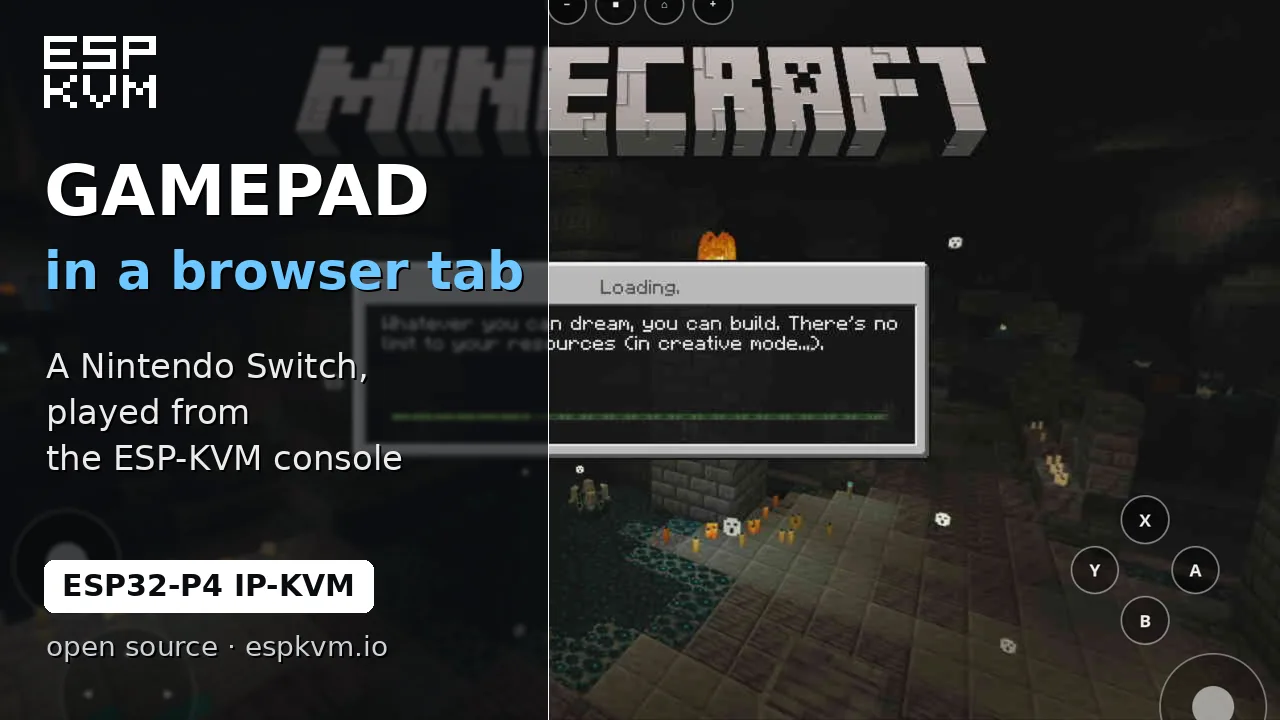
A gamepad
A game console has no use for a mouse, and a keyboard only types into its search box. So the device can now be a controller as well. Settings -> Input -> Gamepad has two kinds:
- switch: a wired HORI Pokken pad. A Nintendo Switch takes it as a controller of its own.
- xinput: a wired Xbox 360 pad, for Windows, a Steam Deck and Linux.
Each can sit next to the keyboard and mouse, or alone (the _alone choices), which is how the real pad looks. On my Switch it is switch_alone. Windows needs xinput_alone too, because it picks the Xbox driver by the IDs of the whole device.
In the console a gamepad button appears at the bottom. It opens a small window with the cross, the face buttons, the shoulders and two sticks you drag with the mouse. Or it draws the same controls over the picture, the way phone emulators do, and on a phone you play with your thumbs.
The buttons carry Nintendo, Xbox or PlayStation names; the bottom one is the same wire whatever it is called. The keyboard works while the window has focus: arrows, Enter to confirm, Esc to go back, WASD and IJKL for the sticks. A controller plugged into your own computer works through it too, read by the browser. For scripts there is POST /api/v1/hid/pad with {"press":"a"}.
I played Minecraft on a Switch this way, in the window and in the overlay. The Xbox pad is not tried on hardware yet.
Ethernet with WiFi as the backup
On a board with a network port and a WiFi chip, Connection now has "Auto". The device uses the cable and keeps the WiFi network joined. Pull the cable and traffic moves to WiFi in about a second; plug it back and it returns, with no restart. The console answers on both addresses, and the certificate names both. On my Function EV the console stayed open over WiFi, Tailscale stayed up, and MQTT came back in 15 seconds.
Smaller things
- On a narrow screen the rarer buttons in the bottom bar fold into a "..." menu.
- The remote, the gamepad and the floating keyboard stay on the screen when the window shrinks.
- The version badge stays on one line on a phone.