← All boards

ESP-KVM is free, open-source firmware that turns the Espressif ESP32-P4 Function EV Board into an IP-KVM: the screen, keyboard and mouse of another computer in your browser, from the BIOS up. Add an HDMI capture board, flash it from the browser, and it runs with no Linux, no app and no cloud. What it does → Try the demo →

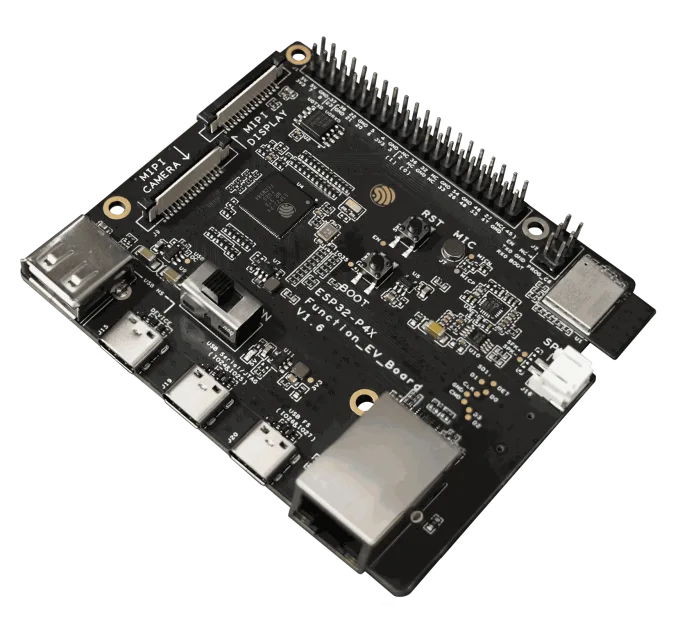
Espressif ESP32-P4 Function EV Board
The device - rev 3.2

Espressif ESP32-P4 Function EV Board

Espressif's own ESP32-P4 board, with Ethernet and an ESP32-C6. On a rev 3.x chip, 1080p at a little over 20 fps.

StatusRun on hardware
FamilyAll Espressif parts
ChipESP32-P4, rev 1.x or rev 3.x (an image for each); the unit here is rev 3.2
Memory32 MB PSRAM, 16 MB flash
Size88 x 74 mm
Network100M Ethernet, Wi-Fi 6 (ESP32-C6)
To the targetUSB OTG
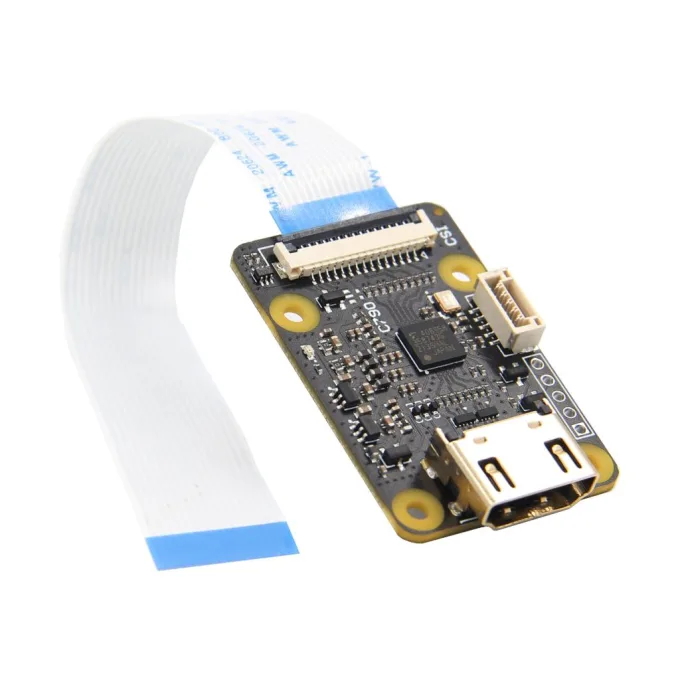
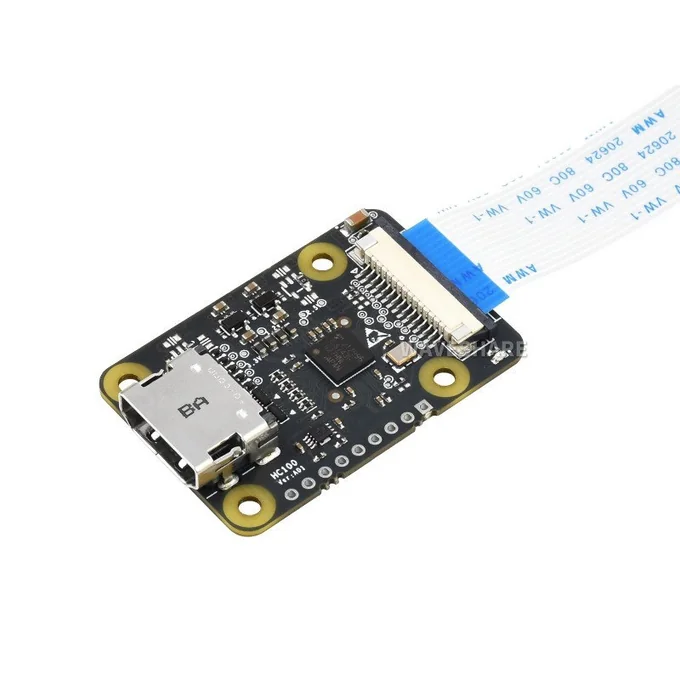
Capture connector15-pin Raspberry Pi camera connector
microSDyes
Measured1080p H.264 at 22-24 fps, 720p at 28; about 155 ms from mouse to picture

Which revision? Read the chip: ESP32-P4NRW32X, with an X at the end, is rev 3.x; ESP32-P4NRW32 without it is rev 1.x. The product code does not tell. Or plug the board in and read it in the browser: it shows the revision, the flash and the PSRAM.

Install from the browser Espressif user guide Compare

Espressif's own board, with rev 3.2 silicon and an ESP32-C6, so it also does Wi-Fi: station, access point and the rescue hotspot.

The newer chip captures YUV422 straight into the H.264 and JPEG encoders, with no colour-convert pass. That frees about 4 MB of PSRAM for a deeper capture ring and lifts 1080p H.264 to 22-24 fps, 28 at 720p.

From the pointer moved on the target to the browser showing it, the whole way round at 1080p: about 155 ms over H.264 and 160 ms over MJPEG (2026-10-10, 0.62.0). The device's own part is about 75 ms; the encoder takes 43 of it.

Good to know

  • Board v1.4 and v1.5.x are board versions, not chip revisions: the same board comes with a rev 1.x or a rev 3.x chip, and Espressif now sells the rev 3.x one as the ESP32-P4X Function EV Board. The image for rev 1.x has not been run on hardware yet.
  • Holding BOOT while pressing RST puts this board into download mode: the firmware never starts, and it looks hung. For the password reset: press RST, release, then hold BOOT.
  • A "DS3231 for Pi" clock module plugs straight onto pins 1-9 of the Raspberry Pi header: those pins are 3V3, GND and the capture chip's I2C bus. Tested on this board.
  • It has a Raspberry Pi header. The C790's audio cable lands on pins 6, 12, 35 and 38 there (audio capture is not in the firmware yet); pin 12 is GPIO 22, which is also the round LCD's default chip select.
Capture boards

Modules that fit it