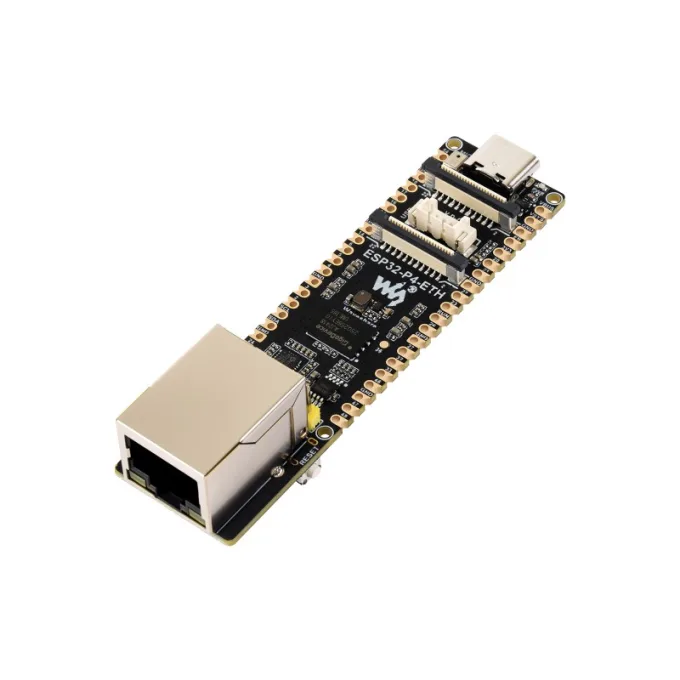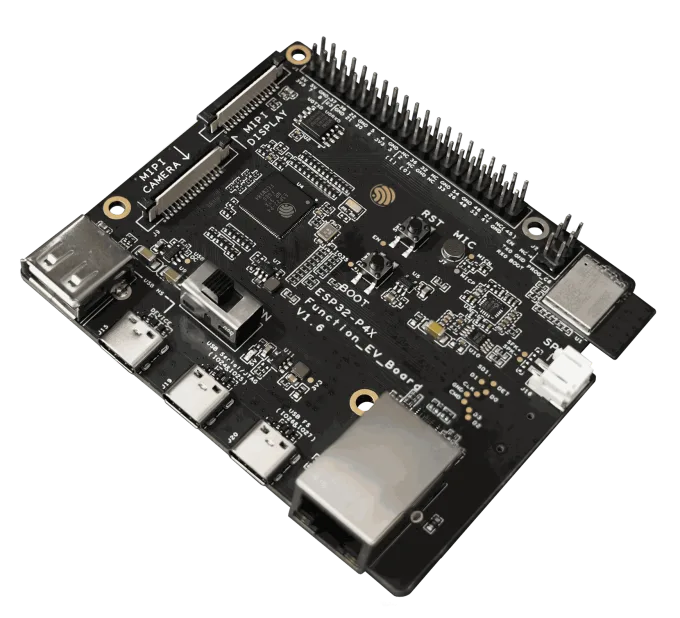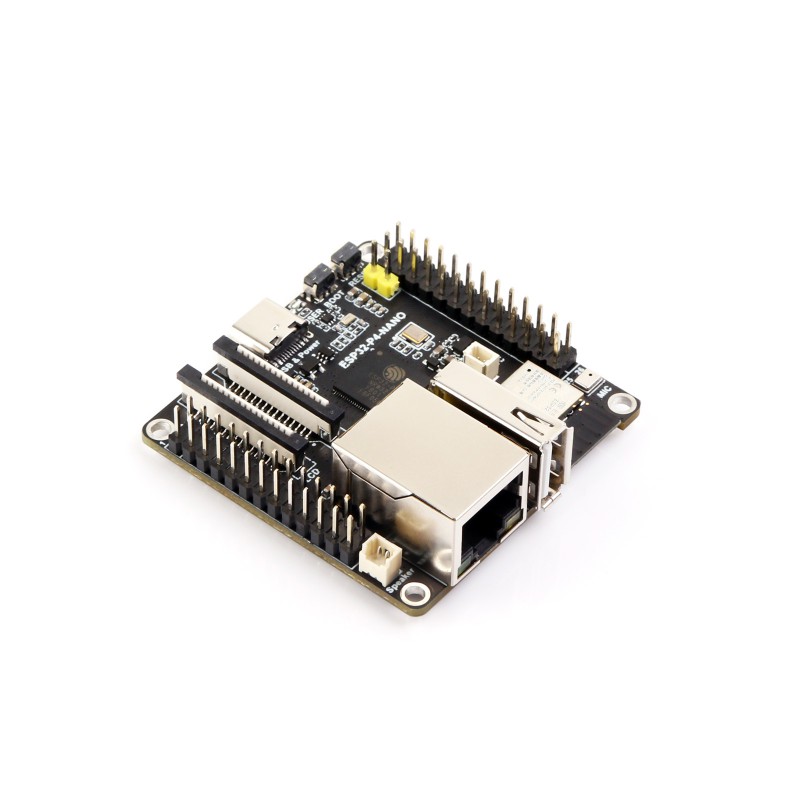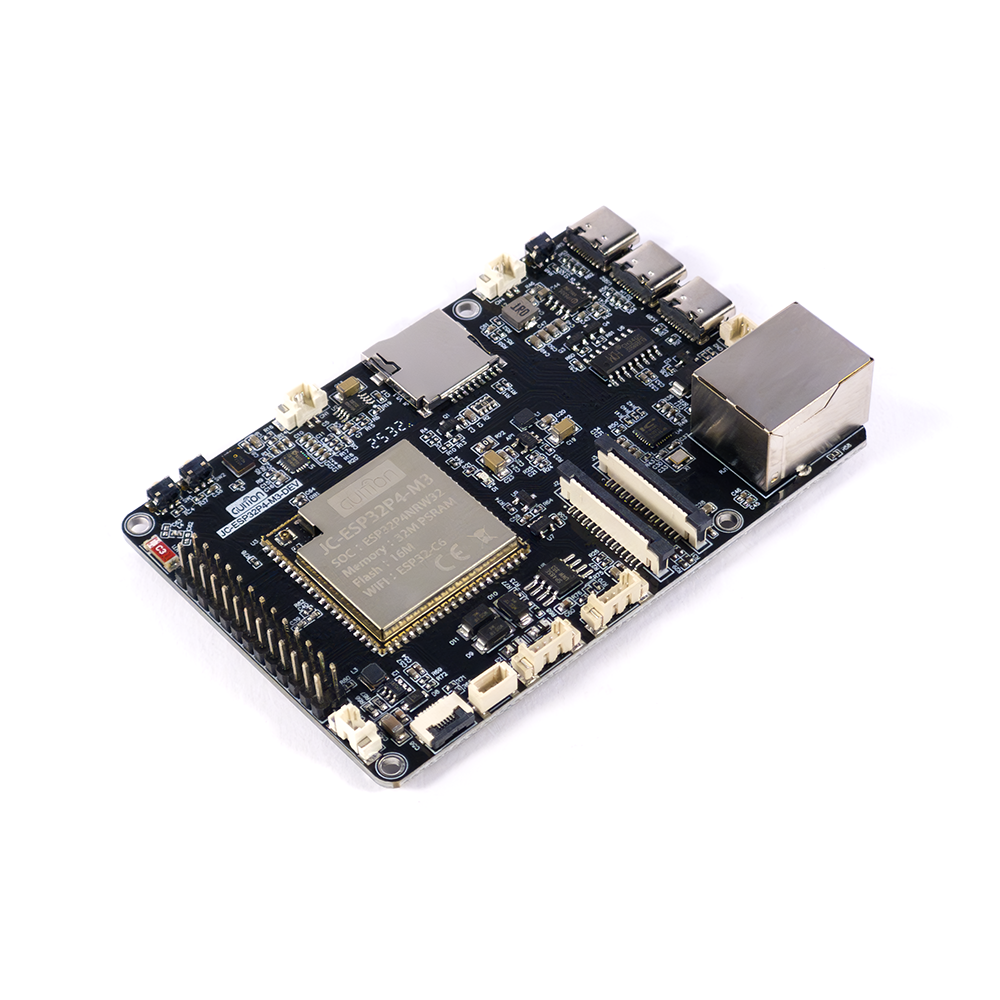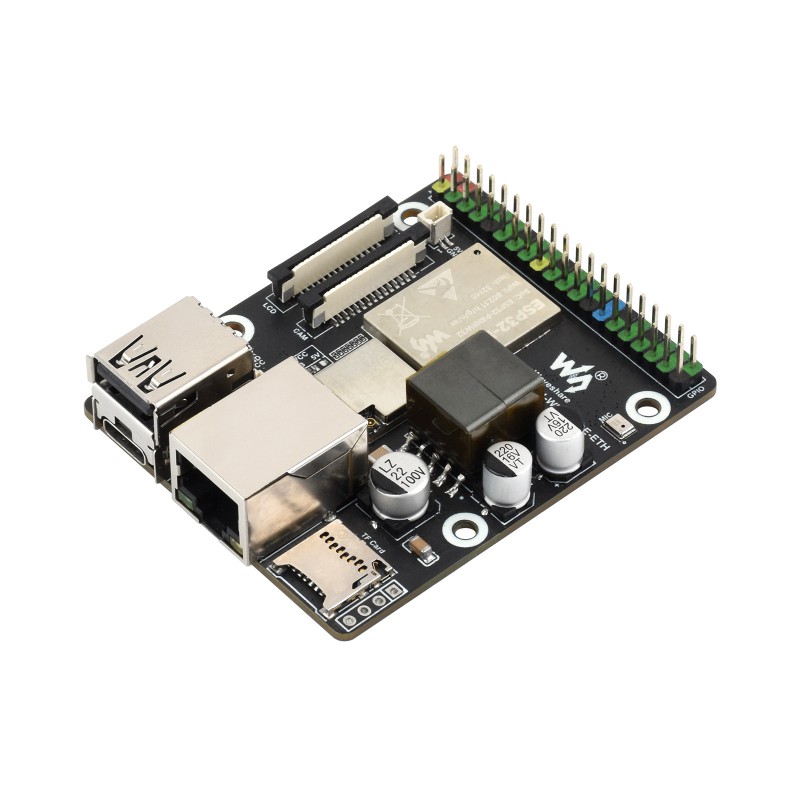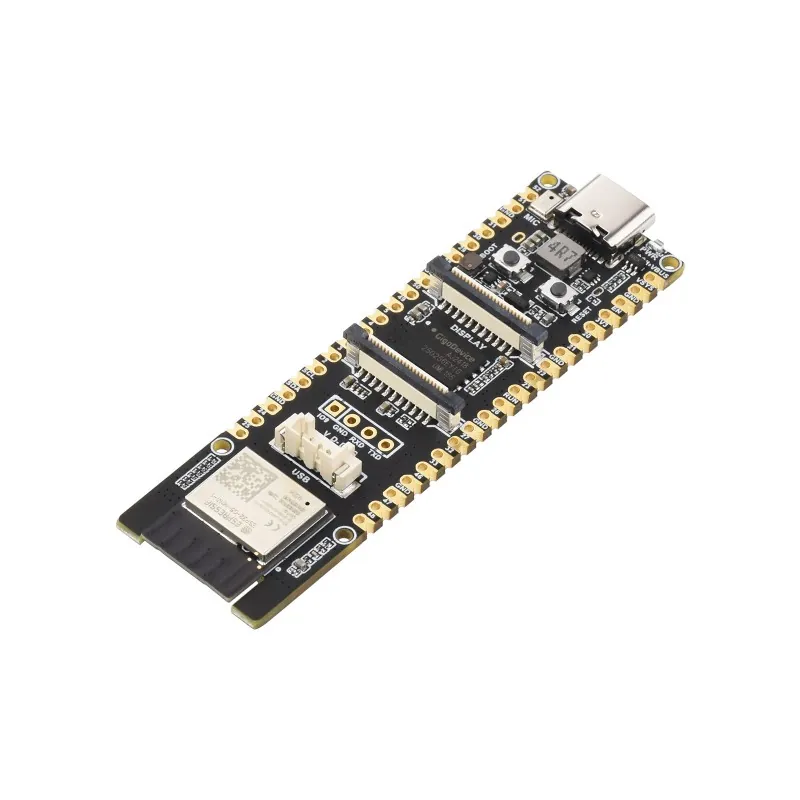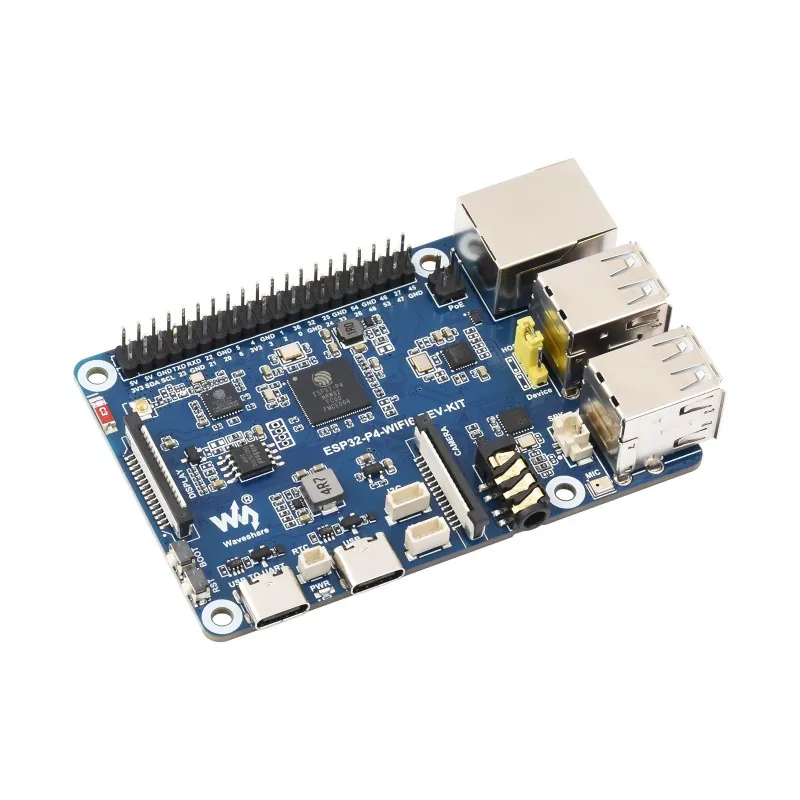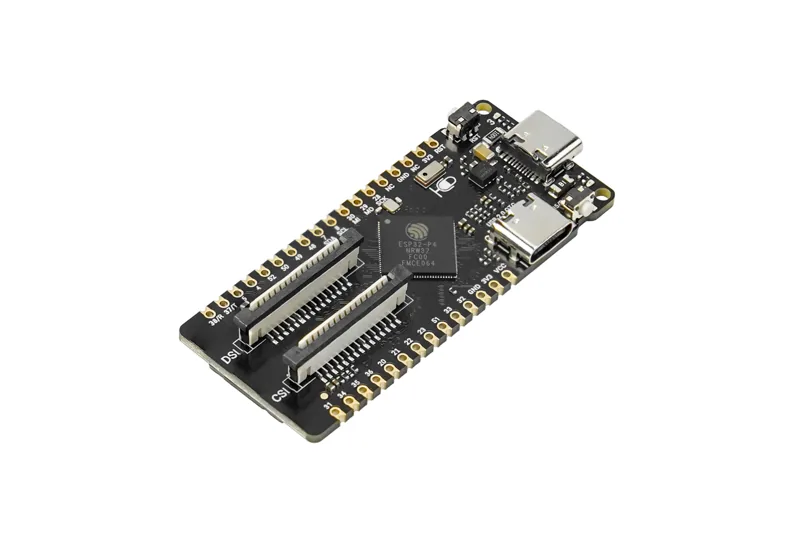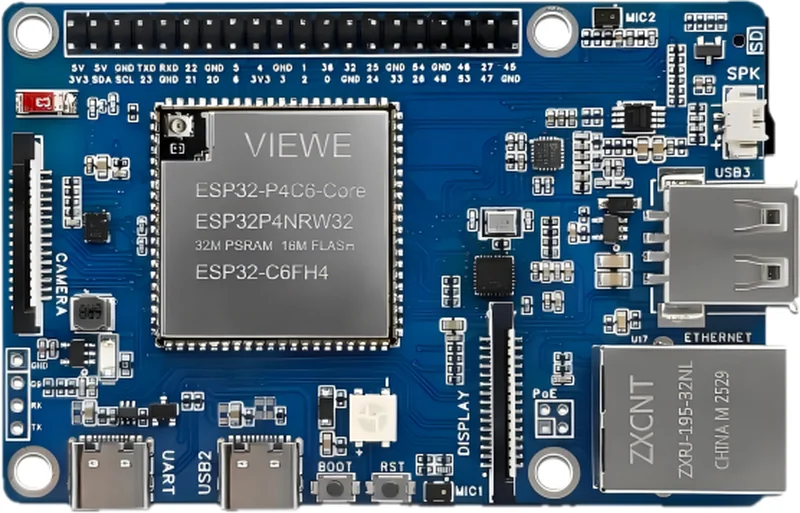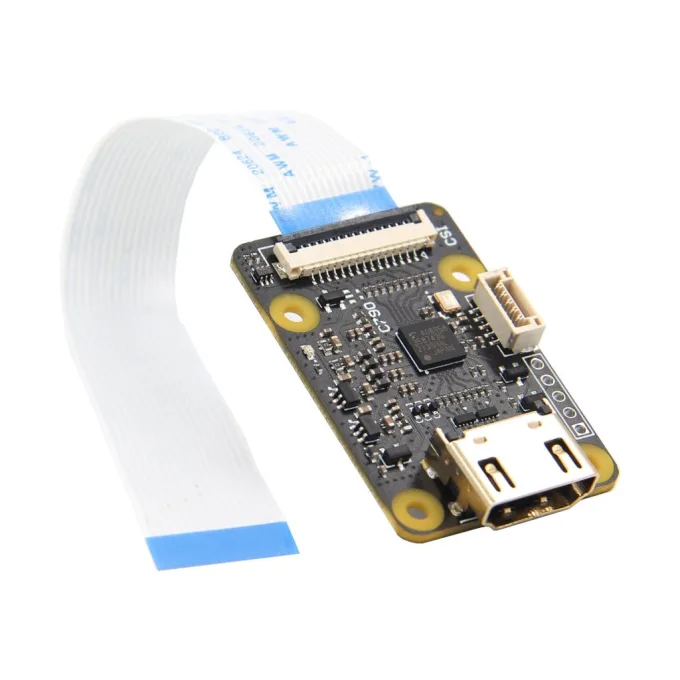
Turns the target's HDMI into a camera stream the ESP32-P4 can read. Any other TC358743 capture board should do just as well - the firmware talks to that chip, not to the board around it.
Good to know
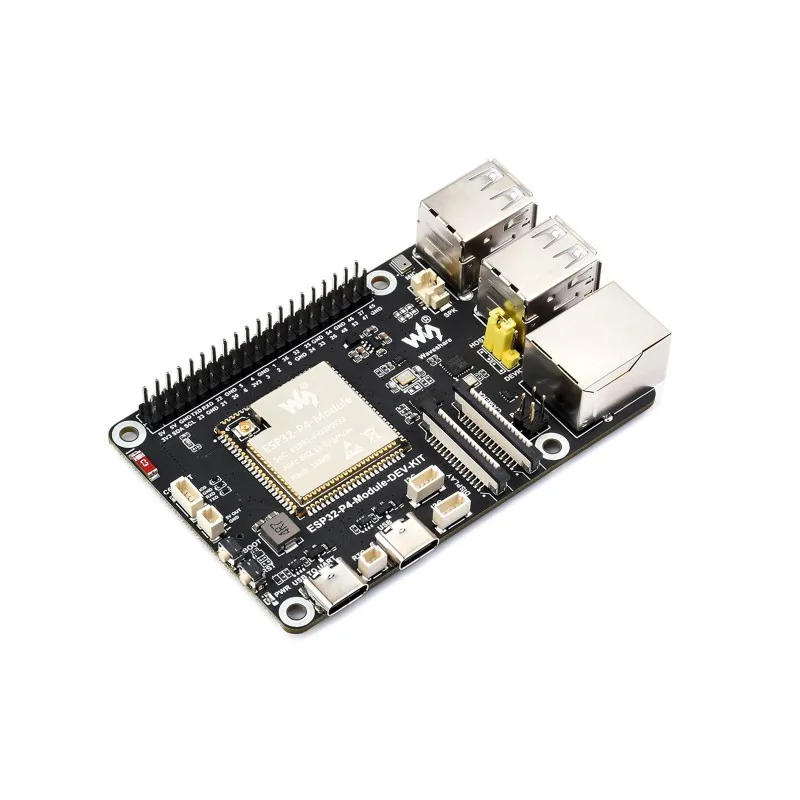
- Two connectors. The wide 15-pin one on the front is the Raspberry Pi 4 kind; the narrow 22-pin one on the back is the Pi 5 / Zero kind. Use the one that matches the board: the P4-ETH takes the 22-pin ribbon, most other boards here the 15-pin one.
- No 1080p60. Two CSI lanes carrying RGB cannot take more than about 81 megapixels a second, so the EDID offers 1080p at 30 Hz or lower, never a mode that would give a black screen.
- HDMI-CEC works. The board wires the CEC line through to the TC358743, so the console's remote can drive a source that speaks CEC. Tried with a Steam Deck in its dock, a Nintendo Switch and an Android TV box.
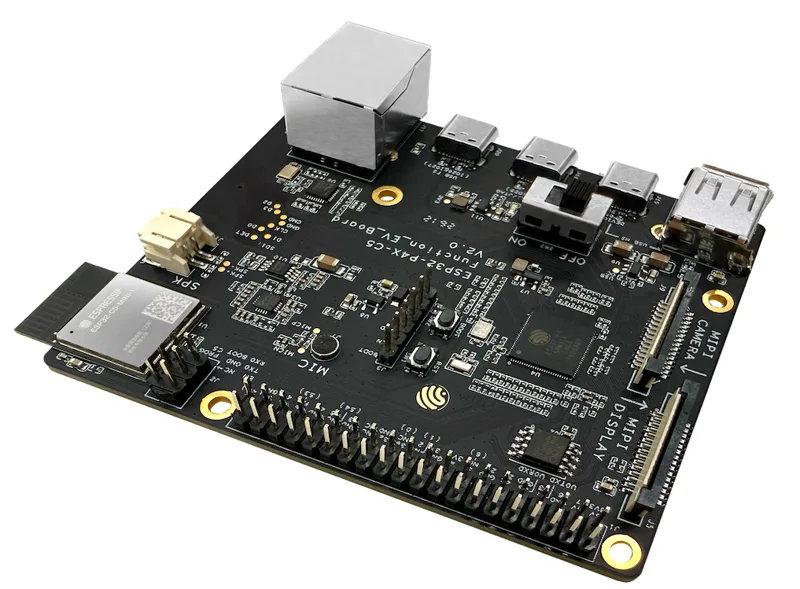
- The HDMI audio comes out as I2S on a separate 5-pin connector by the HDMI socket, not on the ribbon. Geekworm puts a cable in the box. Wire SCK, SD, WFS and GND to the P4 and pick the three pins in Settings -> Audio. Tried on the Function EV.
- The C792 is the same bridge with a splitter in front, for a target that keeps its own monitor.