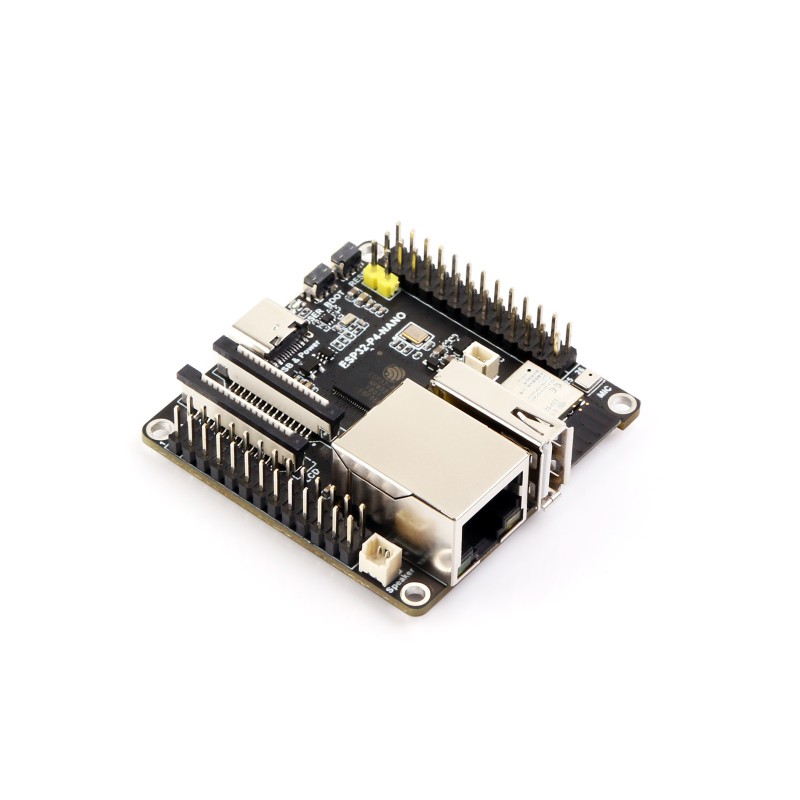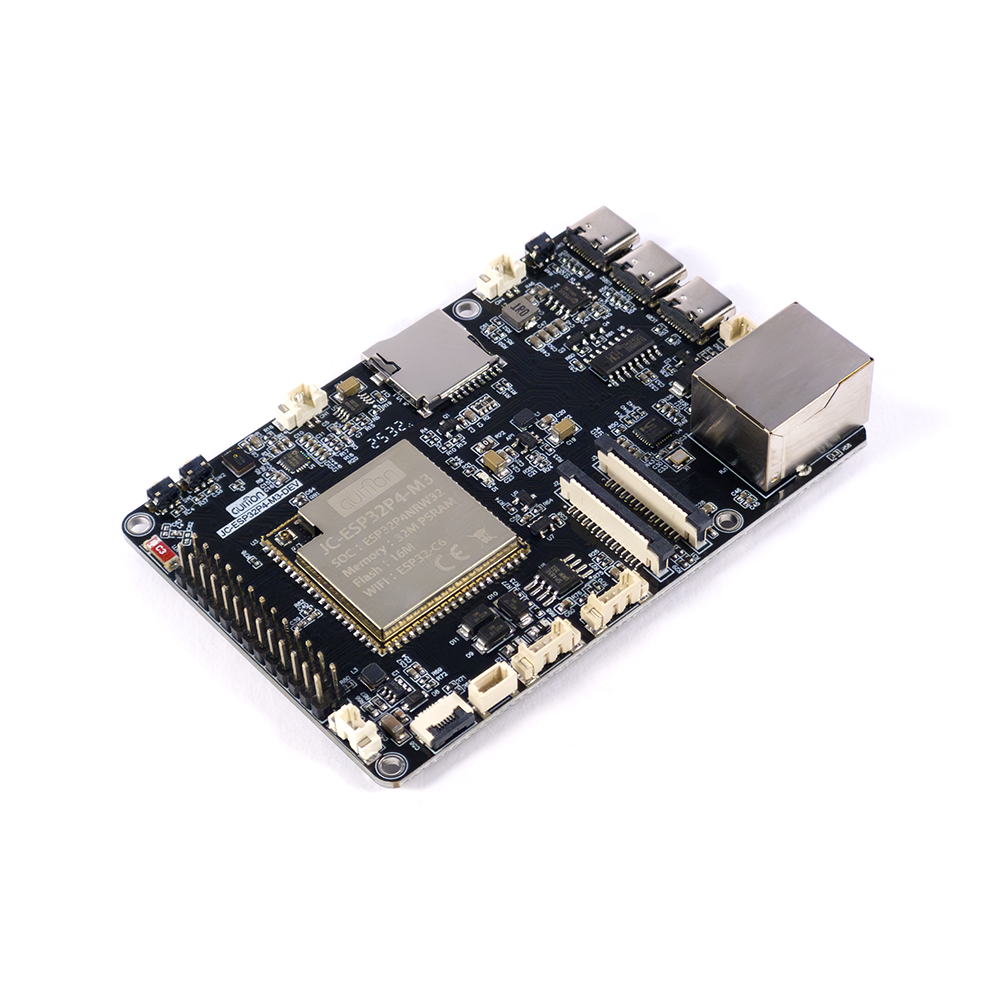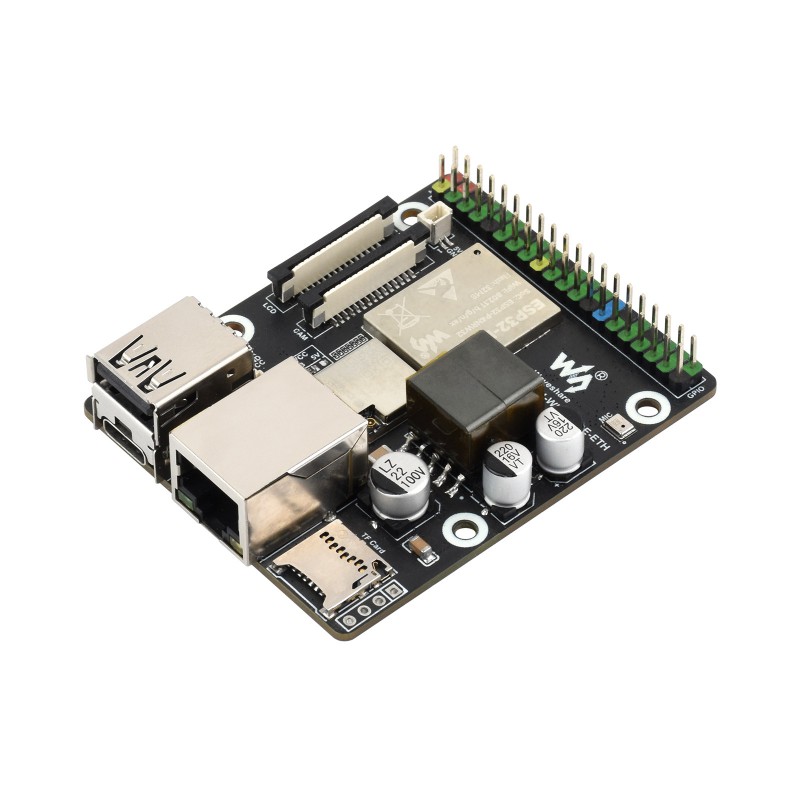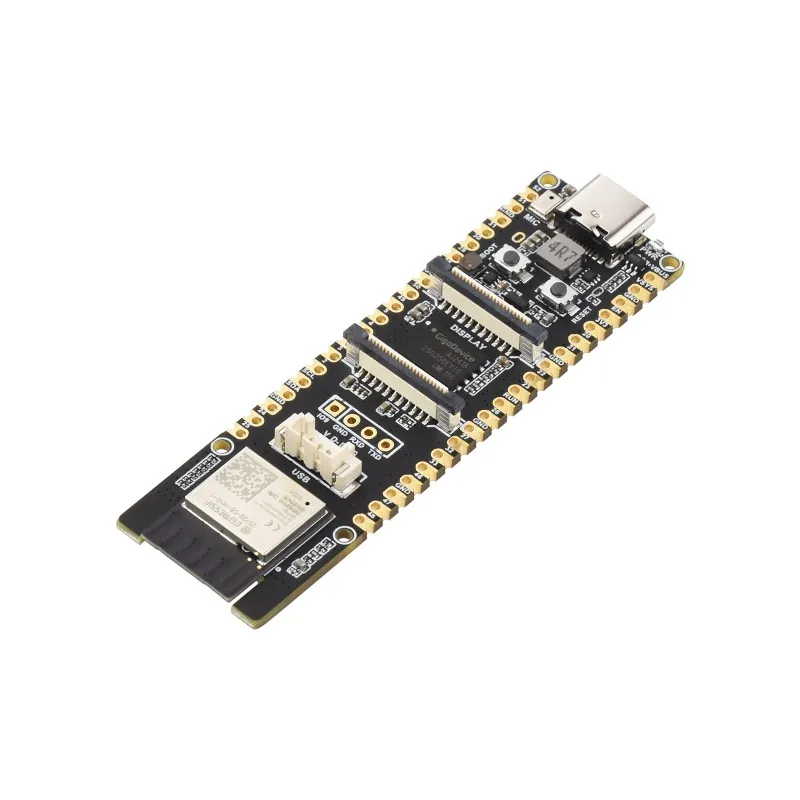
← All boards

ESP-KVM is free, open-source firmware that turns an ESP32-P4 board into an IP-KVM: another computer's screen, keyboard and mouse in your browser, from the BIOS up. The Geekworm C792 is the part that brings the computer's HDMI in. What it does → Try the demo →

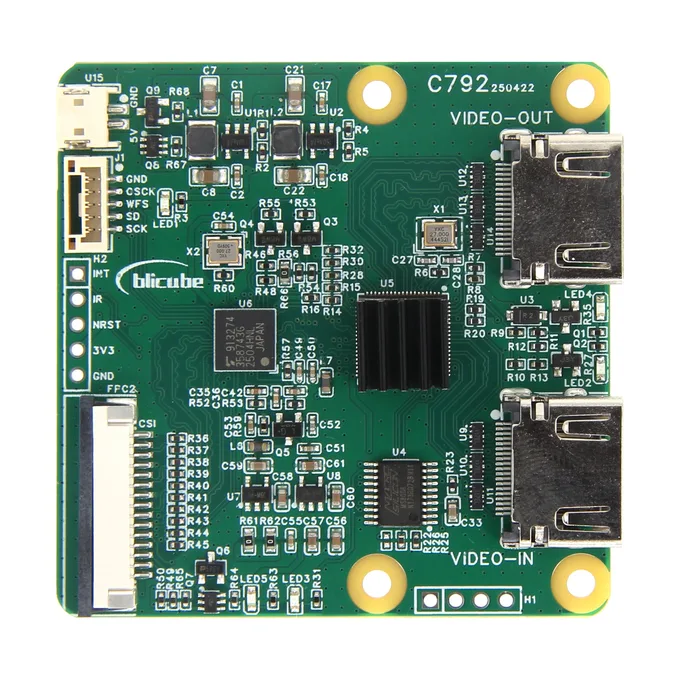
Geekworm C792
The capture, with an HDMI pass-through for a local monitor

Geekworm C792

The same TC358743 bridge as the C790, with a GSV2001 splitter in front of it. A second HDMI port passes the picture on to a monitor at the target.

BridgeToshiba TC358743, behind a GSV2001 splitter
InputHDMI, up to 4K60; 4K is scaled down to 1080p at the same refresh rate
HDMI outpass-through (VIDEO-OUT), the same picture as the input
HDMI audioI2S on its own connector; not captured yet
15-pin ribbonyes, on the front (1.0 mm, the Pi 4 kind); cable in the box
22-pin ribbonyes, on the back (0.5 mm, the Pi 5 kind); cable in the box
24-pin ribbon (M5Stack)no
Powerits own 5 V input, cable in the box
Size56 x 56 mm

Geekworm wiki page Compare

Have one? Nobody has run ESP-KVM on this yet. If you try it, tell me how it went, whether it worked or not: one report moves it to tested or gets the bug fixed. Post your result →

For a target that should keep its own monitor. The splitter sends the HDMI picture to the TC358743 and to the VIDEO-OUT port at the same time, so the screen on the desk shows the same thing the console does. The firmware talks to the TC358743, so it needs nothing new for this board.

Good to know

  • The monitor changes the EDID. With a monitor on VIDEO-OUT, the source reads that monitor's EDID instead of the one ESP-KVM offers, and may pick 1080p60. Two CSI lanes cannot carry that: there is no picture, and the console says the mode is too fast. Set the source to 1080p30 or 720p60, or unplug the monitor and let the source read the EDID from ESP-KVM.
  • 4K becomes 1080p, not slower. A 4K60 source arrives as 1080p60, which is again too fast. 4K30 arrives as 1080p30 and works.
  • Power it from its own 5 V input. Geekworm asks for it for stable operation.
  • Use the connector that fits the board, as with the C790: the 22-pin ribbon for the P4-ETH, the 15-pin one for most other boards.
  • The I2S audio comes out on its own connector, as on the C790. The firmware does not capture it yet.
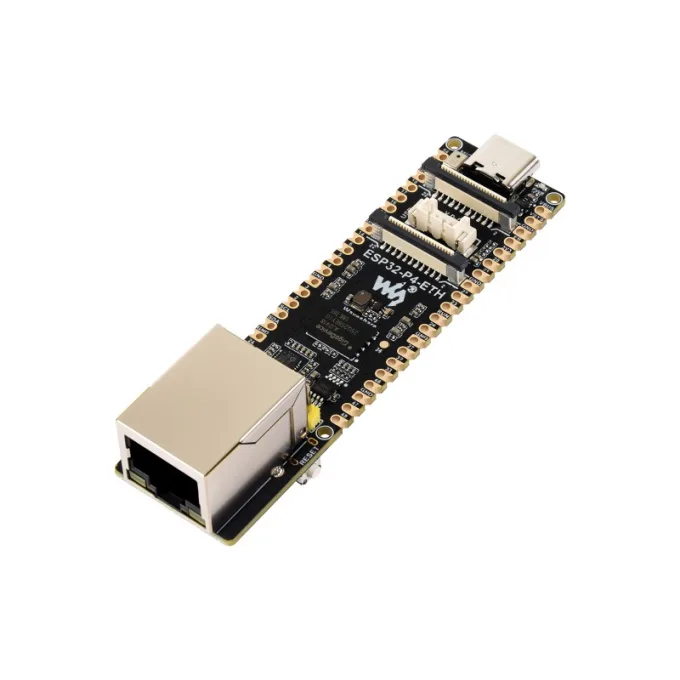
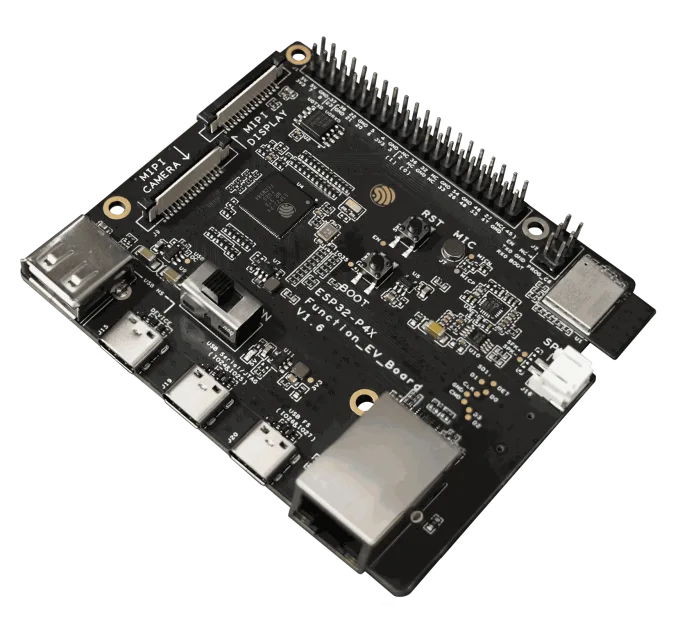
Boards it works with