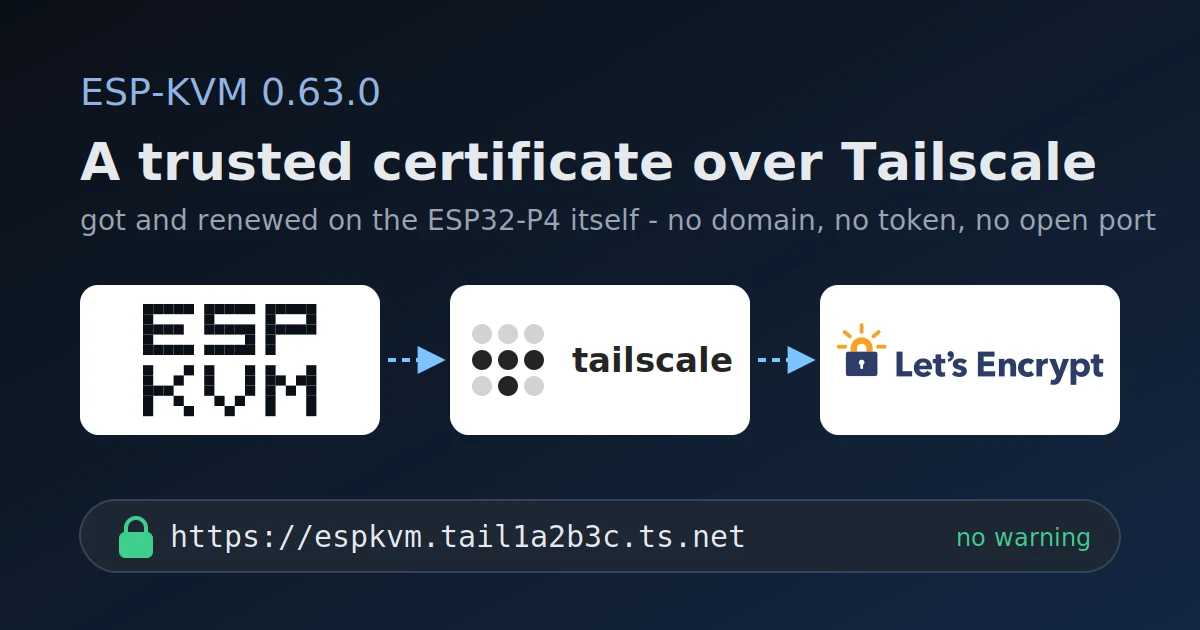
0.63.0 - a Let's Encrypt certificate over Tailscale
Until now the first visit to the console always started with a certificate warning. The device makes its own CA, and a browser trusts it only after you download it and import it as an authority. That is one more step on every laptop and phone, and some phones make it hard.
0.63.0 has another way, for a device on Tailscale: a Let's Encrypt certificate for its tailnet name, like espkvm.tail1a2b3c.ts.net. Every browser trusts it as is.
How to turn it on
- In the Tailscale admin console, on the DNS page, turn on MagicDNS and HTTPS certificates.
- In the console, Settings -> VPN -> Trusted certificate (Let's Encrypt).
That is all. The device asks Let's Encrypt for the certificate within ten minutes, or at once with "Get the certificate now" in Settings -> Security -> Device certificate. There it also shows each step, and the error if one fails. On my bench the whole order took about a minute.
How it works
Let's Encrypt has to see proof that the name is mine: a TXT record in DNS with a value only my account could make. The ts.net zone belongs to Tailscale, and its control server can publish that record for a node - the same call tailscale cert uses. The device already talks to the control server to stay on the tailnet, so it sends the record that way. No domain of my own, no DNS provider token, no open port.
The rest is plain ACME: an account key, an order, the challenge, a request signed with a fresh key, and the certificate chain at the end. It all runs on the ESP32-P4. The certificate is renewed after two thirds of its life, about every 60 days. If something fails it tries again after 1, 2, 4 and 8 hours, then once a day.
What stays the same
The certificate is served only to a browser that asks for the tailnet name. espkvm.local and the IP addresses get the device's own certificate as before, so nothing that works today breaks. Switching between the two needs no restart.
Let's Encrypt does not issue certificates for private addresses, so https://192.168.x.x still needs the device's CA. And the tailnet name ends up in the public Certificate Transparency logs - the settings page says so before you turn it on.