Tagged security
all 74hardware 30console 22video 22update 15network 13diagnostics 11input 11storage 10security 8display 7media 6community 4home-assistant 4screen-text 4mobile 3vpn 3boards 2power 2api 1dashcam 1demo 1explainer 1hdmi 1m5stack 1notifications 1ota 1recording 1tailscale 1terminal 1
-
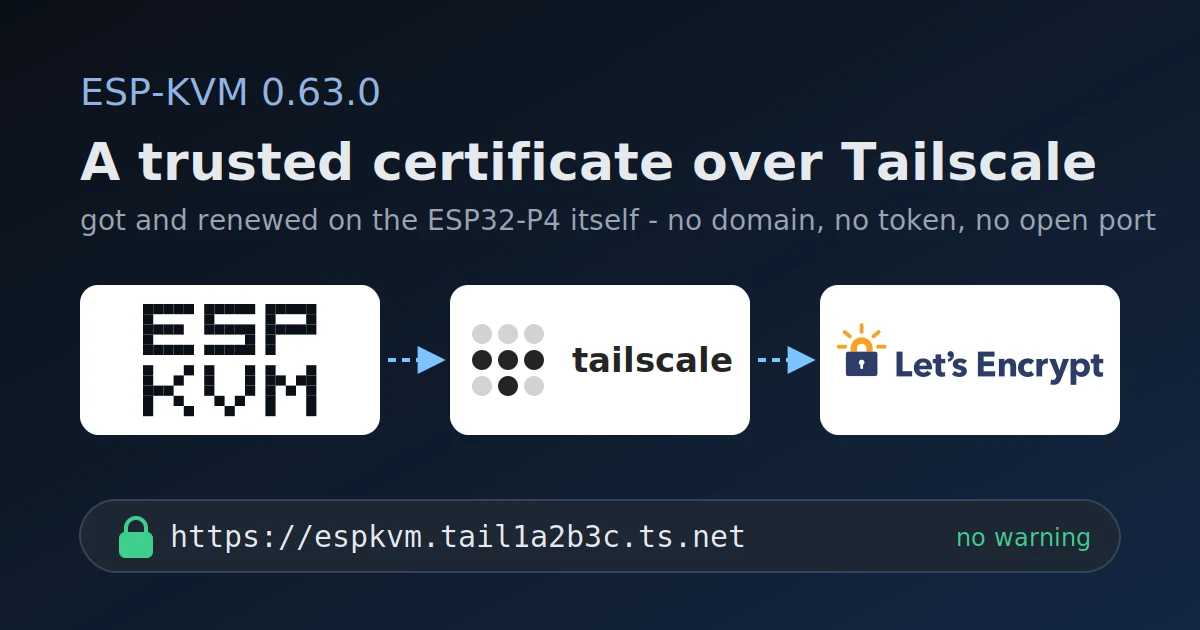
0.63.0 - a Let's Encrypt certificate over Tailscale
The device gets a real certificate for its tailnet name and renews it itself, so a browser on the tailnet opens the console with no warning and nothing to import.
-
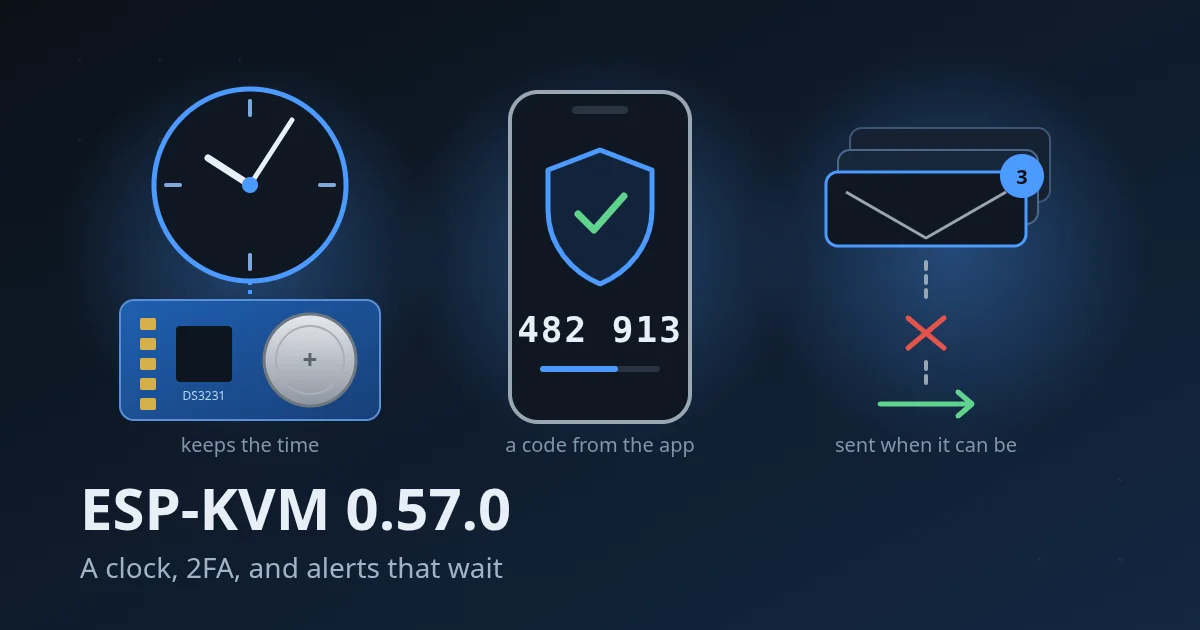
0.57.0 - a clock, 2FA, and alerts that wait
An optional DS3231 clock module keeps the time across a restart with no network, sign-in can ask for a code from an authenticator app, and alerts wait for the network instead of being lost.
-
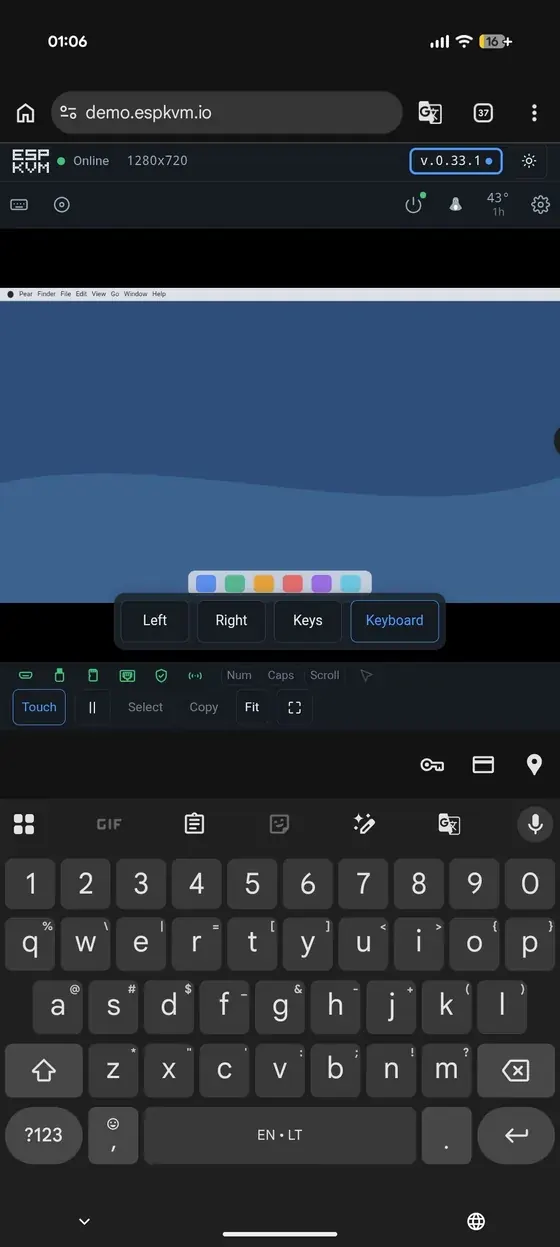
0.37.0 - the screen as two kilobytes
Work a machine over a phone tether by sending the characters instead of the video, hand a dashboard a view-only token, and go back to any published release.
-
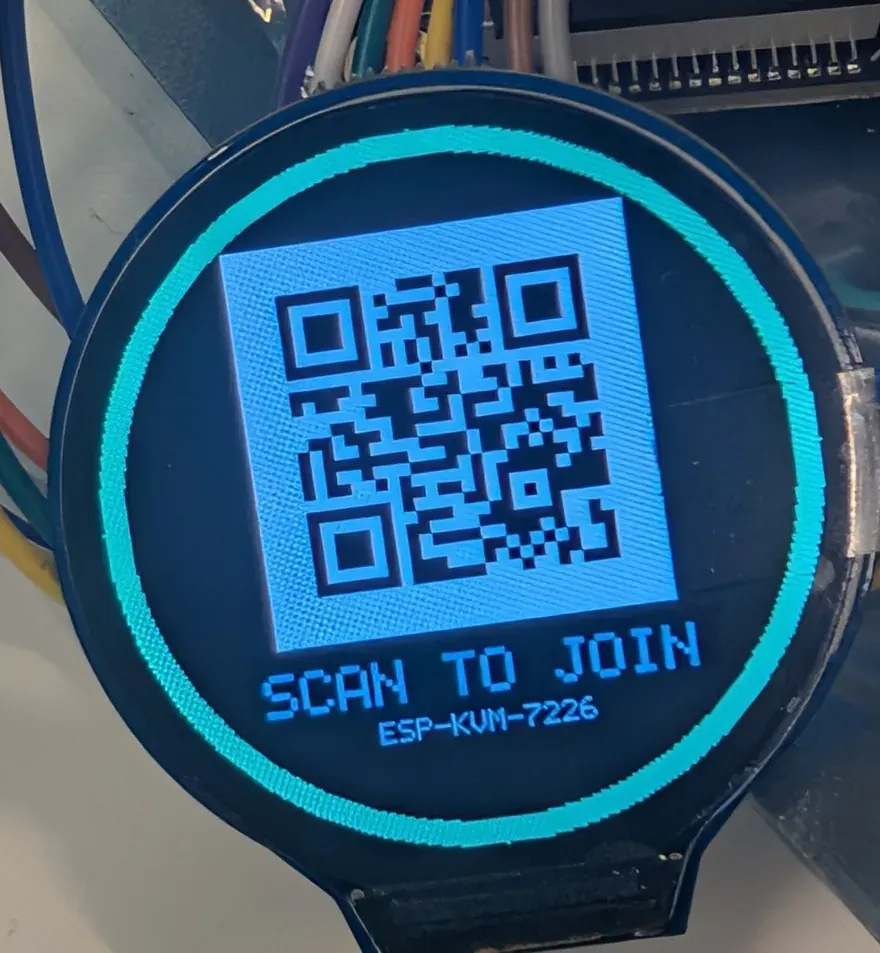
0.24.0 - point a phone at the screen to get in
The round LCD shows the rescue hotspot as a QR code, the certificate finally names the address DHCP gave the device, and the reset button shows that it heard you.
-
0.23.0 - IPv6
The device answers on IPv6 as well as IPv4, on Ethernet and WiFi, with a certificate that names the address and a network panel that hands it to you.
-
0.15.0 - bring your own certificate
Install a certificate from your own CA, or a real public one, so browsers trust the device with nothing to import.
-
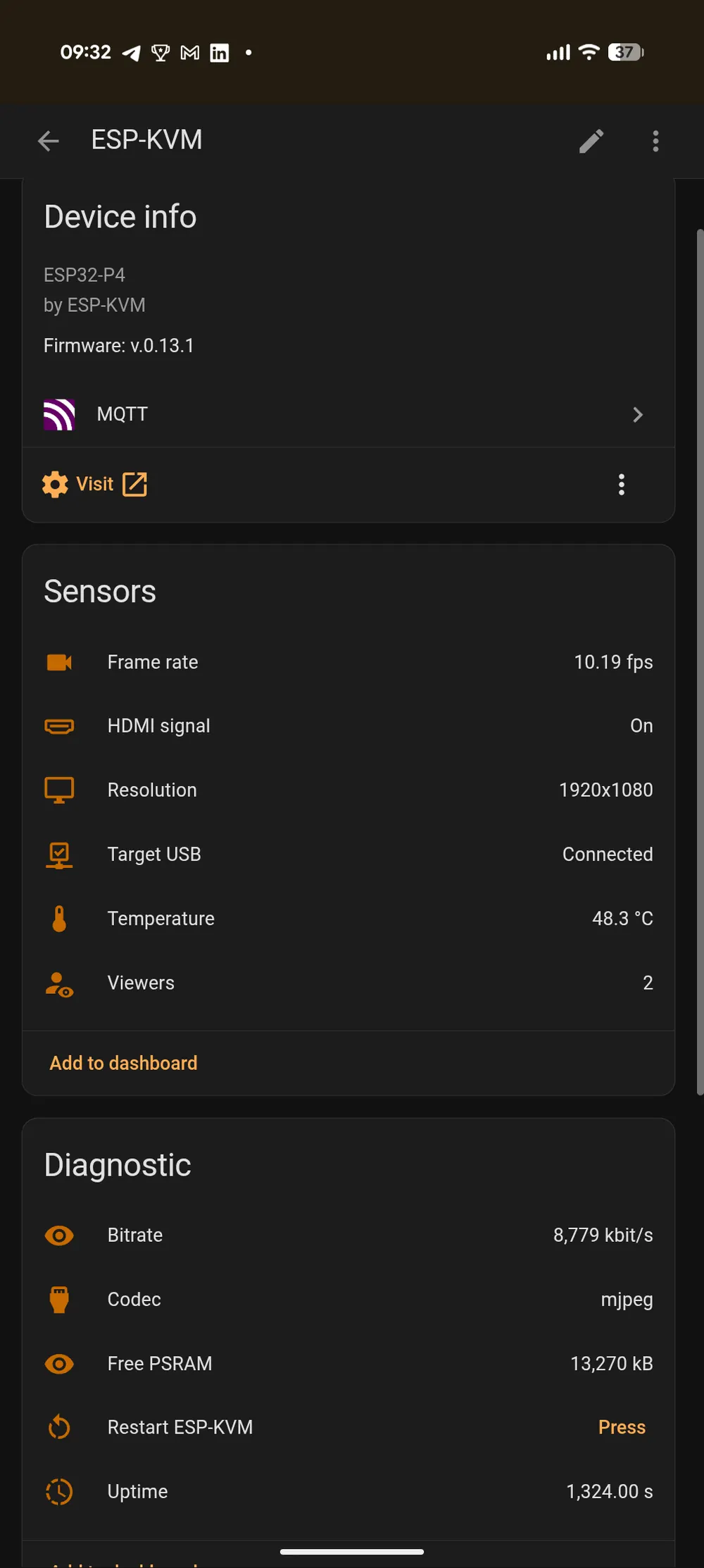
0.13.0 - the KVM shows up in Home Assistant
Turn on MQTT and the device is discovered as one Home Assistant device, with sensors for what it sees and buttons for what it can press.
-
0.11.0 - the device becomes its own certificate authority
Import one small certificate once and the browser trusts the device for good - which is also what unlocks H.264 and the keyboard channel.