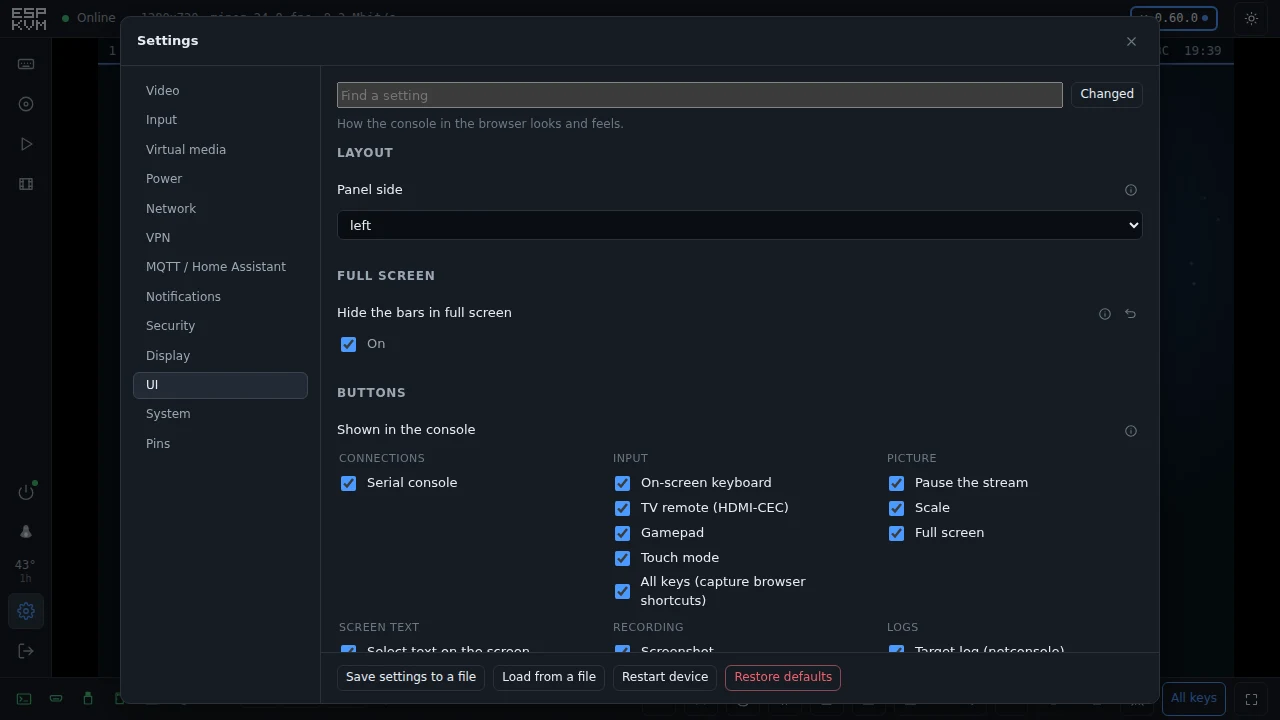
Tagged display
all 74hardware 30console 22video 22update 15network 13diagnostics 11input 11storage 10security 8display 7media 6community 4home-assistant 4screen-text 4mobile 3vpn 3boards 2power 2api 1dashcam 1demo 1explainer 1hdmi 1m5stack 1notifications 1ota 1recording 1tailscale 1terminal 1
-
0.61.0 - a button on the box, and a console you can trim
A push button on the device that runs an action, a UI tab to hide the buttons you never use, full screen with nothing but the picture, and four more M5Stack units.
-
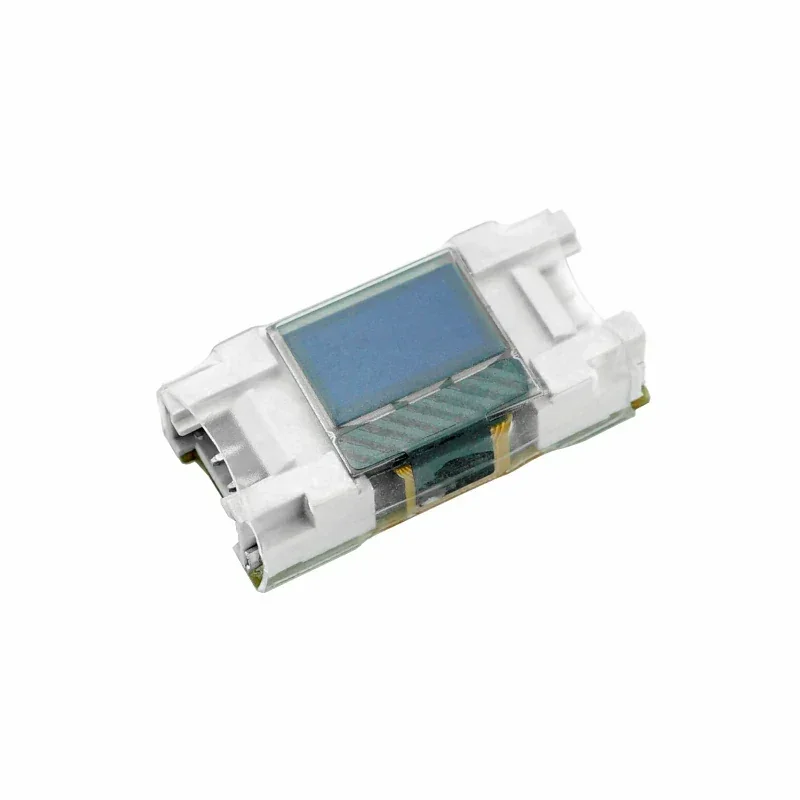
0.53.0 - The status OLED can sit on its own I2C bus, for the M5Stack Mini OLED
The status OLED always shared the capture chip's I2C bus. On the M5Stack Unit PoE-P4 the socket for one is the Grove port, which is a bus of its own, so now it can have one. Plus two fixes found with a unit on the desk.
-
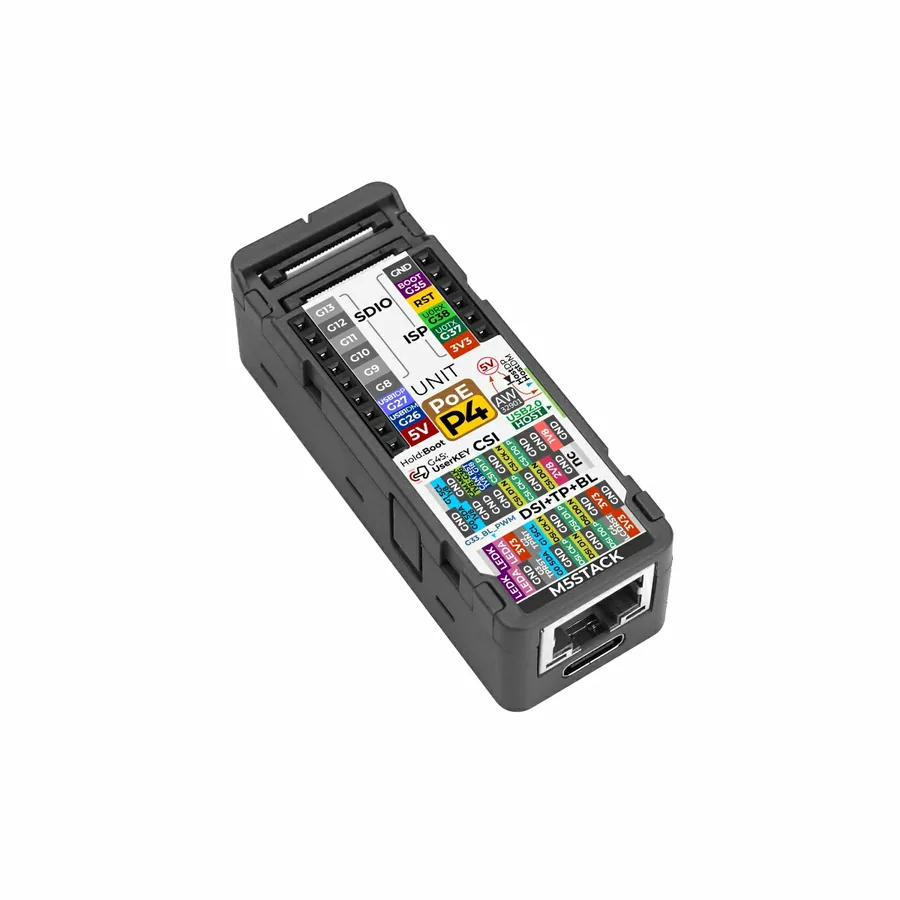
0.52.0 - Support for the M5Stack Unit PoE-P4 with the Display In module
A whole IP-KVM the size of a matchbox. Its capture module uses a chip this firmware had never driven, and getting a picture out of it took a week - in which I was wrong three times and the chip was innocent every time.
-
0.30.0 - any size of little OLED
Not every status panel is 128x64. Six SSD1306 sizes and four SH1106 ones now work, and a shorter panel drops the lines that matter least.
-
0.25.0 - the device keeps its own log
A log that survives a restart, so the boot that failed is still readable after the device has come back on something that works.
-
0.24.0 - point a phone at the screen to get in
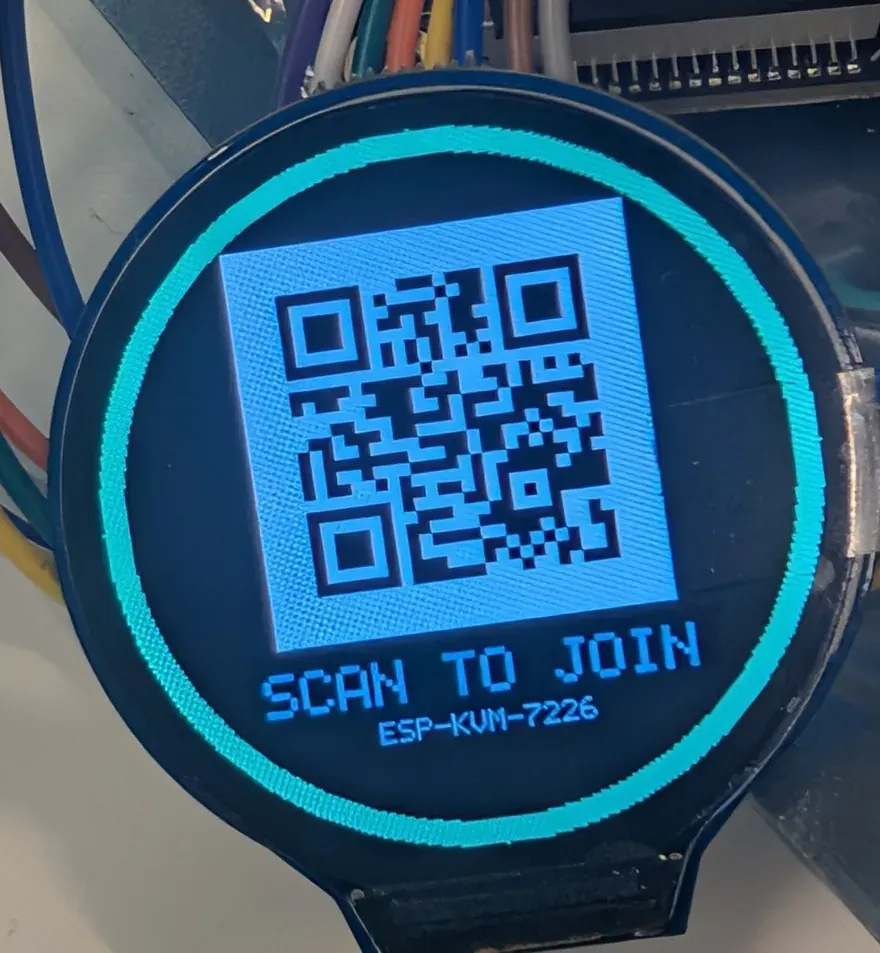
The round LCD shows the rescue hotspot as a QR code, the certificate finally names the address DHCP gave the device, and the reset button shows that it heard you.
-
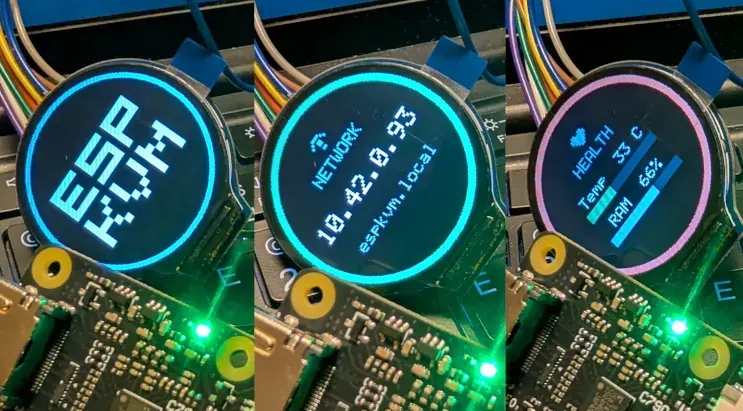
0.21.0 - a little screen on the box itself
Solder on a small OLED or a round colour LCD and the device shows its address, its link and its health without a browser at all.