0.21.0 - a little screen on the box itself
The device only spoke through the browser, so standing next to the box you could not tell whether it was on the network at all.
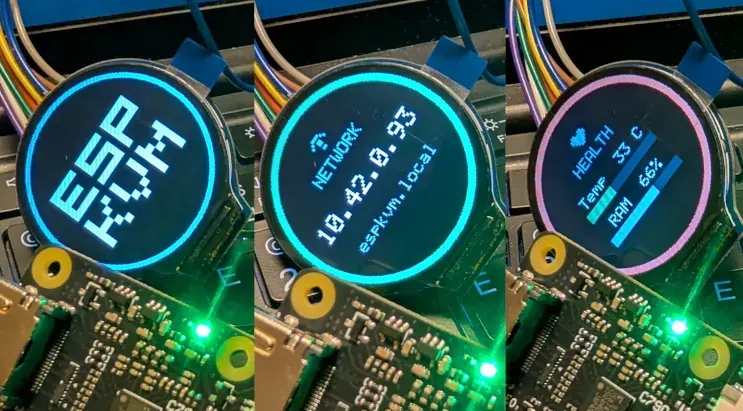
Solder on a small mono OLED, an SSD1306 or SH1106. They are found automatically on the capture chip's I2C bus, so they cost no pins. A round GC9A01 colour LCD works too. Turn it on in Settings and the panel shows a boot logo, then cycles pages: the IP address, the link, what the capture sees, and health with temperature and memory bars.
Off by default, and it stays out of the video encoder's way, so switching it on costs you no frames.
The three pictures above are the round LCD on a board here: the boot logo, the network page with the address to type, and health.
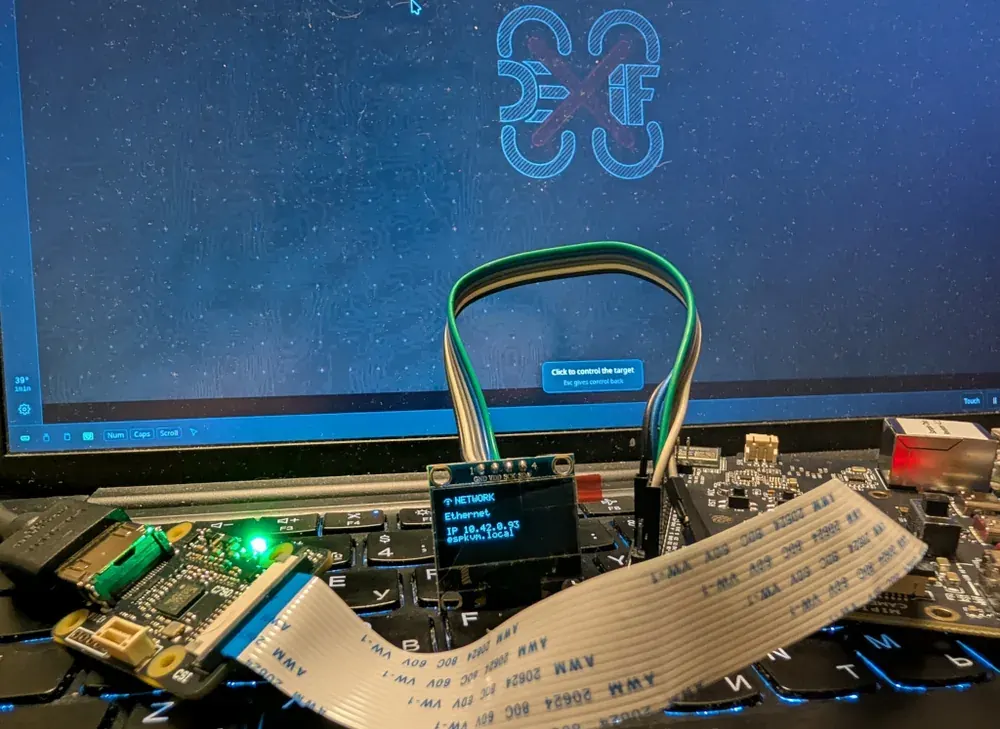
A short silent clip of the round one running:
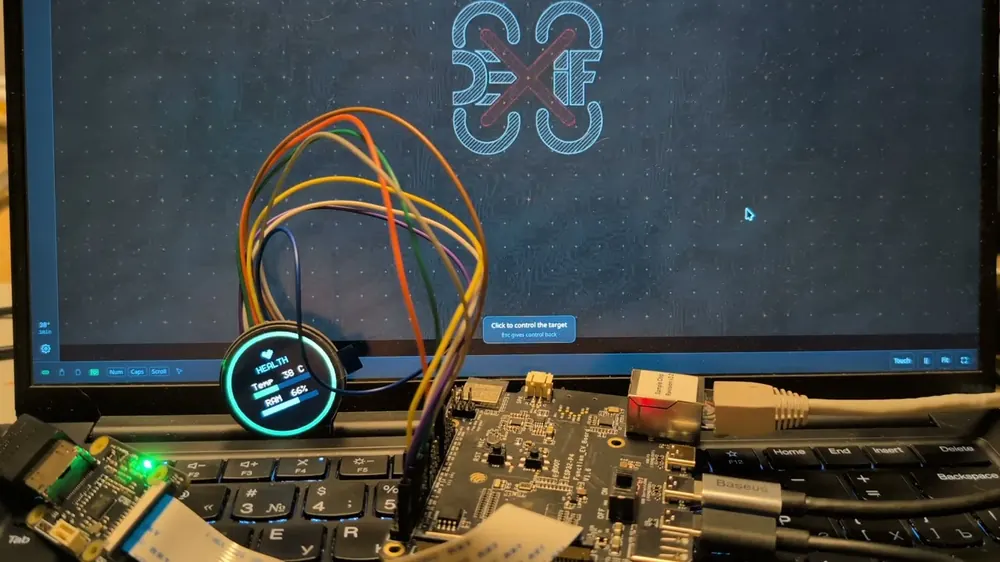
Watch it on YouTube - about a minute, no sound.
Pins from the console. Wiring a display means choosing GPIOs, so pin settings became drop-downs of what is actually free, and a new Pins tab shows the whole map: what the board reserves, what you have assigned, and what is left. The ATX pins are on that map too, so two features can no longer quietly claim the same pin.