0.72.0 - A profile for each device
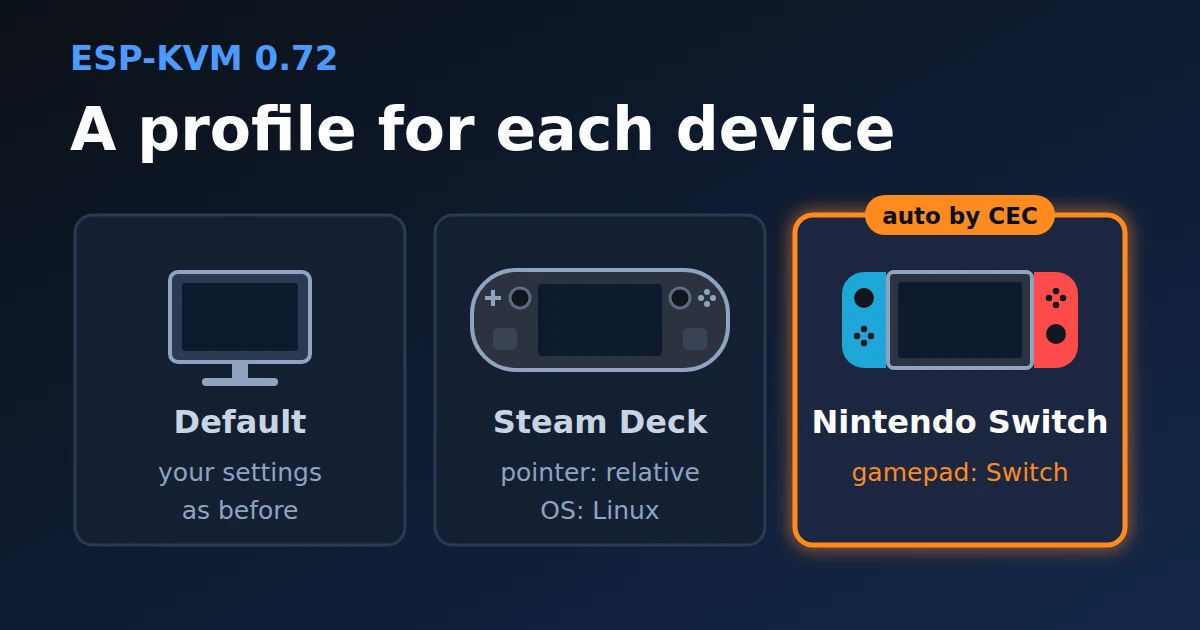
I have a Steam Deck and a Switch on the same device. The Deck works best with the relative pointer and no desktop geometry. The Switch wants the gamepad alone on USB, with no keyboard or mouse beside it. Until now that was five settings changed by hand every time I swapped the cable.
0.72.0 adds profiles. A profile keeps its own values for some settings and takes the rest from Default. Default is the settings you have now. Nothing changes after the update until you make a profile.
What a profile can hold
Video: codec, JPEG quality, H.264 bitrate, the frame rate limit and the EDID. Input: target OS, pointer mode, sensitivity, desktop geometry, scroll direction, keyboard layout, the gamepad and legacy USB. And a few console options, like the touch keyboard button. Network, passwords, VPN, recording and pins stay common to all.
How the device picks one
A profile has a rule: a CEC name or vendor id, and the OS the device guessed from USB. The device checks once a second, and when the same target has been there for 3 seconds it turns on the profile that fits best. A CEC rule wins over a USB one, because a Switch and a Steam Deck both look like Linux over USB. This happens on the device, with no console open.
The Steam Deck says its name over CEC only in the official dock. On a USB-C to HDMI adapter it is a Linux computer, and its preset will not catch it.
The gamepad and the EDID are read at boot. When a profile changes one of them, the device restarts by itself, once the target has stayed the same for 10 seconds, and no more than twice in a row. Going from the Deck to the Switch means one restart.
You can also pick a profile by hand. It holds until another target shows up.
Making one
There are presets for a Steam Deck, a Switch, a Mi TV Stick and an Android TV box on USB. A TV stick usually has no USB to the device at all, so its preset goes by the CEC name. In the OS button's window, "Profile for this device" makes a profile for the target attached now, with the rule filled in from CEC and USB. In Settings the active profile's name is at the top, and whatever you change goes into it. A setting the profile holds has a mark and an "As in Default" button.
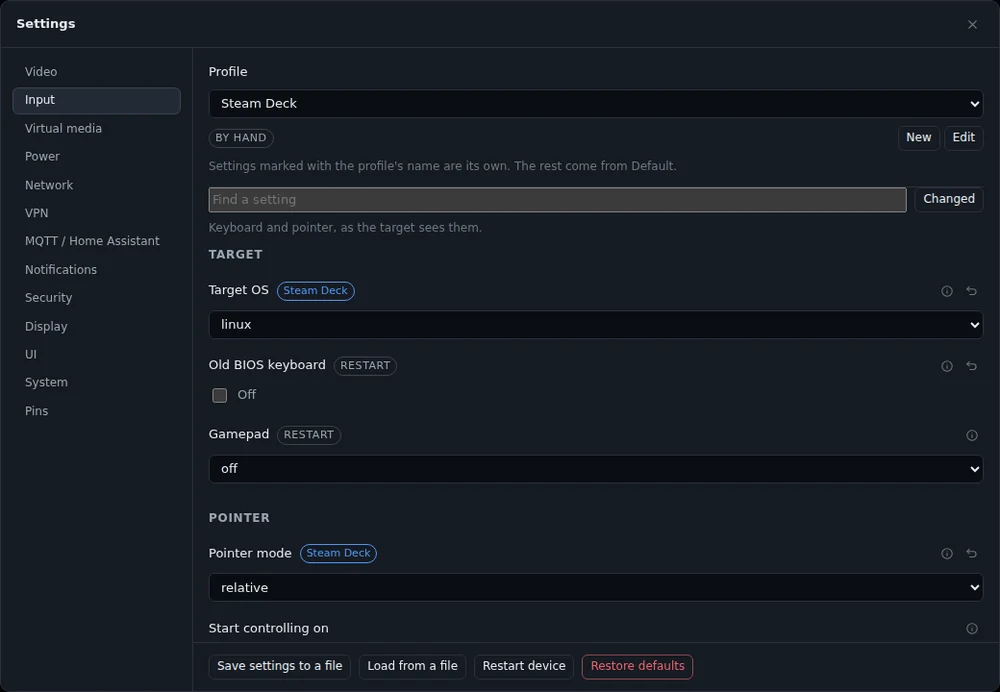
Up to eight profiles besides Default. They go into the settings file on export. If you roll back to 0.71.0, Default is where it was.
Comments