0.85.0 - A VNC server
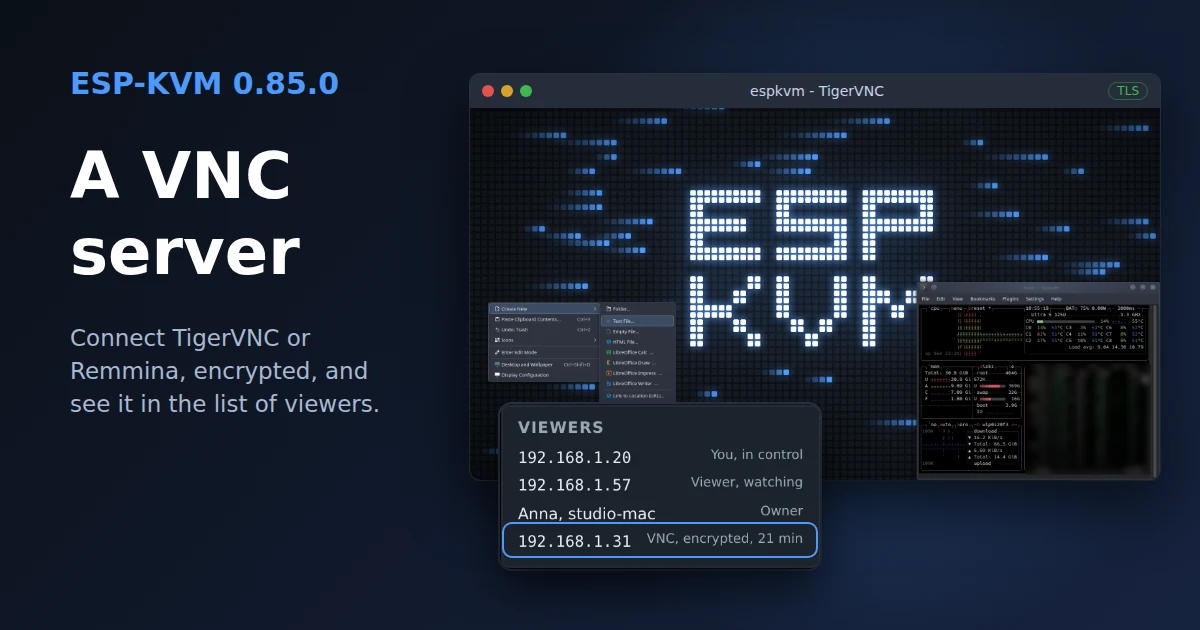
Jan Heil (Gamer08YT) sent a pull request with a VNC server. I had a few remarks, and he fixed almost all of them in his fork. I finished the rest for this release: a crash on the first encrypted connection, a reply that made clients give up before TLS started, and a faster picture. Thank you, Jan.
VNC
Turn it on in Settings, Video, VNC server. Set a password first, up to 8 characters, which is a limit of VNC itself. Then point a VNC client at the device on port 5900.
I use TigerVNC. It picks VeNCrypt by itself, so the picture and the keys go over TLS with the device's certificate. The client needs Tight encoding, because the picture is sent as JPEG. Remmina has it too, while RealVNC Viewer and the screen sharing app on a Mac do not. Plain VNC without encryption is there for your own network or Tailscale.
One VNC client works at a time. A new one that signs in takes over, so a viewer left open on another computer does not lock you out, and a wrong password does not end the session. The console lists the VNC client with the other viewers, with its address, whether the link is encrypted and how long it has been connected.
On a JetKVM Mini at 1080p, TigerVNC over TLS shows 6 fps on a busy desktop and 11 on a plain one. The JPEG quality follows the client's setting, and TigerVNC lowers it by itself on a slow link.
If you do not use VNC
VNC is off by default, and while it is off nothing changes. A connected VNC client costs the browser some frames, because the device encodes a JPEG next to the H.264 stream. On the JetKVM Mini at 1080p50 the browser goes from 21 to about 15 fps.
Smaller things
- Console notices show when they came, with the date if it was not today. An error that comes again shows once, with a count.
- A sleeping status display lights up when someone opens the console. On by default, under Display.
Fixed:
- A firmware upload while people watched the picture could use up the internal memory of a JetKVM Mini, and the console said the device was low on memory. The JetKVM Mini now has 100 KB of internal memory free instead of 58 KB.
The full list is in the changelog.
Comments