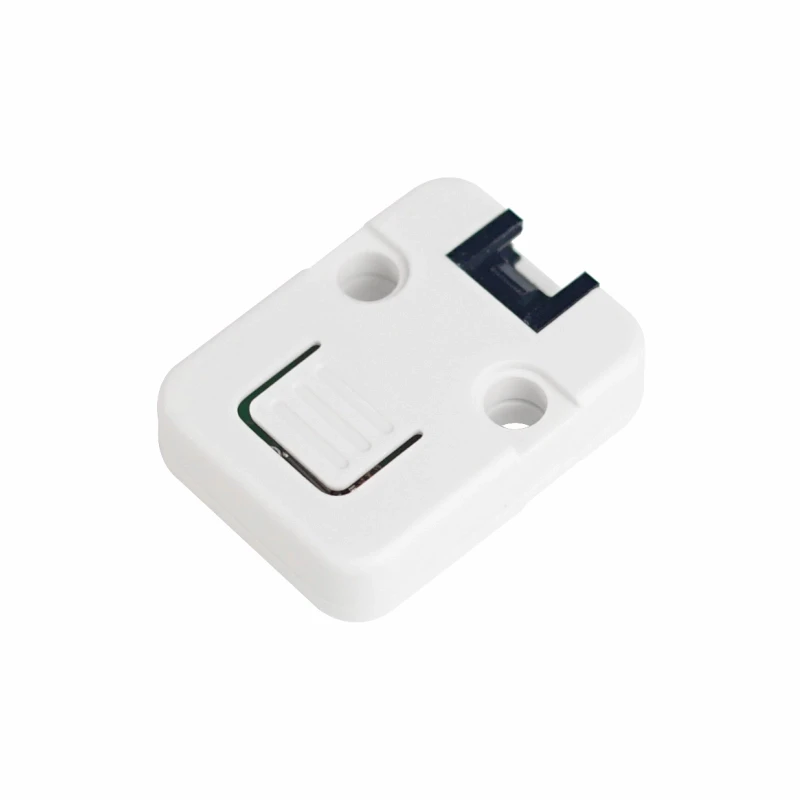
A button on the KVM itself, for the person standing next to it. Set its pin in Settings → Power → Button on the box, then pick what a short press does and what holding it for a second and a half does:
- the target's power button, or a hard power off;
- reset;
- Wake-on-LAN;
- a runbook, by name;
- save the dashcam's last seconds as a clip;
- a screenshot to the card.
These are the same actions a schedule can run. The hold fires as soon as it has been held long enough, so you know it took.
Any push button to ground works the same way; one to 3V3 needs "Button reads high when pressed" on.
On the M5Stack Unit PoE-P4 the Grove port is GPIO 53 (yellow) and 54, the same pair the status display uses there, so it is the button or the display.
Not tried with this unit yet.