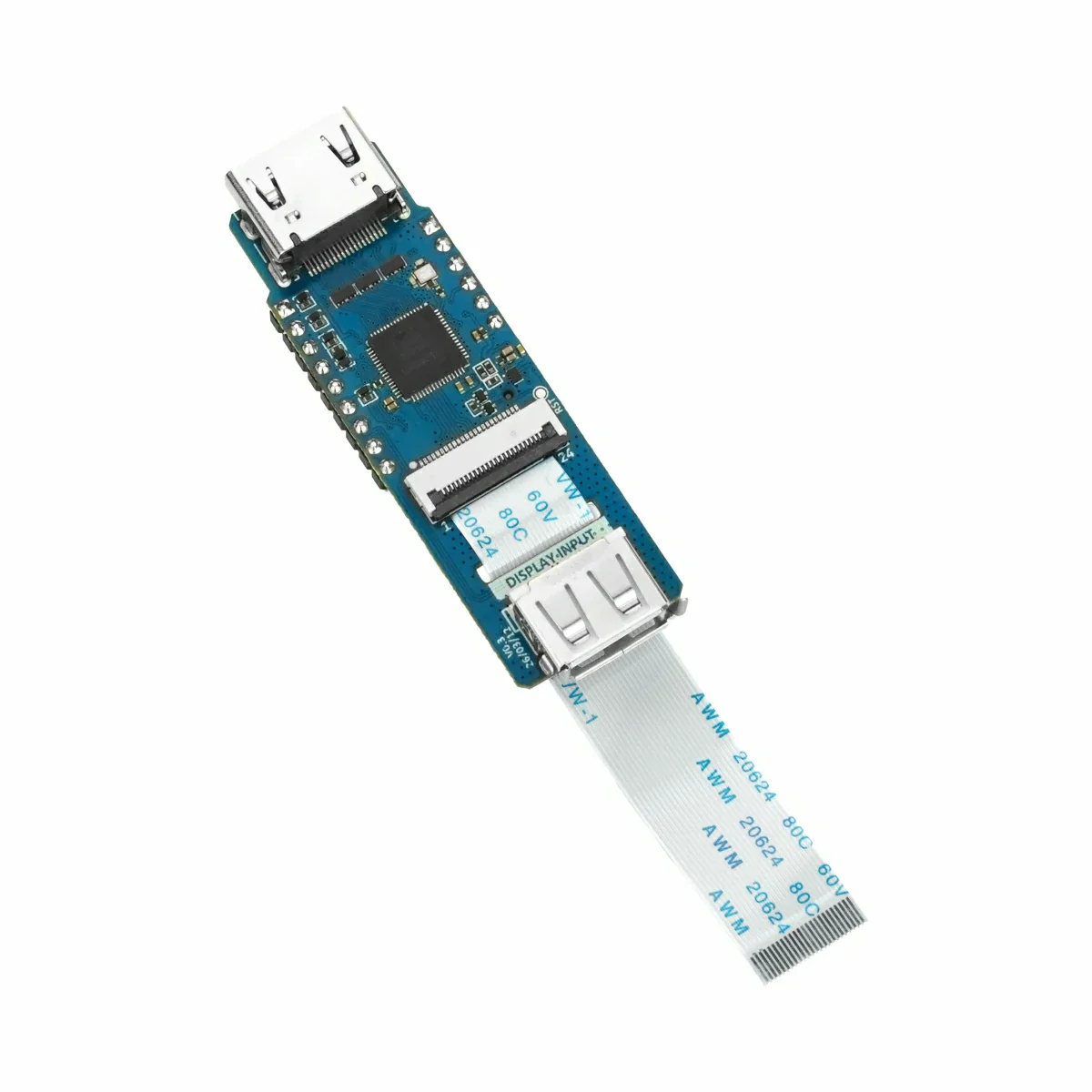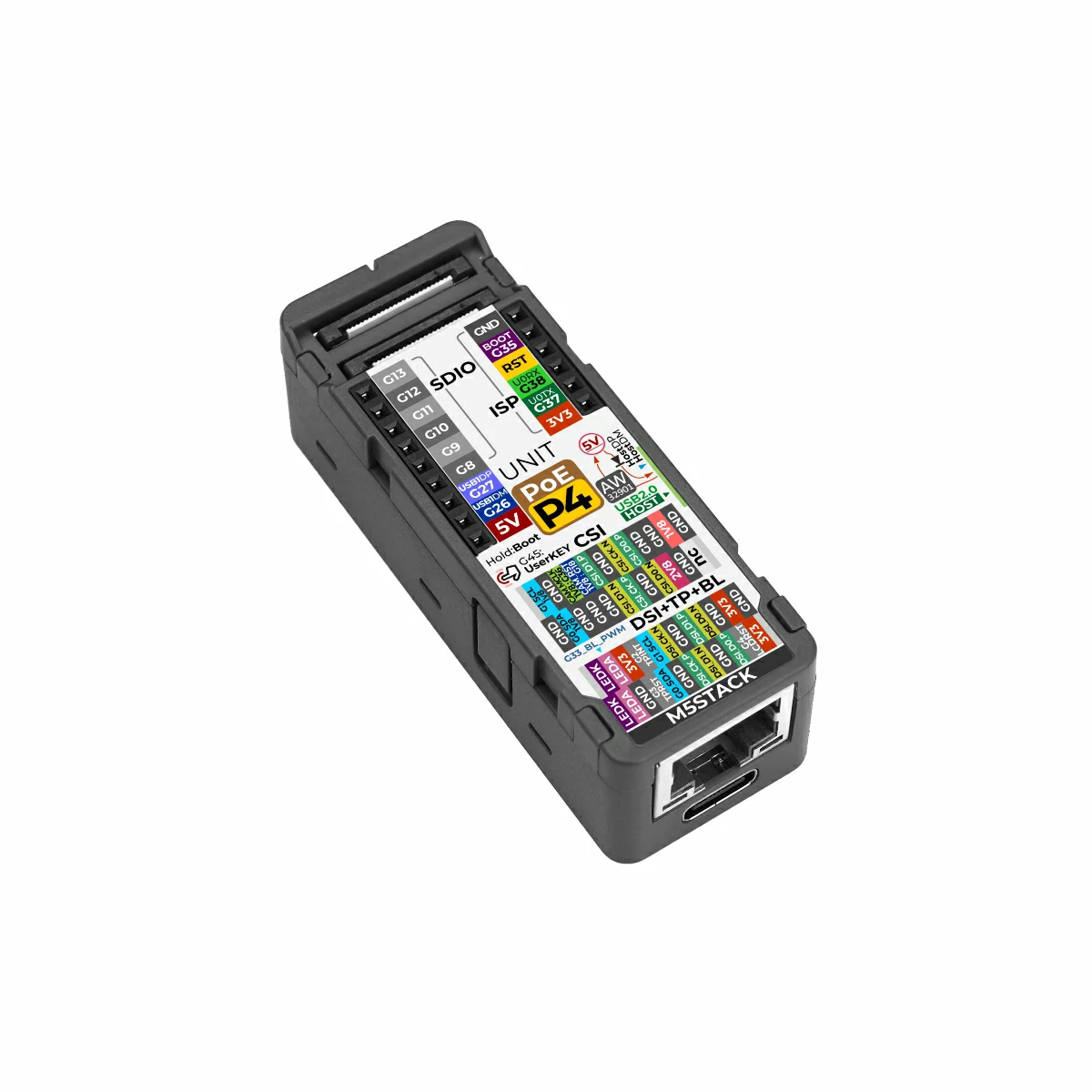
The odd one out: its capture is not a C790 on a camera ribbon but M5Stack's own Add-on Display In, which plugs onto a 24-pin flat cable and brings a microSD slot with it. The same IP101 Ethernet on the same pins as the P4-ETH, and 802.3at PoE.
Measured
One viewer, a screen playing video, 2026-09-23:
| Codec | Mode | fps | Bitrate |
|---|---|---|---|
| MJPEG | 1080p | 9 | 17-18 Mbit/s |
| MJPEG | 720p | 21-23 | 21-23 Mbit/s |
| H.264 | 1080p | 6 | 0.5-1.2 Mbit/s |
| H.264 | 720p | 17 | 1-1.8 Mbit/s |
720p is the mode to give this board. The byte reordering its bridge needs costs four times less there, and over a network H.264 at 720p gives 17 fps at a fifteenth of MJPEG's bandwidth.
Good to know
- The picture comes out a little flat: the PC sends limited-range RGB to what it thinks is a TV. Setting the graphics driver's HDMI output range to Full fixes half of it; the other half is the bridge's own conversion.
- The microSD slot on the add-on writes at 40 MHz, so recording, screenshots and the dashcam all work.
- The bridge cannot tell whether the source is switched on, so after a long "No signal" the console offers a Reconnect HDMI button with a countdown.
The rev 3.x version, the PoE-P4X, takes the same firmware from an image of its own.