← All status displays

ESP-KVM is free, open-source firmware that turns an ESP32-P4 board into an IP-KVM: another computer's screen, keyboard and mouse in your browser, from the BIOS up. The M5Stack Unit OLED is an optional extra: a small screen on the box that shows its address and health. What it does → Try the demo →

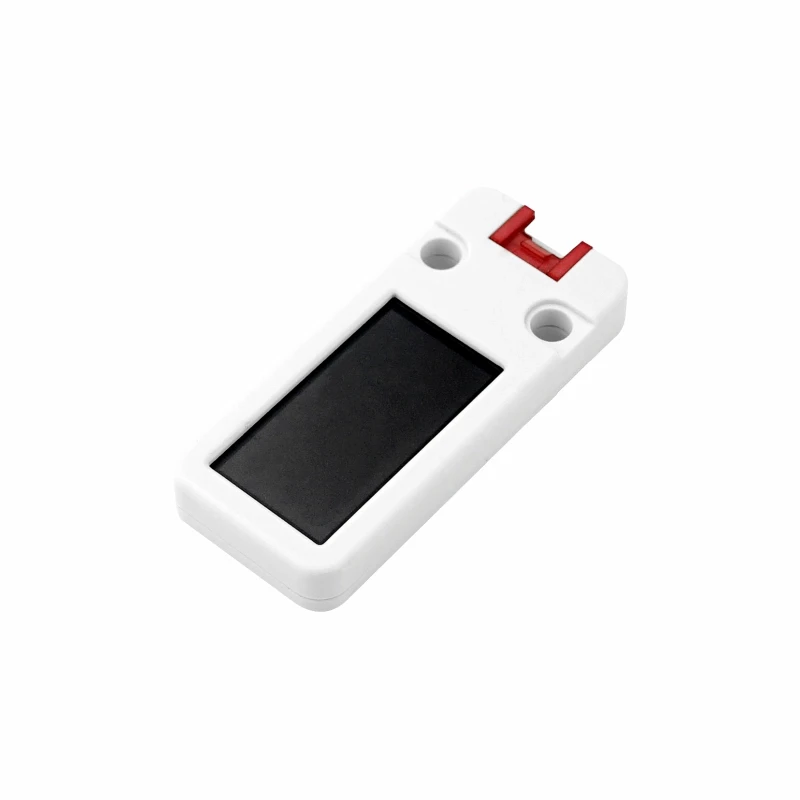
M5Stack Unit OLED
Status display (optional)

M5Stack Unit OLED

A 1.3" 128x64 SH1107 panel with a Grove cable. On the M5Stack Unit PoE-P4 it plugs into the Grove port; pick "SH1107 128x64" in Settings and it shows.

StatusRun on hardware
ControllerSH1107, 128x64, I2C at 0x3C
ConnectorGrove (HY2.0-4P), cable in the box
SettingSettings → Display → "SH1107 128x64

One of the M5Stack parts ESP-KVM works with: see them all together.

M5Stack docs

The bigger sibling of the Mini OLED: the same Grove plug, a 1.3" panel with nearly three times the pixels, so the status pages show whole lines instead of stepping along them. It needs firmware 0.61.0 or newer.

The SH1107 drives this glass on its side - it thinks the panel is 64 pixels wide and 128 tall - so the firmware turns the picture as it sends it. Nothing to set for that; if your enclosure has it the other way up, turn on "Upside down".

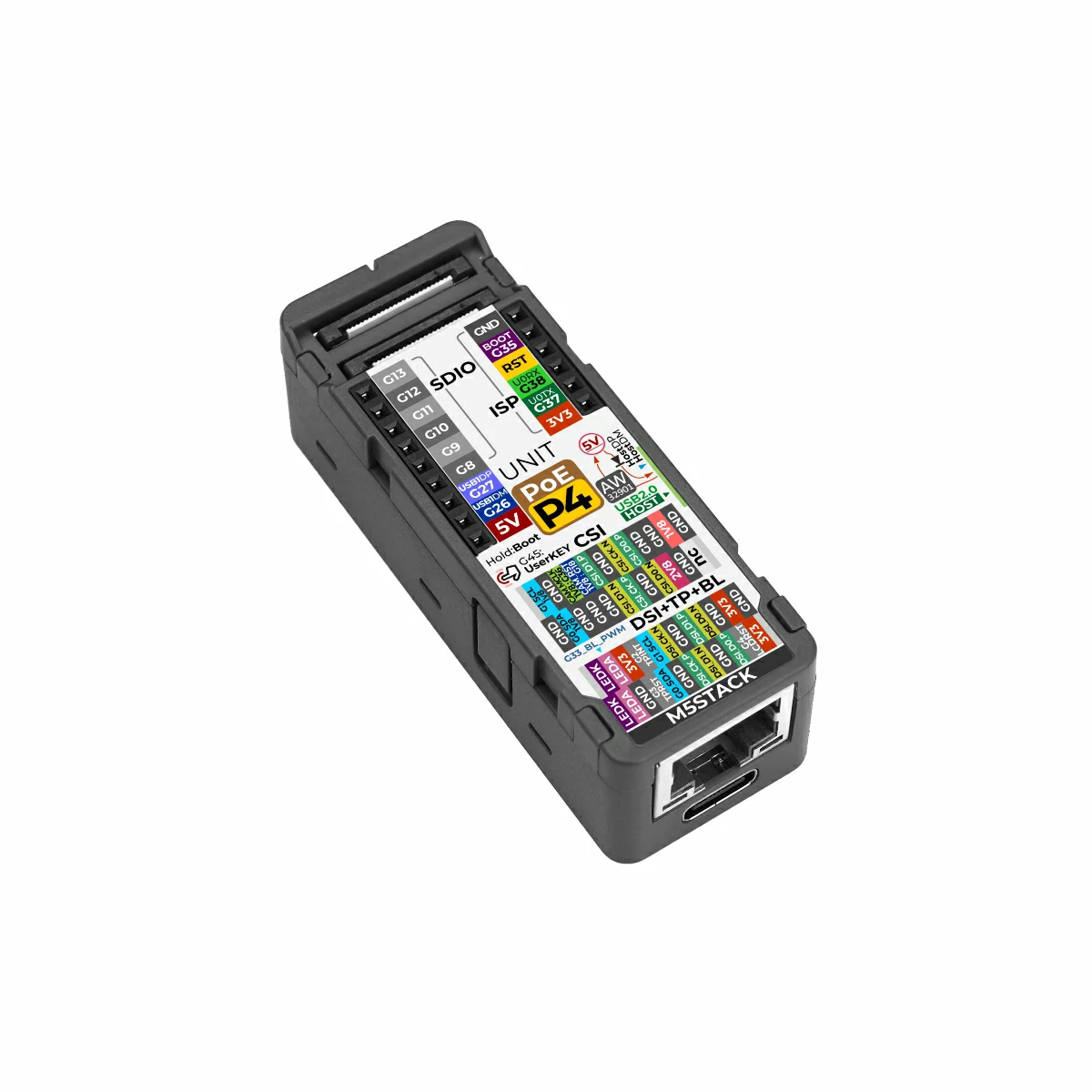
On the M5Stack Unit PoE-P4 the Grove port is an I2C bus of its own and the firmware already knows its pins. On another board, wire it to the capture board's I2C bus, or name two pins as OLED SDA and OLED SCL under Settings → Display.

Run on the M5Stack Unit PoE-P4.
Fits these boards