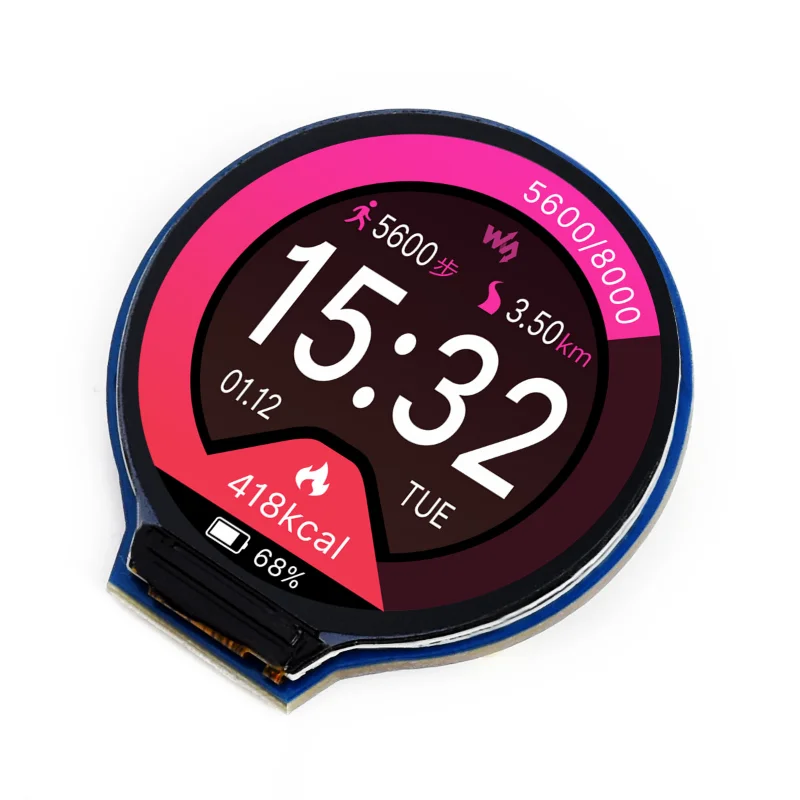
The same GC9A01 display as the common round LCD, on Waveshare's own board. It comes with an 8-pin cable with loose ends, so it goes on any ESP32-P4 board's header without soldering.
How to wire it
The pins are named differently from the common board, and there is one more:
| Waveshare | Common board | Goes to |
|---|---|---|
| VCC | VCC | 3V3 |
| GND | GND | GND |
| DIN | SDA | SPI data (MOSI) |
| CLK | SCL | SPI clock |
| CS | CS | a free GPIO |
| DC | DC | a free GPIO |
| RST | RST | a free GPIO |
| BL | - | a free GPIO, or 3V3 |
- BL is the backlight. Put it on a GPIO and set LCD backlight, or wire it to 3V3 and leave that setting at None.
- In Settings → Display, pick the GC9A01 and the pins. Each build offers a set of pins known to work on that board, so you only change them if you wired it differently.
Settings → Pins draws the board's expansion header the way it is printed, with what holds each pin, so a free GPIO is easy to find.
Good to know
- In hotspot mode it shows the join code as a QR, and it draws the recovery button's ring.