0.83.0 - Custom firmware for the JetKVM Mini is ready
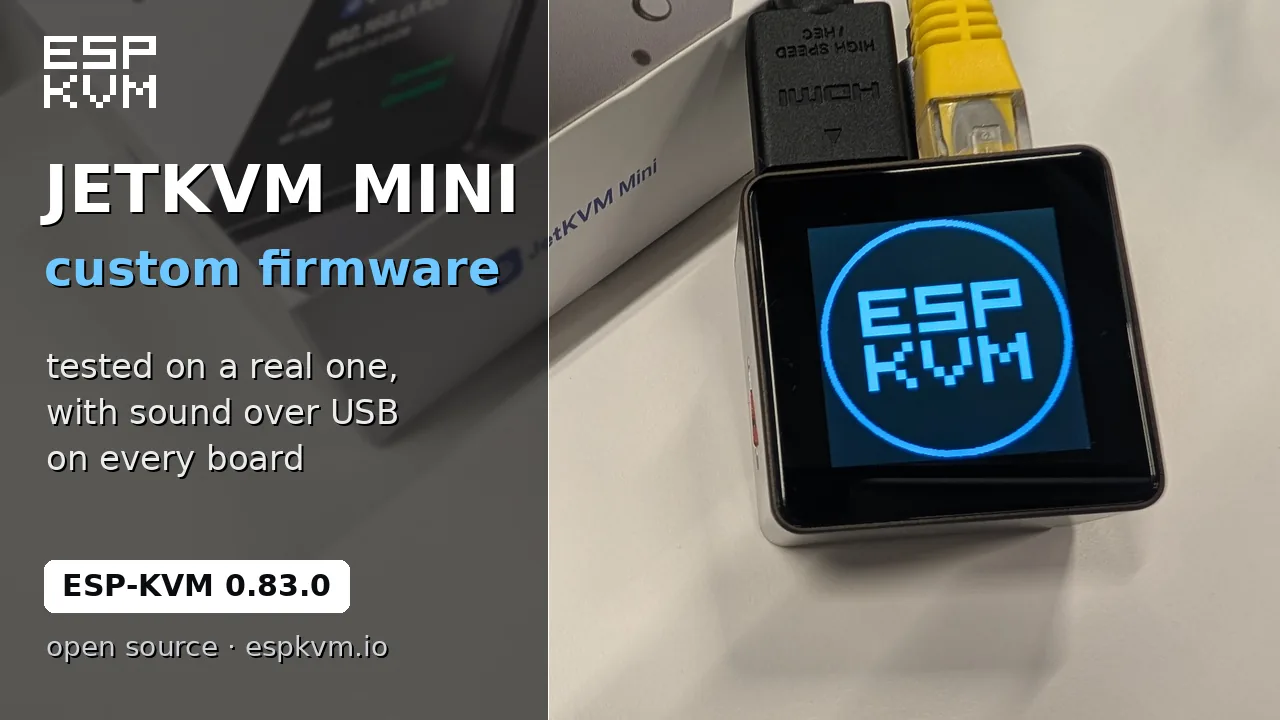
Custom firmware for the JetKVM Mini is ready. ESP-KVM images for the Mini came out in 0.80.0 as a first version, made from the pins in JetKVM's open firmware. Since then I have had a Mini on the desk, and everything I tried works.
What I checked on the Mini
- The picture from the HDMI input, at 1080p50.
- Ethernet, and updates over the network.
- Keyboard and mouse on the target.
- The screen and the side button that turns its pages.
- The microSD slot.
- The "Back up the flash" button on the flasher. I also read the flash with esptool, and the two files were the same to the byte.
The "first version" warning is off the Mini's page, and that page has the steps to install it and to go back. The Mini W is still untried: I do not have one.
Here the Mini takes an update over the network. The screen wakes from its sleep, shows the progress, restarts and comes back with the pages I left on.
Sound over USB
Sadly, the Mini's HDMI sound is not wired. The capture chip can take the sound out of HDMI and send it on three wires, but on the Mini those wires go nowhere, so the sound never reaches the P4. JetKVM's own firmware hits the same wall and works around it with a USB speaker. I had to add one too.
Turn on Settings, Audio, Sound over USB, and restart. The target gets a speaker called "ESP-KVM Speaker". Pick it as the sound output there, and what the target plays comes to the console, the recordings and the dashcam, the same way HDMI sound does.
The good part: it is in the firmware for every board, not only the Mini. Sound is now there on boards where HDMI sound is not connected at all: the M5Stack PoE-P4 with the Display In add-on, which has no audio pins, or any board where you never wired the three I2S pins.
It has limits. While the speaker is picked, the target's own speakers are quiet. A BIOS does not play sound to a USB speaker. So on a board where HDMI sound works, HDMI is still the better choice.
Thank you, JetKVM: the idea and the USB descriptor come from your firmware.
For every board
- The status screen can go dark after a set number of seconds: Settings, Display, Sleep after. The button wakes it on the page it had, and an update or a notice lights it too. 0 keeps it on.
- You pick which pages the status screen shows: network, video, health, and the picture on a colour panel. Untick them all and it shows the ESP-KVM logo.
- When another device on the network or the tailnet has the same name, the console says so and offers to rename this one. Two boxes left at the default "espkvm" used to turn into "espkvm-1" and "espkvm-2" without a word.
- On the target the device is now called just "ESP-KVM". It was "ESP-KVM Keyboard/Mouse", and it has long been more than that.
- espkvm-agent is now ESP-KVM Tools. "Agent" today sounds like an AI agent, and this is a small helper program for the target. It lives at github.com/espkvm/tools, and the page has the new install command. The device still talks to an older espkvm-agent, and the new installer removes it.
Fixed
- A colour screen (GC9A01 or ST7789) could stop drawing after about ten minutes and then blink every few seconds. Each frame took a copy in the chip's internal memory, and once that memory ran short the frames stopped. They now go to the screen straight from PSRAM.
- A board with a card-detect switch (JetKVM Mini, M5Stack PoE-P4) tried an empty microSD slot ten times at boot and filled the log with errors. It now looks at the switch first.
- The boot log showed an error about the GPIO interrupt service. It was harmless.
Comments